Documents Module
Crisis Track is capable of aggregating pertinent data and populating the typical forms to apply for community resources. Using the Documents module, you can view and export your FEMA-ready forms as well as other documents.
Video: How to generate FEMA docs 
-
Log into the Crisis Track Console.
-
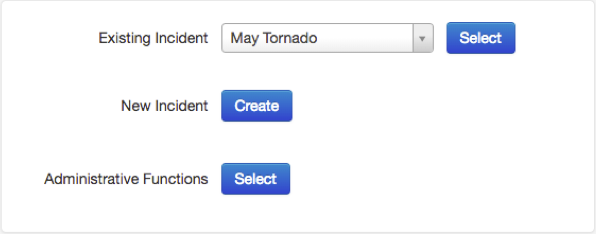
Choose an incident next to Existing Incident and click Select.
-
Click the Documents icon.

From here, you can view a list of document versions that have been saved. The Documents module can be used to view, edit, delete, and export documents.