As an administrator, you can edit your facility's plans, including its description, files, depth chart A list of qualified personnel who can fill an ICS position during an incident., and incident response guides A predefined guide containing objectives, tasks, files, and resources for a specific incident..

To edit a plan
-
On the main menu, point to Planning and click Plan Summary. The Summary for (facility/domain) page opens.
-
Select the appropriate facility from Summary for.
-
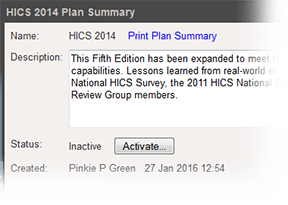
Select the Plan. The left area shows the plan's components.
-
If appropriate, change the plan's description.
-
As needed, make your changes to the plan's files, depth chart including your labor pool and other contacts
The internal and external people that participate in, might be affected by, or need to be notified about an incident. to notify, and incident response guides. -
If appropriate to the element or drawer, remember to save your changes.
Related Concepts