Copy Objective Templates
You can copy one or more objective templates from the current facility to other facilities that you administer. Copying templates helps maintain consistent objectives across multiple facilities without recreating them.
Copy objective templates
-
On the upper right, click the Settings icon and select eICS Settings.
-
Click Objective Templates. The Objective Templates page opens.
-
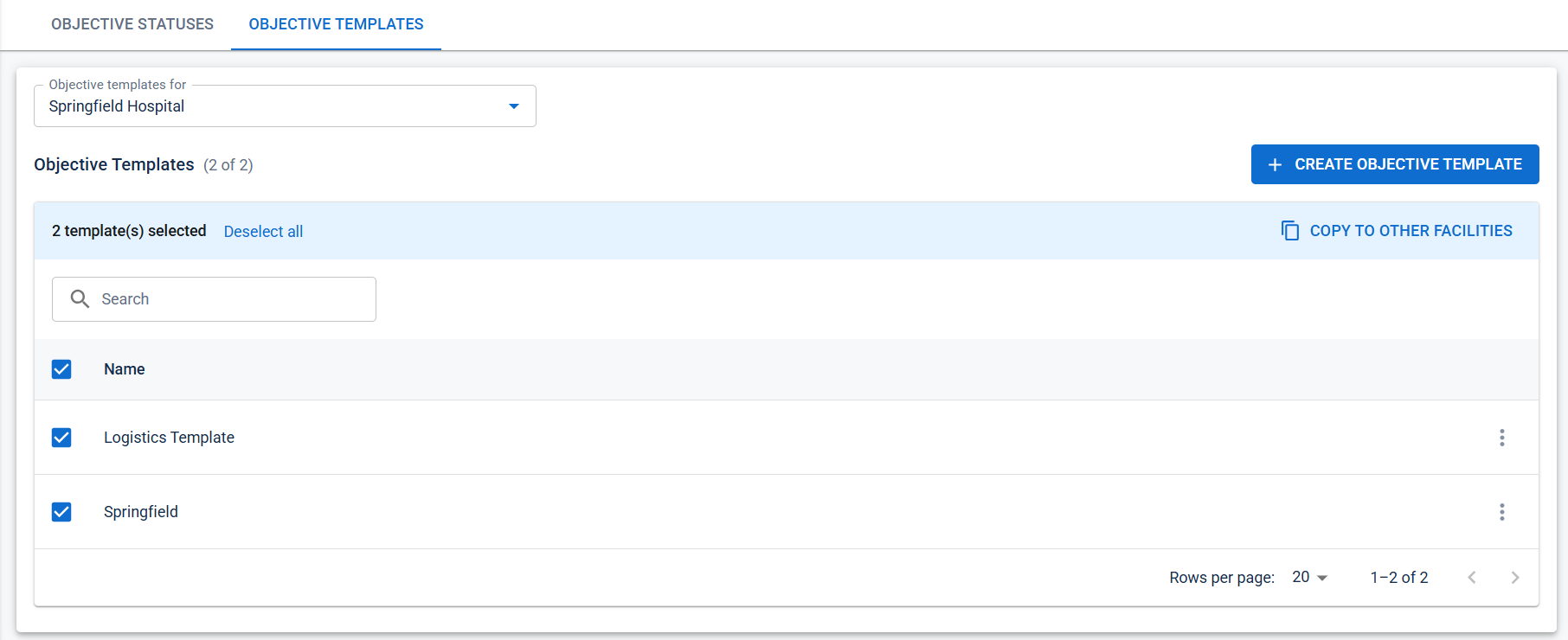
Select one or more objective templates.
-
Select Copy to Other Facilities.
-
Search for and select one or more target facilities.
-
Select Copy.
A confirmation message appears when the templates are copied successfully.
-
You can copy templates to multiple facilities in a single operation.
-
Only facilities that you administer are available for selection.
-
If a template with the same name already exists in a target facility, eICS automatically creates a unique name for the copied template.