As a Domain Administrator, you can add hazards not included on the HVA list. This lets you associate hazards and incidents specific to your domains and facilities.
To create a domain hazard
-
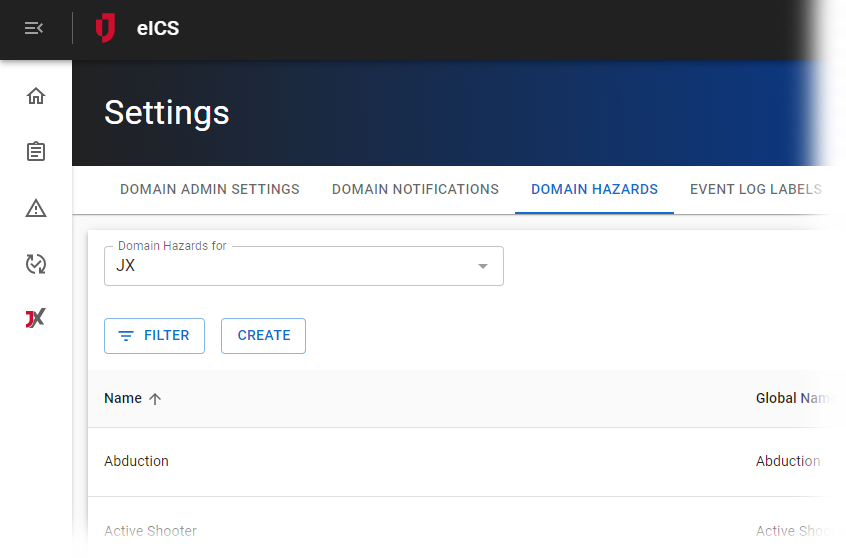
On the upper right, click the Settings icon and in the list, click Domain Hazards.The Domain Hazards page opens.
-
If it is not already selected, in the Domain Hazards for list, select the appropriate domain.
-
Click Create. The Create Domain Hazard window opens.
-
For Name, enter an appropriate name for the domain hazard.
-
For Global Name, select a related hazard from the drop-down list.
-
Clear or select the Use in this domain checkbox.
-
Click Save.
Related Concepts