Set Up Event Templates
Templates can be used to structure a wide range of events, not just emergencies or disasters, but also events like reporting, clinics, sporting and music events, and informational announcements.
If you have the appropriate permissions, you can view your region's event templates through the main menu, by clicking on Event and selecting Event Setup. The Event Templates page opens. The page lists all event templates for your region with details, including the icon, name, type, and description of the template.
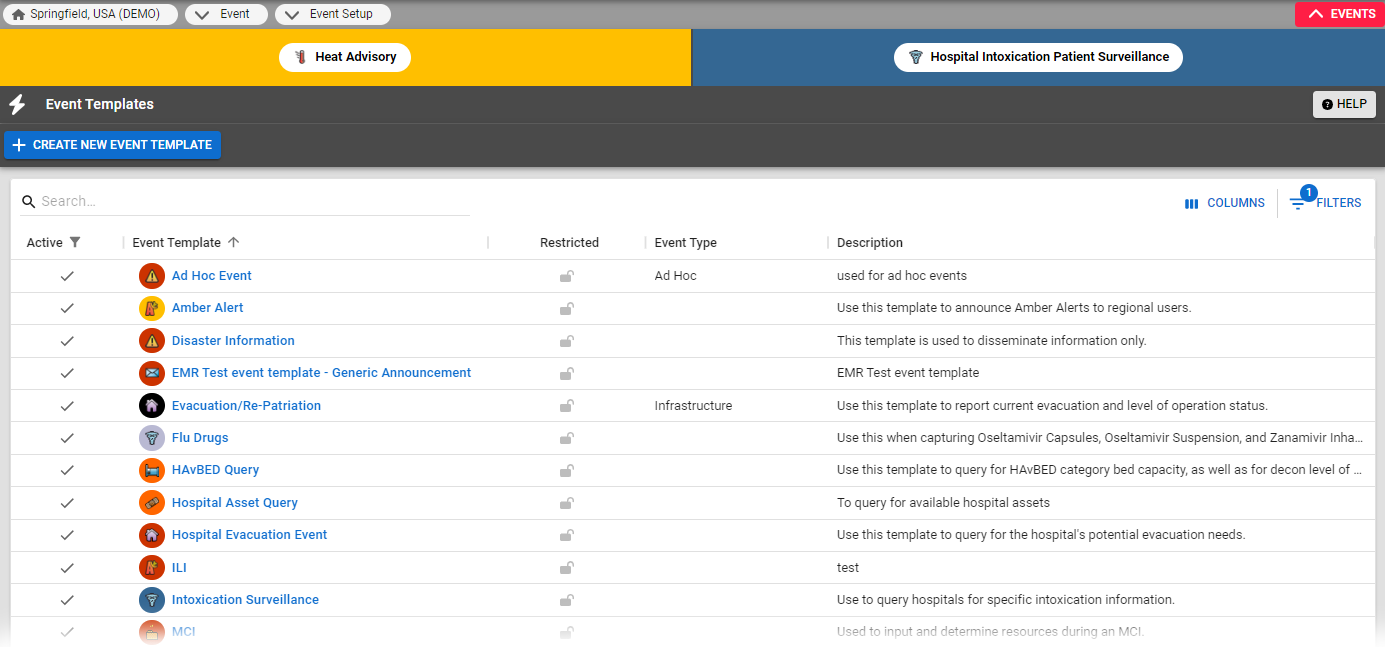
By default, the list is sorted alphabetically by Event Template name. You can sort the list differently by clicking the name, type, or description column headers. To include inactive event templates in the list, on the upper right, select the Filters icon and remove the 'Active' filter.
Related Concepts