Manage Form Security
With the appropriate permissions, you can manage a form's security by specifying the users who can activate the form, as well as those who can run reports Provides specific information about statuses and details, notifications, forms, templates, snapshots, and roles/rights in EMResource. on completed forms.
If the form is not available for on-demand activation (such as those activated by a change in status or the time of day), the Form Security Settings page does not include the Activate Form option.
To run a form report, you or your role Assigned to determine which features and functions are available to users. must have that right. To run a report on behalf of a resource, you must have report running rights for that resource. A user can run reports only on data that their users or resource submitted and/or received.
To set up or change form security
-
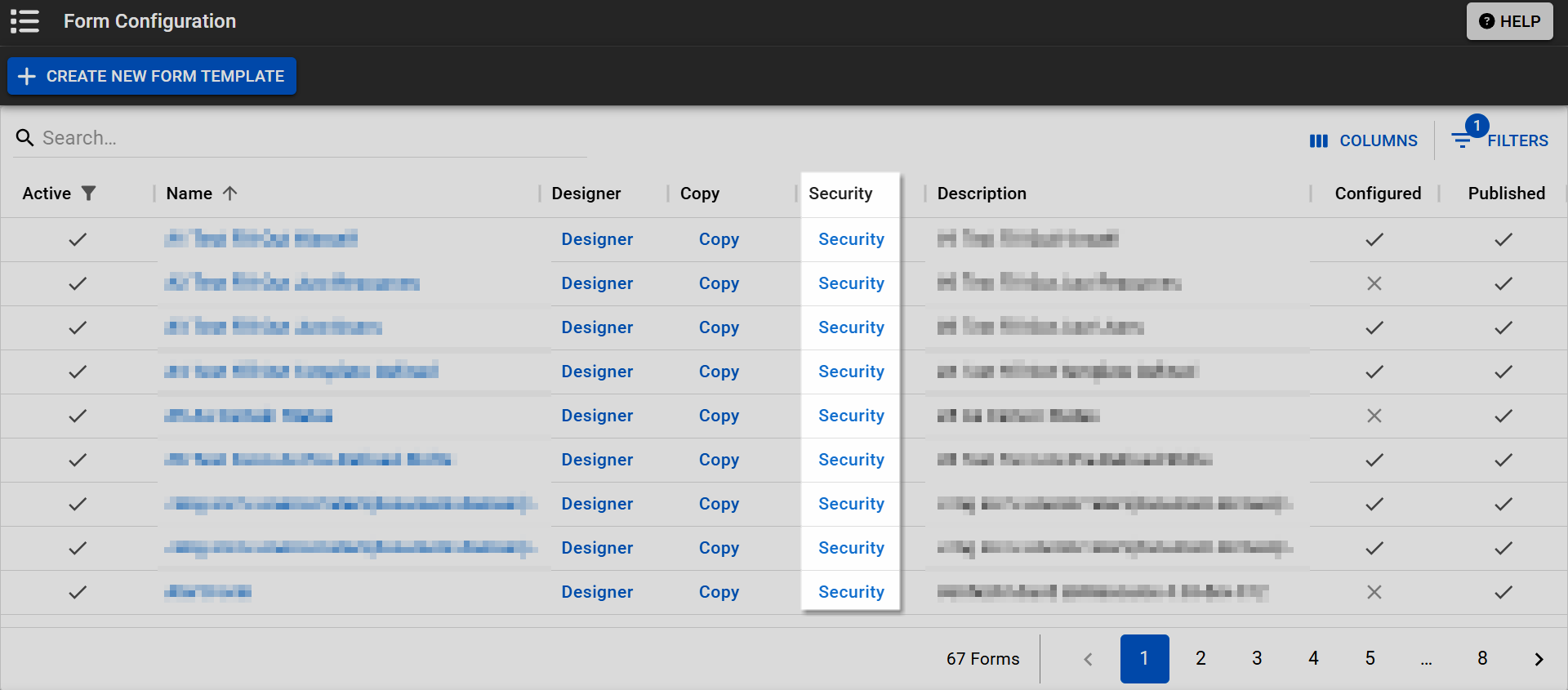
In the main menu, click Form and, in the list, click Configure Forms. The Form Configuration page opens.
-
Locate the form. On that row, click Security. The Form Security Settings page opens.
-
If necessary, use the filters to search for people.
-
On the left, select the checkbox for the appropriate rights:
-
Activate Form
-
Run Report
-
-
Click Save. The Form Configuration page opens.
Related Concepts