Notification Summary
The Notification Summary report Provides specific information about statuses and details, notifications, forms, templates, snapshots, and roles/rights in EMResource. details sent notifications by type and the method in which they were sent during a specified period.
To generate the Notification Summary report
- In the main menu, click Report, then click Notification Summary. The Notification Summary Report page opens.
-
In Start Date and End Date, enter the date range for the report.
-
Select the checkboxes for the notification types you want to include.
-
Select the checkboxes for the methods you want to include.
-
Click Generate Report to generate the report as an XLSX file.
The report is automatically downloaded according to your browser settings.
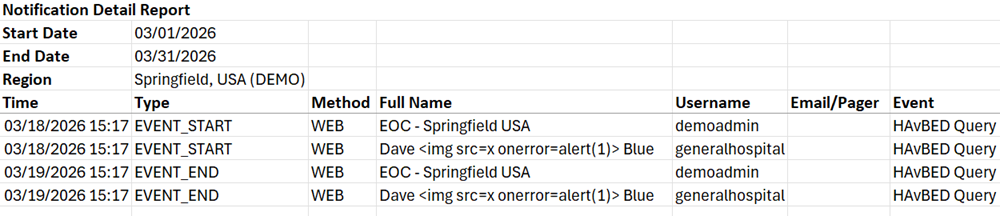
The report will generate the total number of notifications sent by type: email, text, pager, mobile app, web page, as well as the sum total of notifications.