Edit View Columns
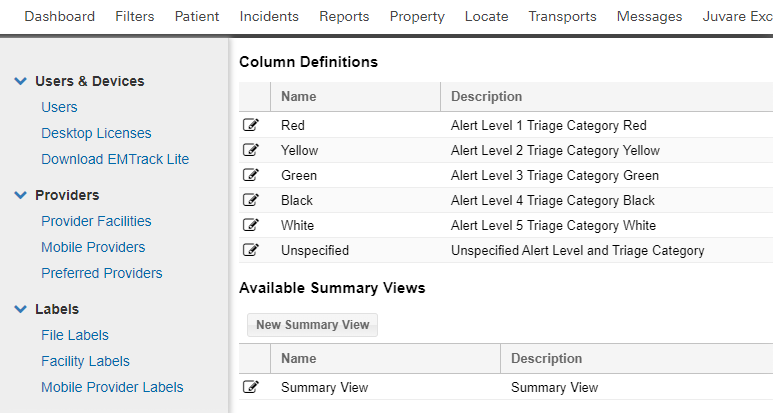
Authorized users can edit the names and descriptions of the columns that appear in Summary Views.
To edit a column
-
On the upper right, click System Settings.
-
On the left, under Other Settings, click Summary View.
-
Locate the column and click Edit.
-
Make your changes.
-
Click Save.
Related Concepts