Share Board Links
The Share Links feature allows you to quickly generate and share direct URLs to WebEOC Nexus board views. This helps improve collaboration by letting you guide others to the exact context they need without manual navigation.
To share a board link
-
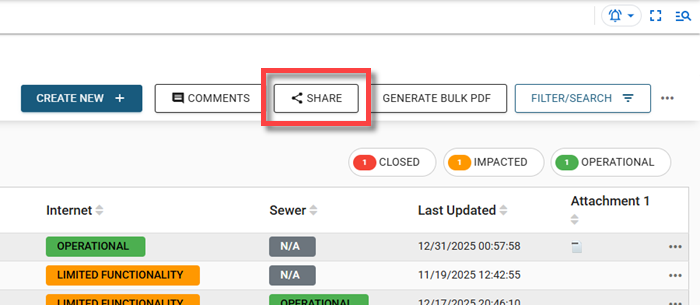
Open a board with the share link feature enabled, then navigate to the view or record you want to share.
-
Click the Share button to copy the shareable link to your clipboard for easy distribution in comments or notifications.
When someone opens a shared link, they are taken directly to the relevant view in a new browser tab. If they are not logged in to WebEOC Nexus, they will be prompted to sign in, after which the link automatically opens to the correct location. If the shared content belongs to a different incident, they will be prompted to switch incidents before accessing it.