Call Center DS 
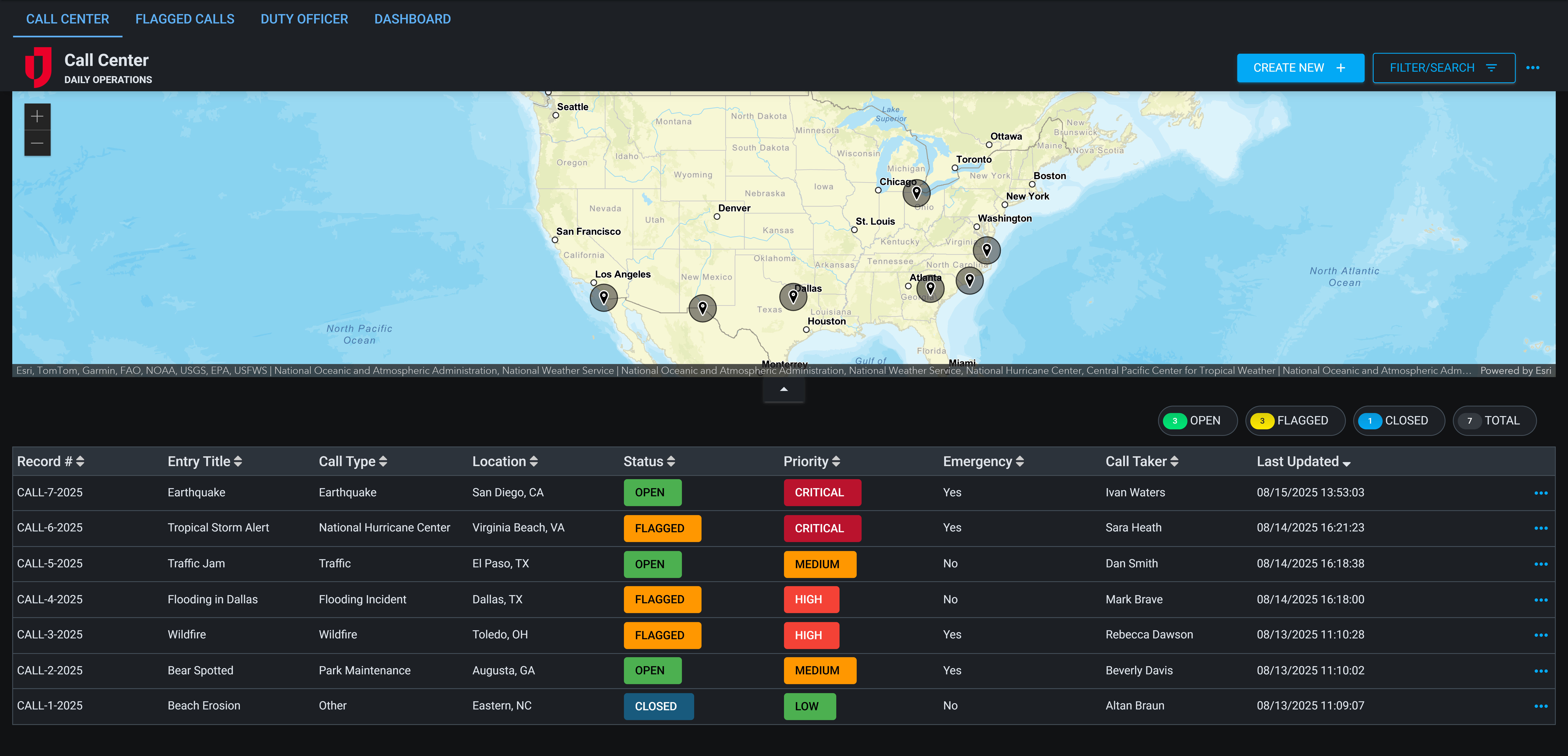
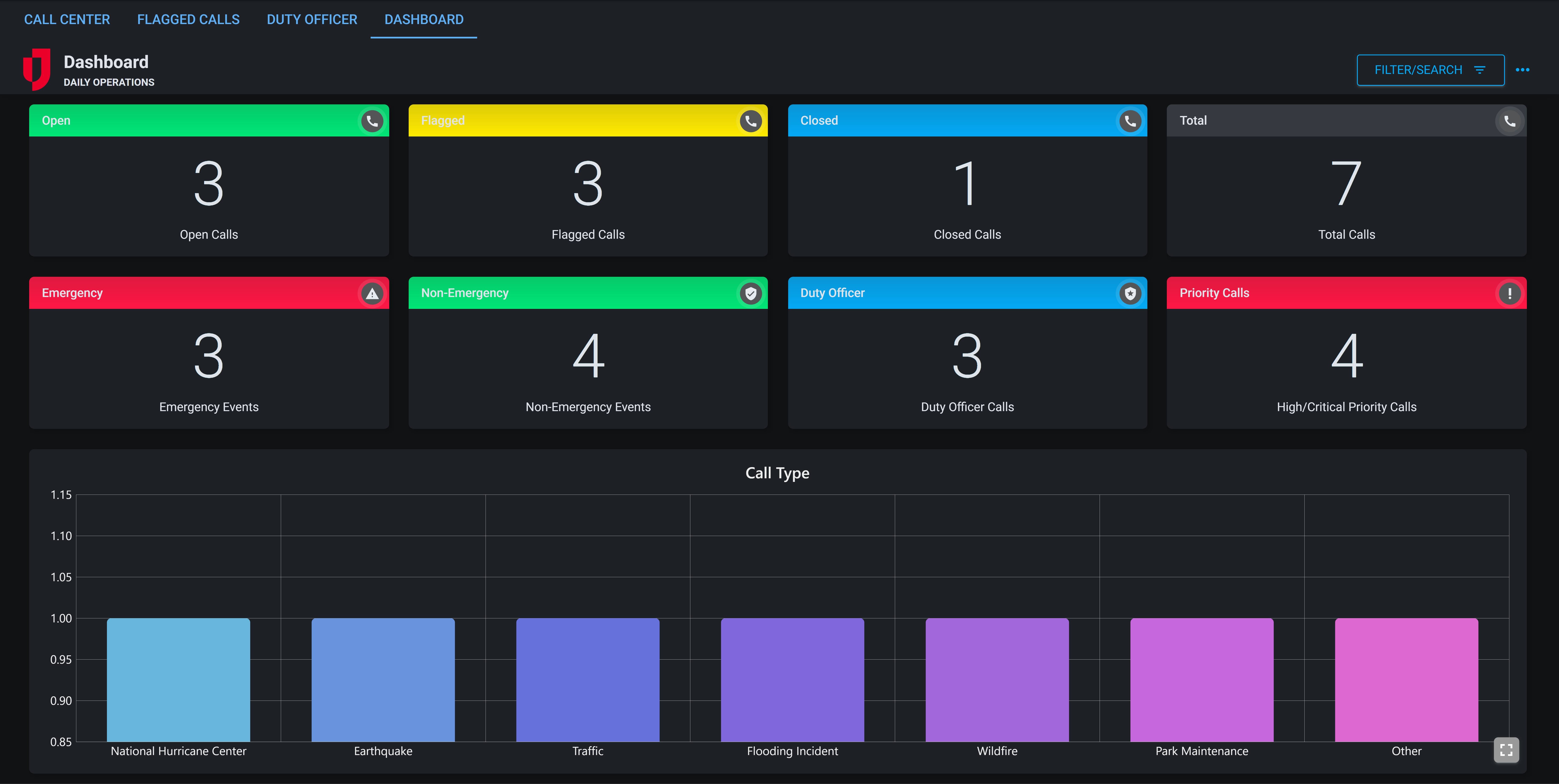
The Call Center DS board is designed to enhance coordination, documentation, and decision-making within emergency or non-emergency call centers. Tailored for dynamic operational environments, it empowers call takers, supervisors, and duty officers to manage calls with precision and clarity from intake to incident resolution.
With features supporting real-time call logging, deployment tracking, and duty officer coordination, the Call Center DS board ensures rapid response and accountability in high-pressure scenarios.
For more details about this board, watch the Call Center DS Training Video  .
.
Your Juvare product login does not grant access to the Juvare Training Center. To view the training video, please create a separate account on the Juvare Training Center site.
The Call Center DS board can be customized in DesignStudio.
Key Capabilities
-
Call Intake Interface: Capture caller details, call taker information, CAD/REF numbers, and emergency status in a single structured form.
-
Call Classification: Categorize each call by type and priority using dropdown selectors that align with agency-specific taxonomies.
-
Dispatch Logging: Document outbound dispatch actions with a dedicated dispatch notes section, enabling clearer communication and documentation of follow-up.
-
Duty Officer Coordination: Flag calls requiring duty officer response. Once flagged, additional fields capture officer details and allow access to a structured response report.
-
Review & Oversight: Track call status (for example: Open, Flagged, Closed), identify reviewers, and audit changes through a running history log.
-
Attachments Support: Upload and associate supporting documentation, voice recordings, or reference files directly to call entries.
-
Additional Features: Call Center DS is fully-customizable in DesignStudio with a responsive layout for mobile and desktop.
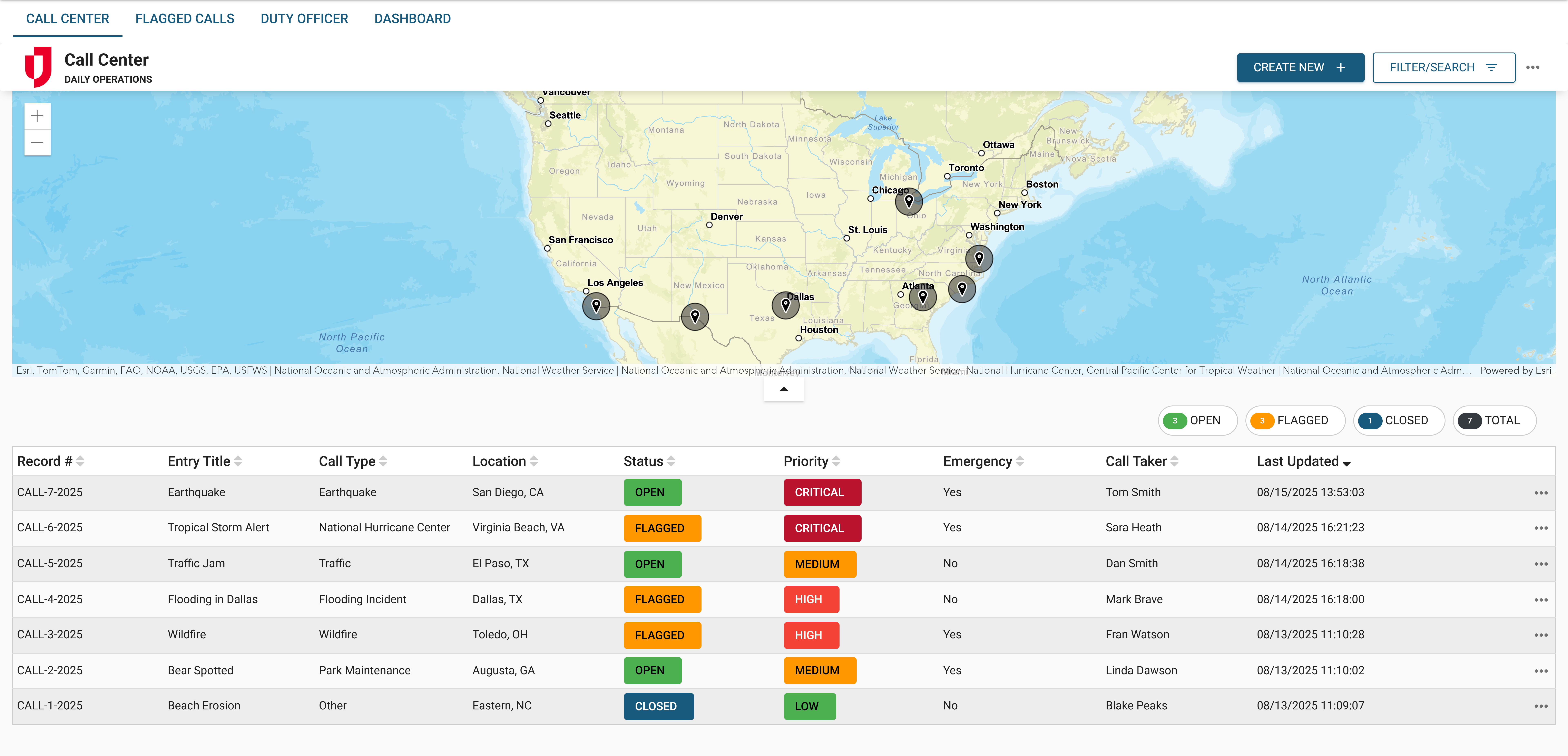
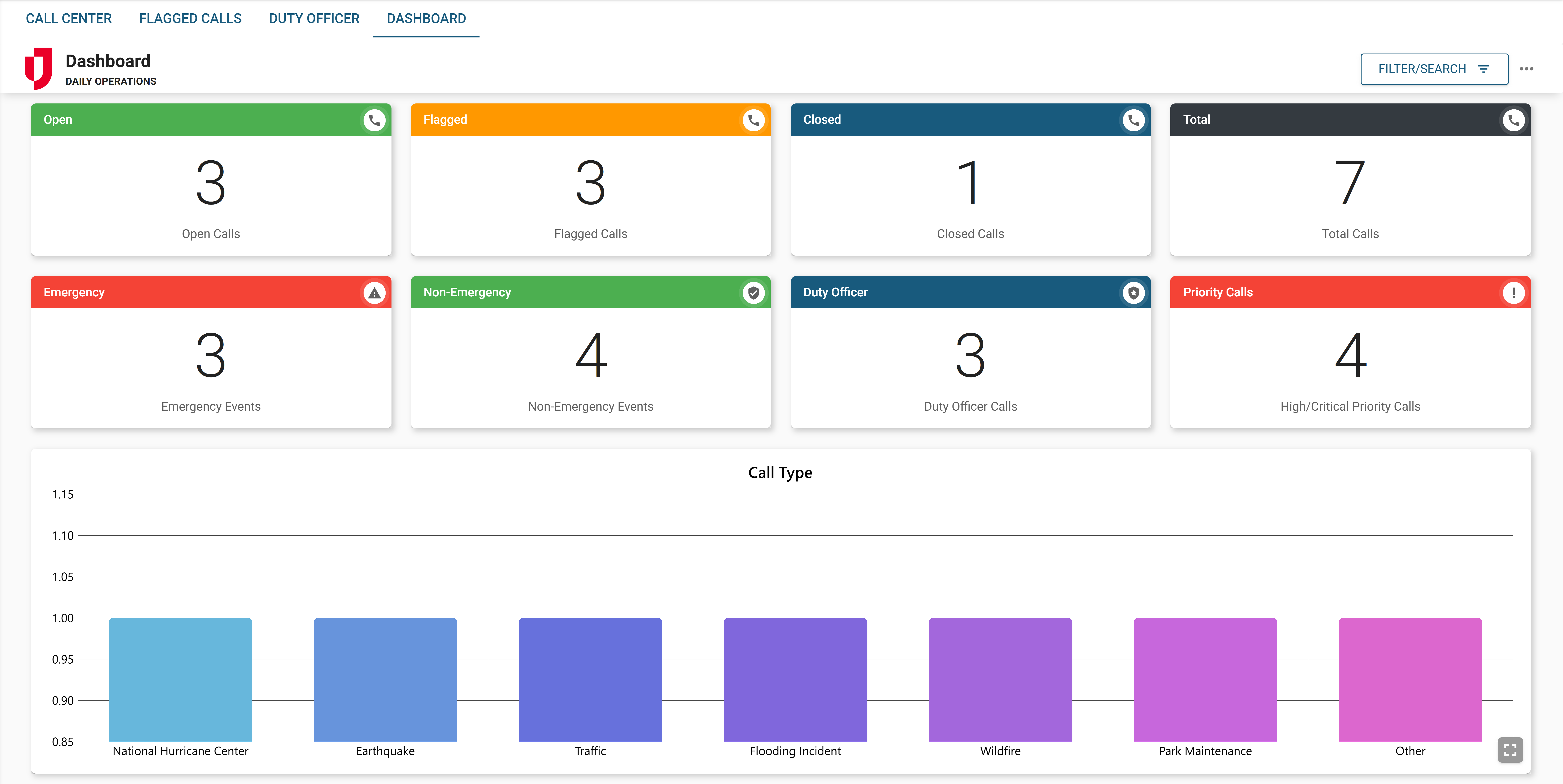
This board has dark mode capability.
Dark mode must be enabled for your instance so that users can turn it on. See Enable Dark Mode for details.