SimulationDeck 
Add-on boards must be purchased separately and require a license key to import. Once they are imported, they cannot be exported. Contact your Client Success Manager (CSM) for more information.
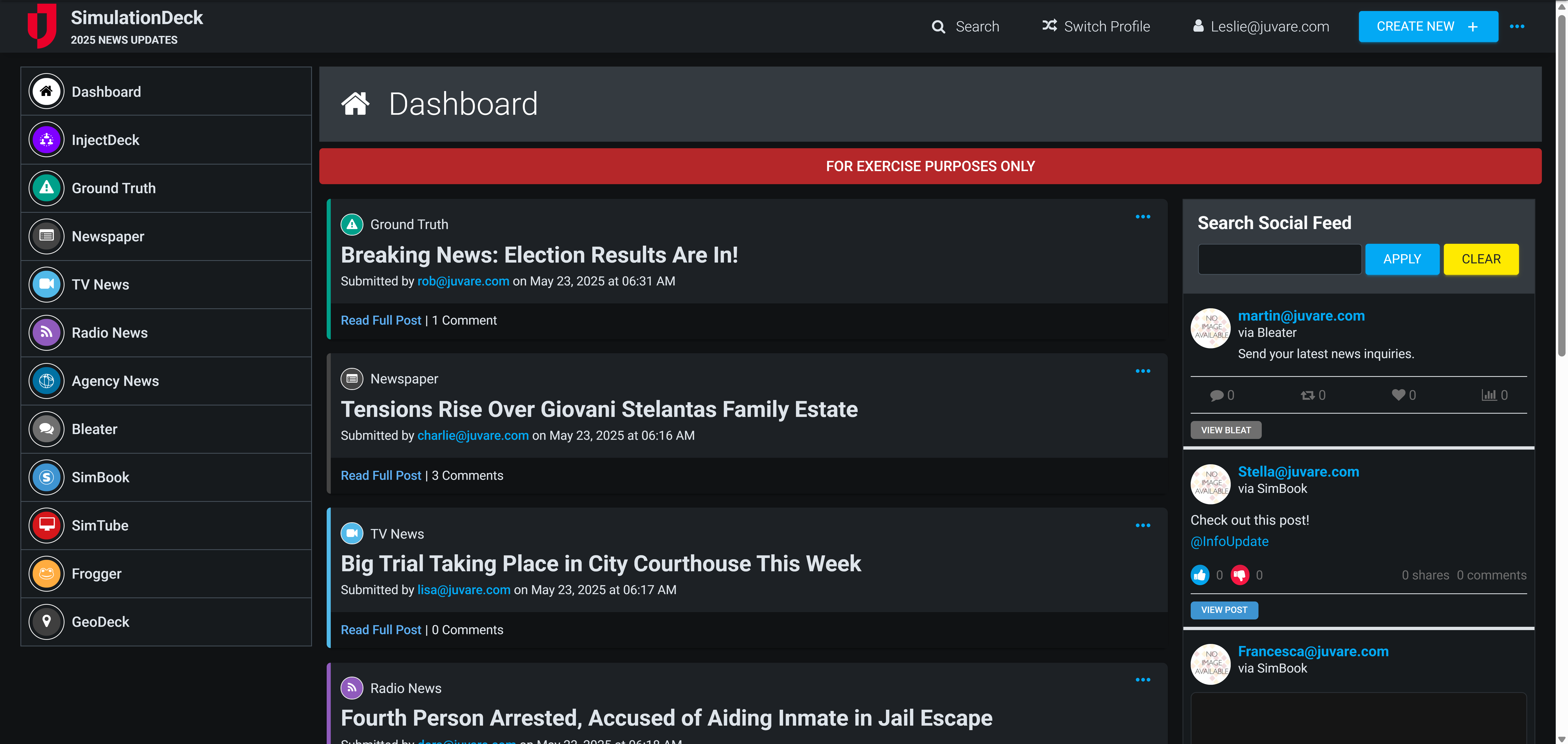
The SimulationDeck Board powers effective training exercises for small, medium, and full-scale operations around the world by replicating the flow of information within WebEOC Nexus as simulated A tool for constructing scenarios used for training, drills, and exercises. online, radio, and television news, blog posts, and social media posts are injected into the board.
The administrator, exercise participants, and observers can interact within WebEOC Nexus to respond to events, communicate with each other, initiate protocols, and generate official content for your organization’s social media accounts.
For more details about this board, watch the SimulationDeck Training Video  .
.
Your Juvare product login does not grant access to the Juvare Training Center. To view the training video, please create a separate account on the Juvare Training Center site.
Key Capabilities
-
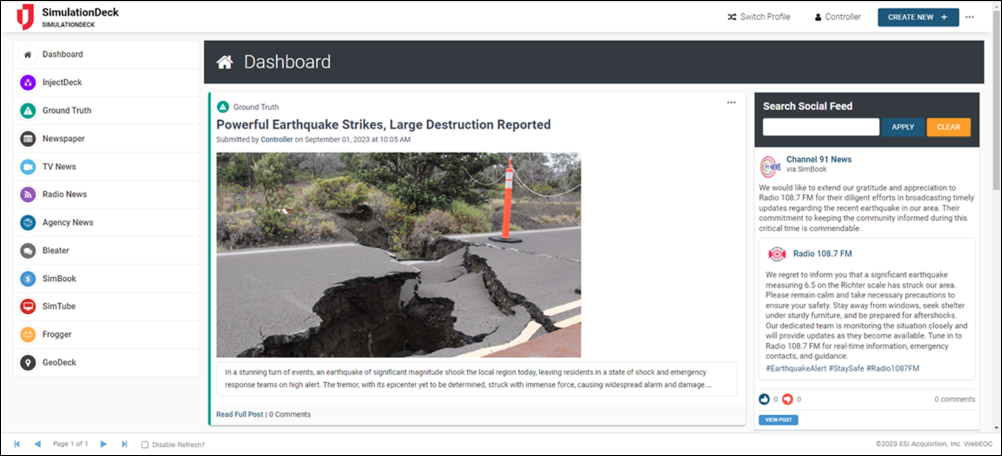
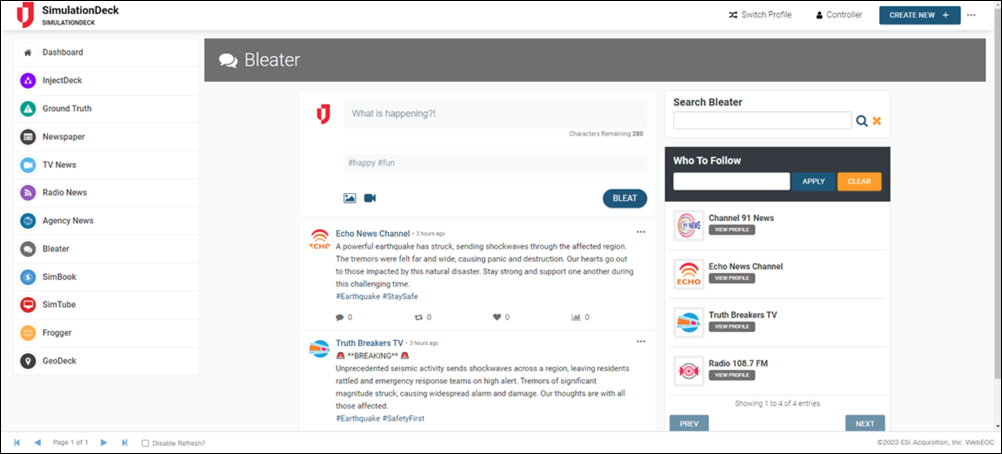
The Dashboard view presents the most recent user’s posts according to content type and lists the Bleater (Twitter) and SimBook (Facebook) media feeds.
-
Simulated profiles can be created to support real-life training scenarios.
-
Administrators can quickly assume different profiles, switching between real and simulated participants, to post content on their behalf.
-
Exercise management is simplified with bulk actions.
-
Content types can be enabled or disabled depending on the exercise.
-
Social media posts can be shared and retweeted, just like on the actual platforms.
-
Photo, video, and audio files can be included to create content-rich records.
-
Content injects can be scheduled to occur at a specific time or after a duration of time during an exercise.
-
The GeoDeck view plots content on the map for geographical reference.
-
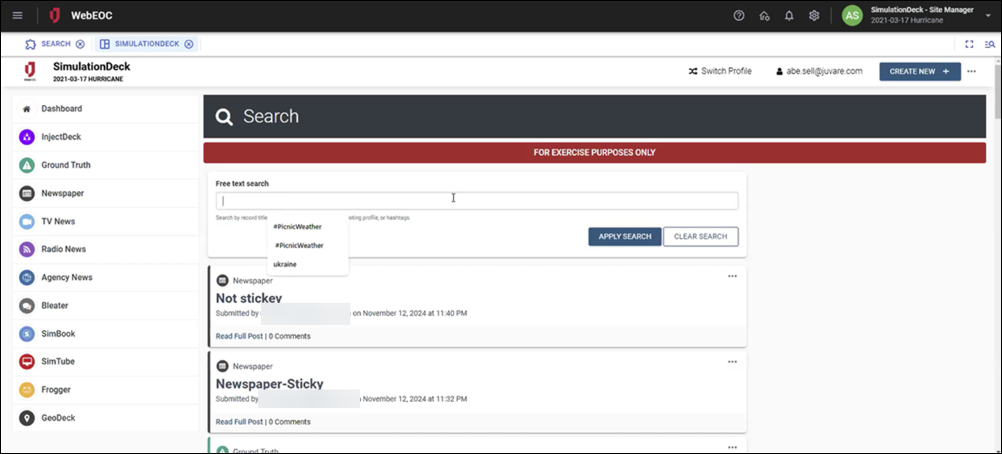
A search feature for media types is available for Exercise Participants.
-
Site Managers can control whether Exercise Participants can update content types.
-
An Expand Video button allows you to view posted videos in full-screen mode.
-
The ability for users to embed videos hosted on Vimeo and YouTube is now available.
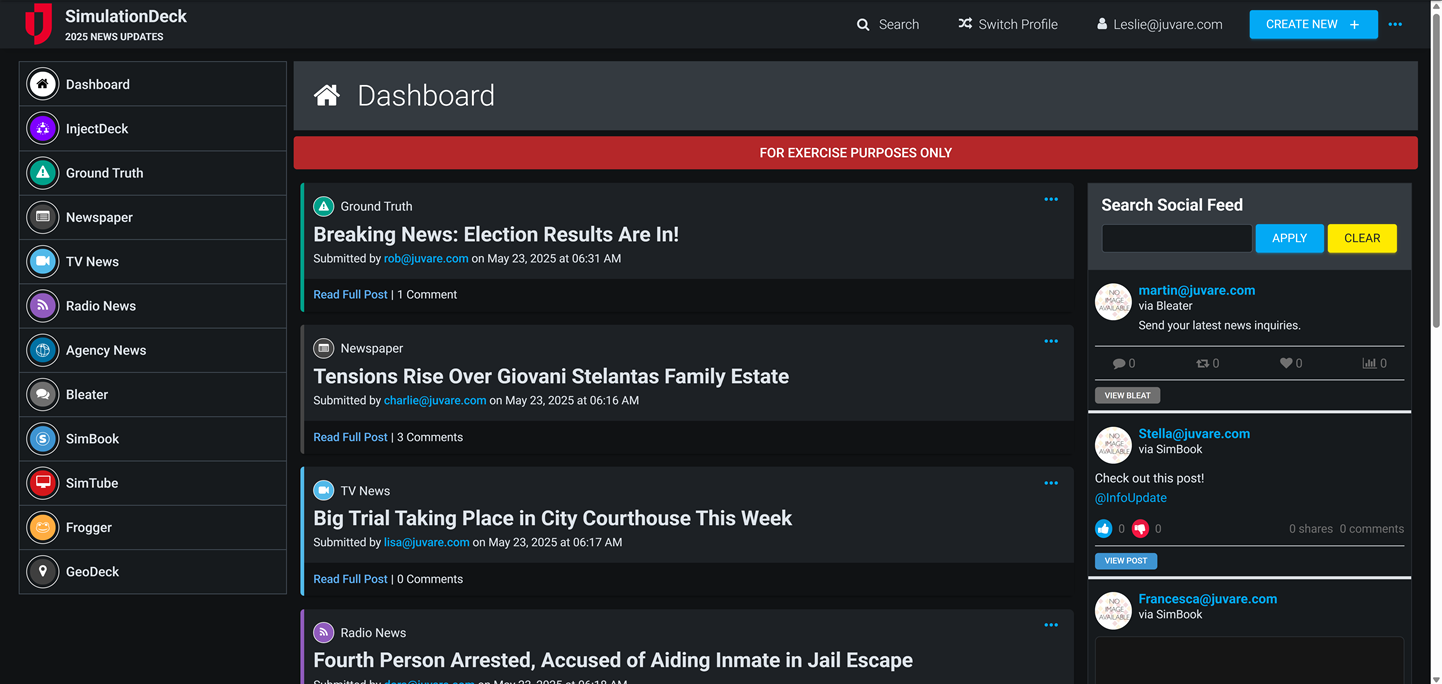
This board has dark mode capability.
Dark mode must be enabled for your instance so that users can turn it on. See Enable Dark Mode for details.
Related Concepts
Related Tasks