Situation Report 
The Situation Report Board helps you collect reports from contributing entities to develop a published report. SITREPs (SITuation REPorts) are typically published at least once every 24 hours during an emergency. WebEOC Nexus provides a flexible format that can be used to support any organization structure, such as Incident Command System (ICS) and Emergency Support Functions (ESF).
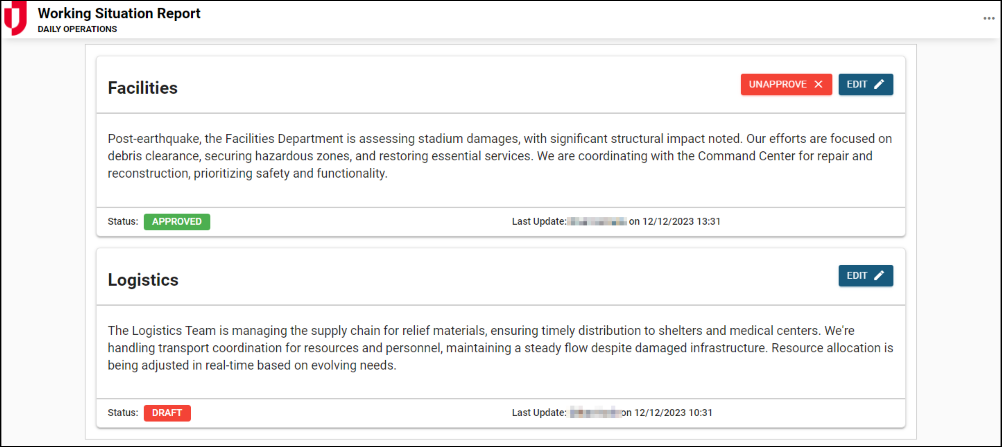
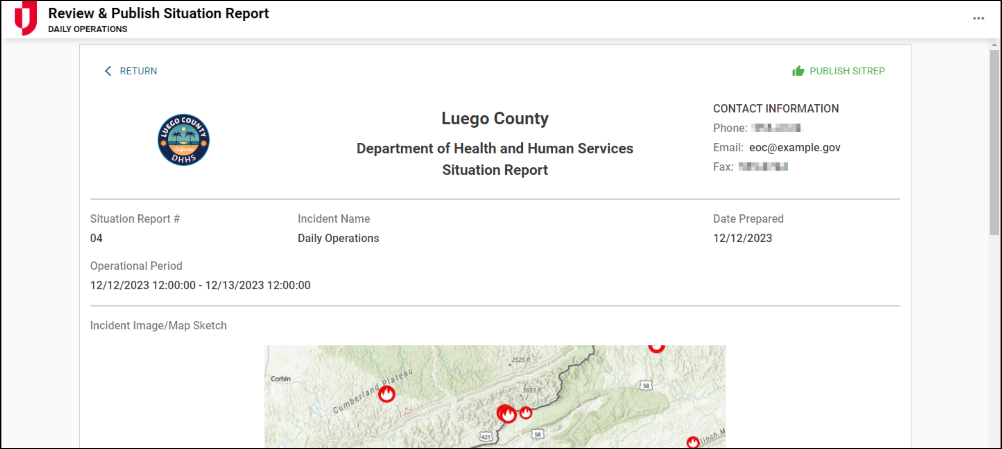
Functional areas within the emergency response organization update their portion of the SITREP, which then populates a master SITREP. The master SITREP can be reviewed and previewed before release.
The board simplifies the reporting process by eliminating the need to compile updates manually from multiple sources. It also allows designated reviewers to approve or modify entries before the report is finalized and shared. Once approved, the master SITREP can be published to stakeholders or exported for record keeping.
For more details about this board, watch the Situation Report Training Video  .
.
Your Juvare product login does not grant access to the Juvare Training Center. To view the training video, please create a separate account on the Juvare Training Center site.
Key Capabilities
-
Collaborate across teams: Collaborate with stakeholders to collect situational updates during each operational period.
-
Multiple contributors: Enable multiple contributors to update their respective sections within the same report.
-
Integrated reporting: Review and publish situation reports without the need to cut and paste from multiple sources.
-
Streamline review and approval: Draft SITREPs for review before final publication.
-
Publish final reports: Consolidate and distribute the master SITREP to designated stakeholders.
-
Export and archive reports: Generate formatted PDFs for official records and after-action review.
-
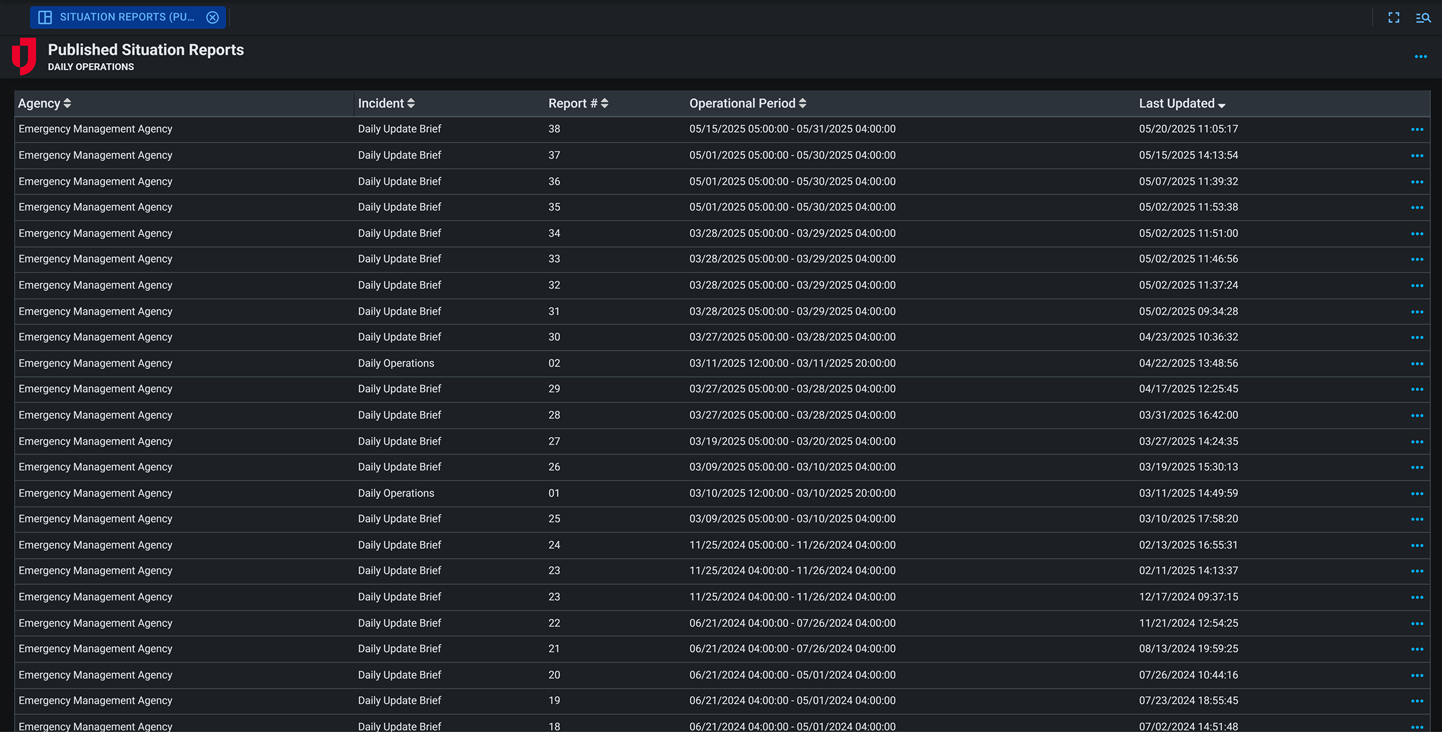
Maintain historical records: Store previous SITREPs for reference, analysis, and compliance purposes.
-
Enhance situational awareness: Provide leadership with an at-a-glance summary of the current operational picture.
This board includes Comments and Share buttons, which can be enabled if you are using WebEOC Nexus 10.18 and later and version 2.1.3 and later of this board. For these buttons to display, use the Board Permission Tags Board Comments and Board Links Sharing when assigning feature groups access to the board. See Board Comments and Share Board Links for details about these features.
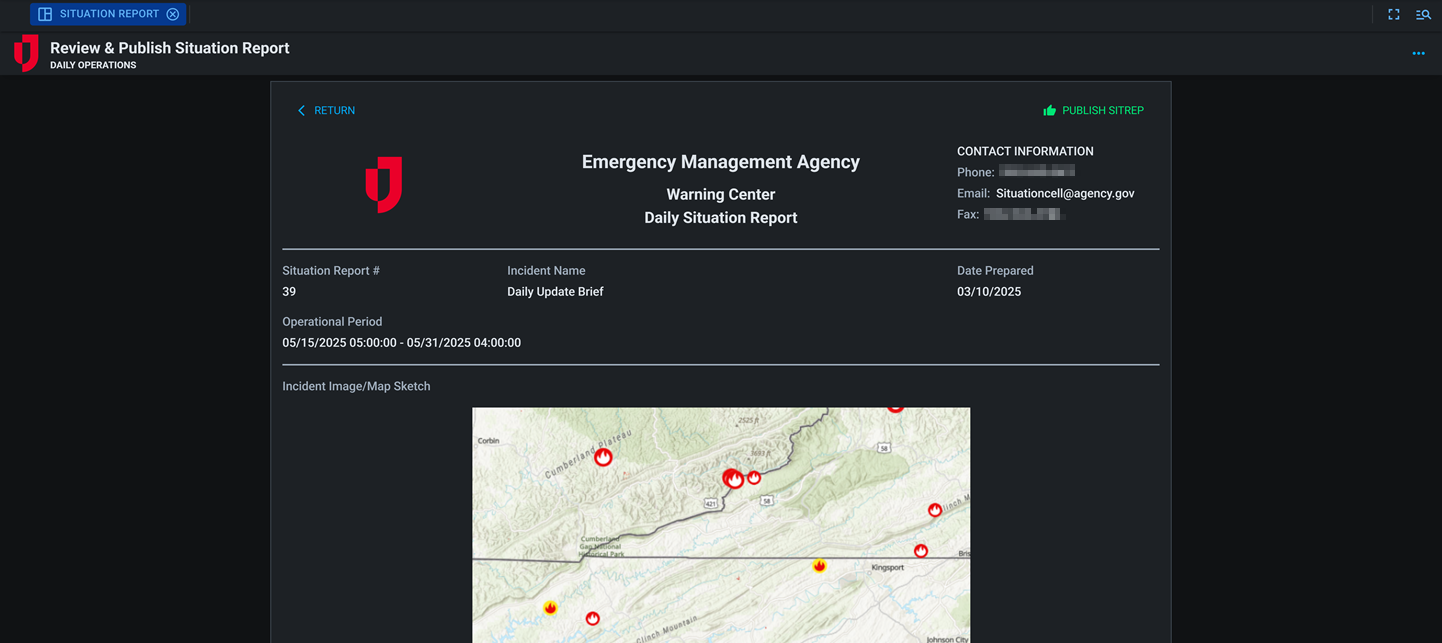
This board has dark mode capability.
Dark mode must be enabled for your instance so that users can turn it on. See Enable Dark Mode for details.
Related Concepts
Situation Report with Community Lifelines
Situation Report Release Notes
Related Tasks