Activate Checklists
To have checklists display on the My Checklists tab, you must activate them.
To activate checklists
-
Click the Checklists Templates tab.
-
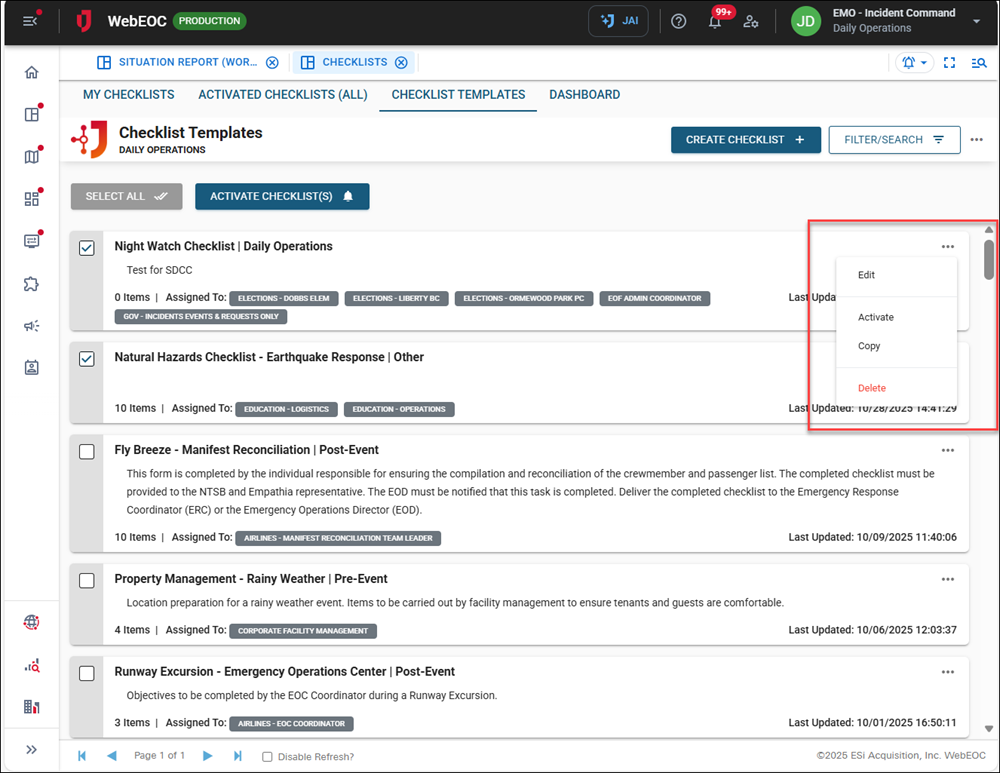
To activate one checklist, click the ellipsis icon for the checklist and select Activate.
-
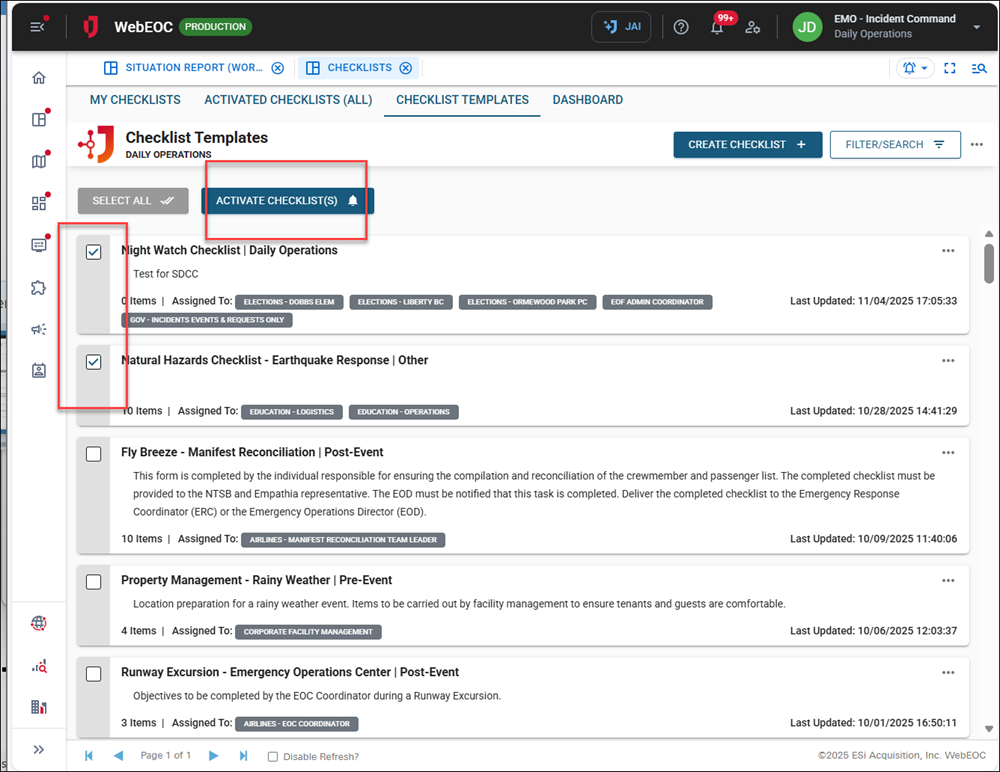
To activate multiple checklists at once, select the checkbox next to the checklist, then click the Activate Checklists button.
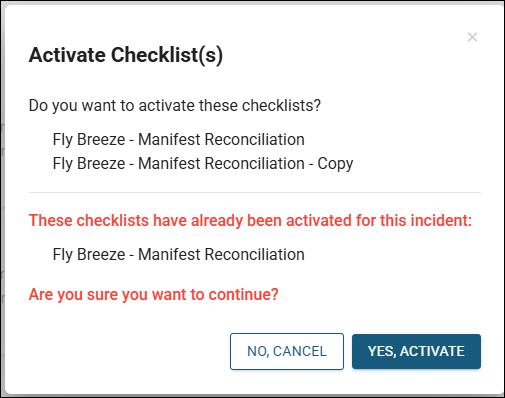
A confirmation window will appear showing the checklists you are activating. If a checklist is already active, you will receive a notification.