Copy a Checklist
You can create a checklist by copying an existing checklist.
To copy a checklist
-
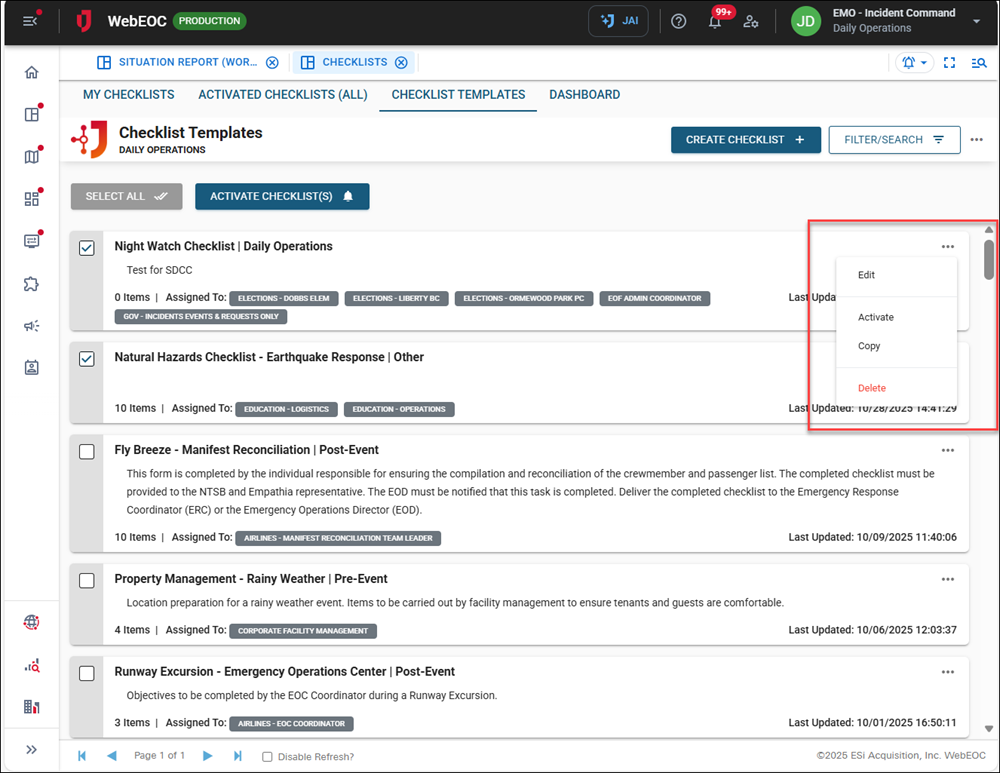
On the Checklist Templates tab, click the ellipsis icon to the right of the checklist you want to copy and select Copy.
-
A confirmation message displays. Click Ok.
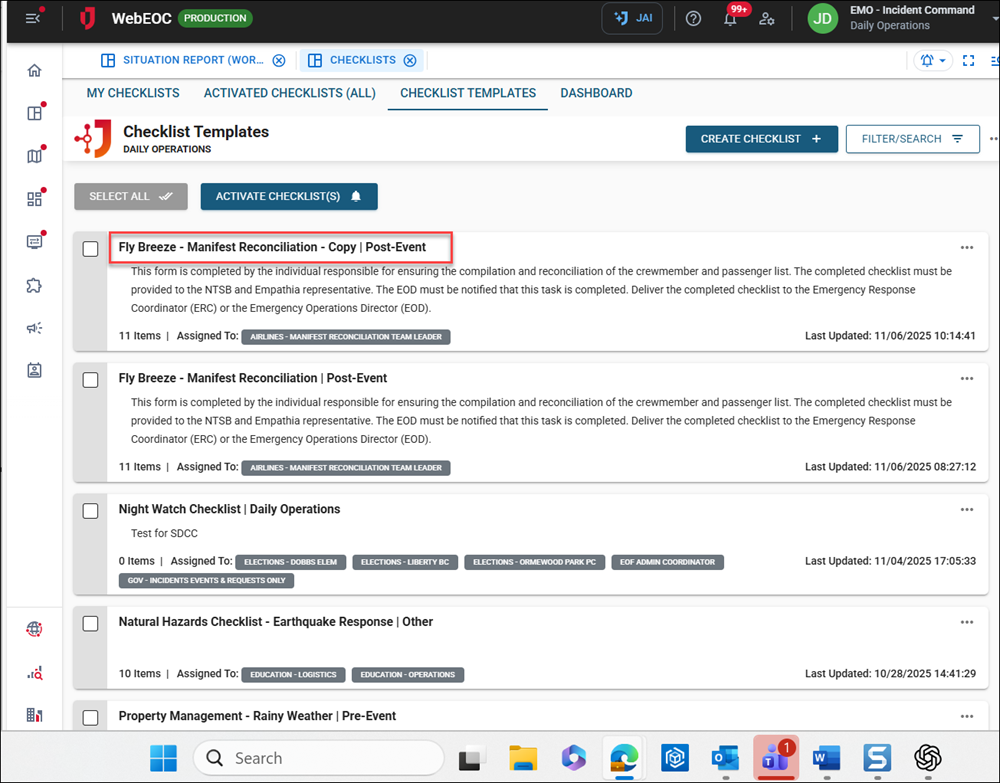
The copied checklist is displayed at the top of the list, with the word 'Copy' in the title.
-
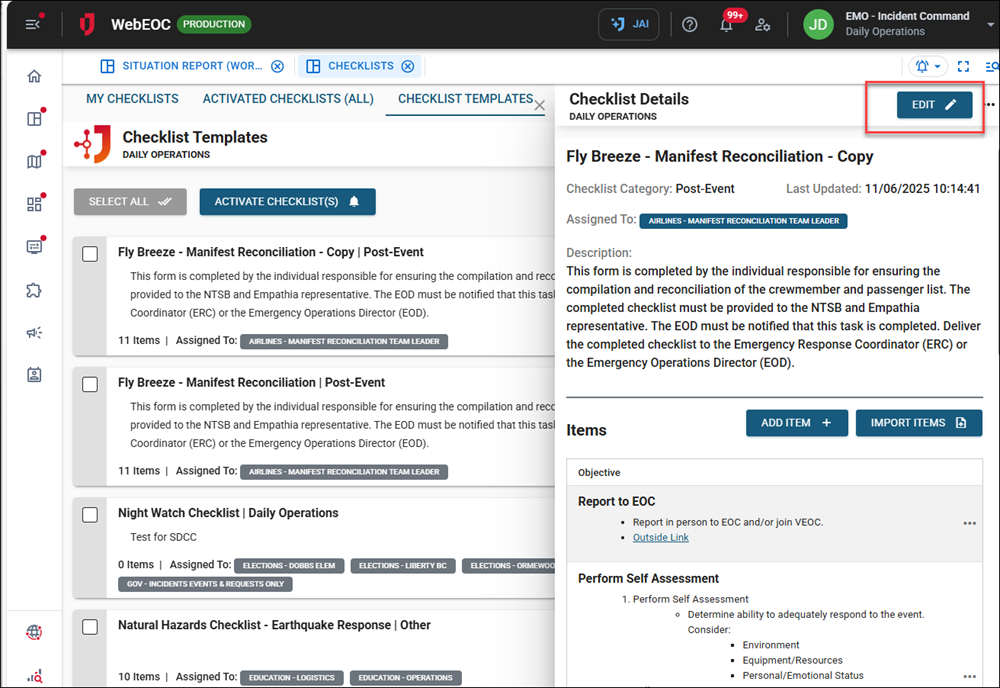
Click the copied checklist. The Checklist Details page opens.
-
Click the Edit button in the top right to update the copied checklist.