Access the Situation Report Board as a Controller
To access the Situation Report board, on the main menu, click the boards icon. The Boards landing page opens.
A link to the Published and Working version of the Situation Report board displays.
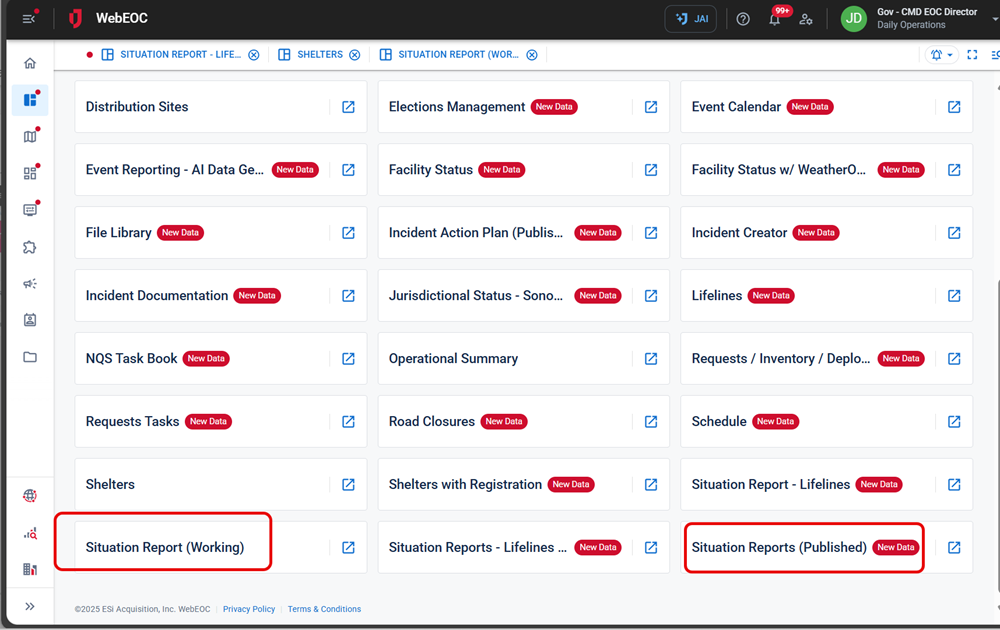
Your WebEOC Nexus configuration may have been set up differently. Your administrator may have:
-
Added these boards to your homepage
 The page displayed at login containing company messages, Quick Actions, and essential boards.. In that case, click the home tab and view the boards under the Essential Boards section.
 -
Named these boards differently.