Test and Validate
-
Access WebEOC Nexus in one of the positions to which process permissions
 A setting that grants an organizational group access to a process flow's views. were assigned, such as Sebastian – OPS – Operations.
 -
Open the Requests, Inventory, and Deployment board and start a new resource request.
-
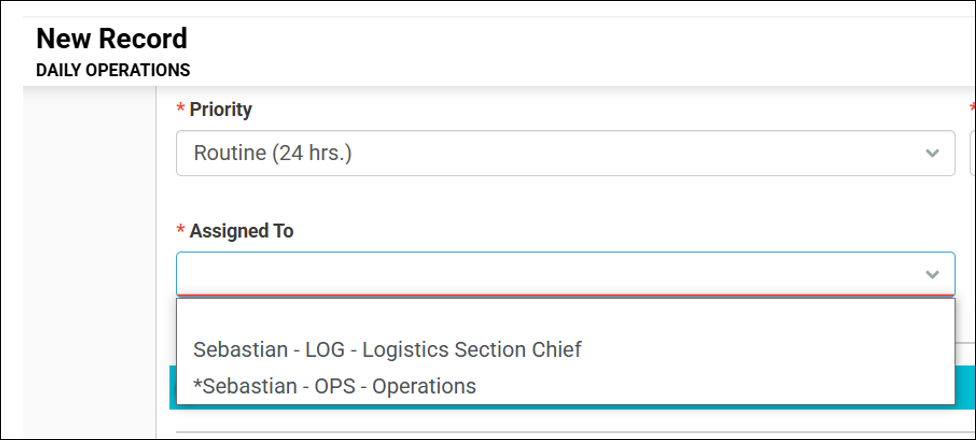
Review the options in the Assigned To drop-down. It should only display the positions that the user is allowed to route to. For example, Sebastian – OPS – Operations positions can only route to other Sebastian County positions.