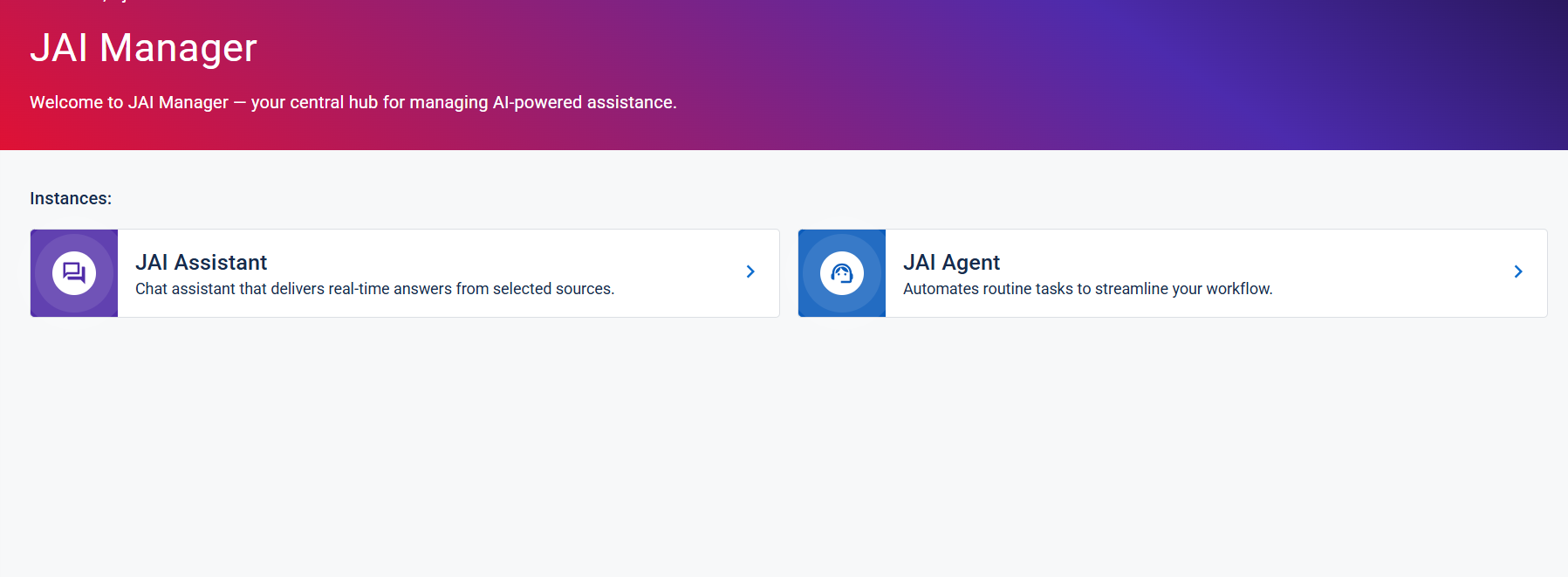
Open the JAI Manager Page
The JAI Juvare's AI Assistant An intelligent, natural-language interface designed to streamline information retrieval within WebEOC Nexus, providing concise, data-driven responses sourced directly from board views, while enforcing existing administrative controls and data permissions. Manager page is the starting point for performing administrative tasks in JAI. From this central location, you can add and configure data sources, define conversation topics and quick prompts, customize branding and interaction settings, and monitor usage through analytics. Each configuration option is designed to help you tailor JAI’s behavior and user experience to align with your organization’s data and operational needs.
To open the JAI Manager page
-
Log in to WebEOC Nexus as an administrator.
-
If you are not already in the WebEOC Nexus User View, in the top bar, click the user view icon
 . The user homepage The page displayed at login containing company messages, Quick Actions, and essential boards. for your position opens.
 -
On the top bar in WebEOC Nexus, click the JAI button.
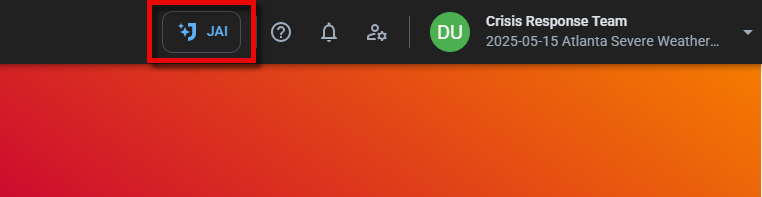
The JAI drawer opens.
-
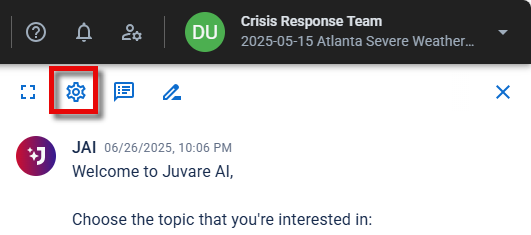
At the top of the slideout, click the settings icon
 .
.
The JAI Manager page opens.