Subscribe to a Shared Board
If you belong to a JX network where another organization has shared boards with you, you must subscribe to the boards to access them.
When an organization publishes a board, they publish either
-
The whole board
-
Board data only
-
A board with a parent and child view
To subscribe to a shared board
-
In the main menu, click the JX Networks icon
 . The Networks page opens.
 -
Locate the network with the board to subscribe to and click the row. The network page opens.
-
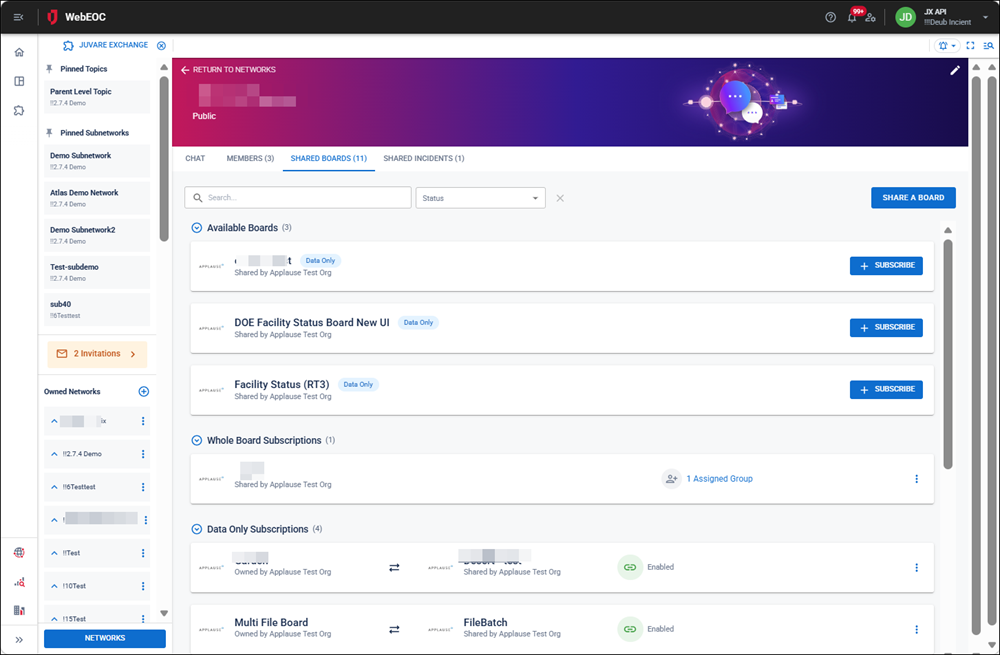
Click the Shared Boards tab. The list of shared boards opens with filter and subscribe options.
-
On the board you want to subscribe to, click Subscribe.
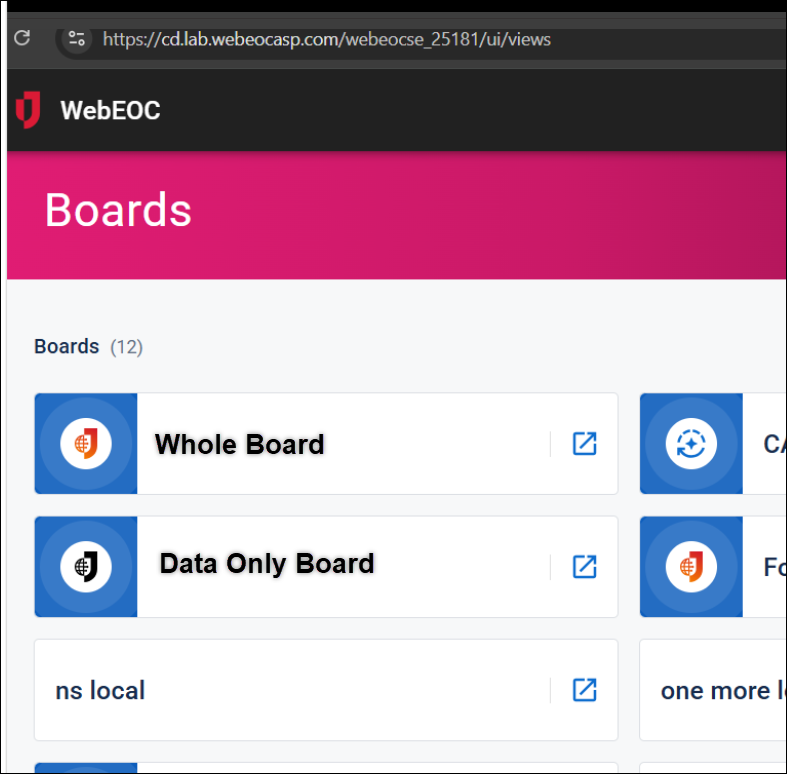
After you subscribe to a board, it displays on the Boards page with JX icons. A colored icon indicates you have subscribed to the whole board. A black icon indicates the board’s subscription is data only.