Add Employee Resources
You can choose to add new employees to Crisis Track or add employees that already exist in the Crisis Track inventory. To add employee resources, click Add in the upper left, then select one of the following:
-
New Employee to add a new employee to Crisis Track
-
Add Employee from Inventory to add employees from a list of employees that already exist in the Crisis Track inventory.
Follow the steps below for each employee source.
 To add a new employee
-
Enter the following employee information:
-
first and last name (required)
-
title (optional)
-
email (optional)
-
pay rates, including fringe and overtime rates (optional)
-
-
Select the employee’s status from the following options:
-
Demobilized: Demobilized and not available
-
Requested: Requested
-
Staged-Not Available: Not present but available to be assigned
-
Staged-Available: Present and available to be assigned
-
Assigned-Stand-by: Assigned to a team that is not currently active
-
Assigned-Working: Assigned to a team that is actively in use
-
-
Click Save.
To add an employee from inventory
-
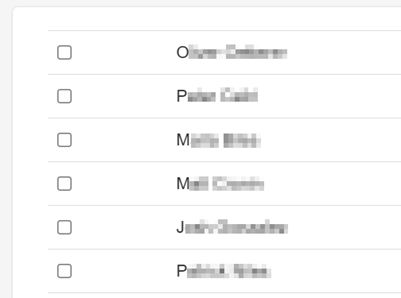
Select all the employees you want to add at this time.
-
Click Save.
Related Concepts