Entry Form
In the Crisis Track mobile app, there are three entry tabs that allow you to view different aspects of the entry, and one tab that allows you to save updates. This page focuses on what you can do in the Form tab, which displays the fields for the form chosen for this type of entry.
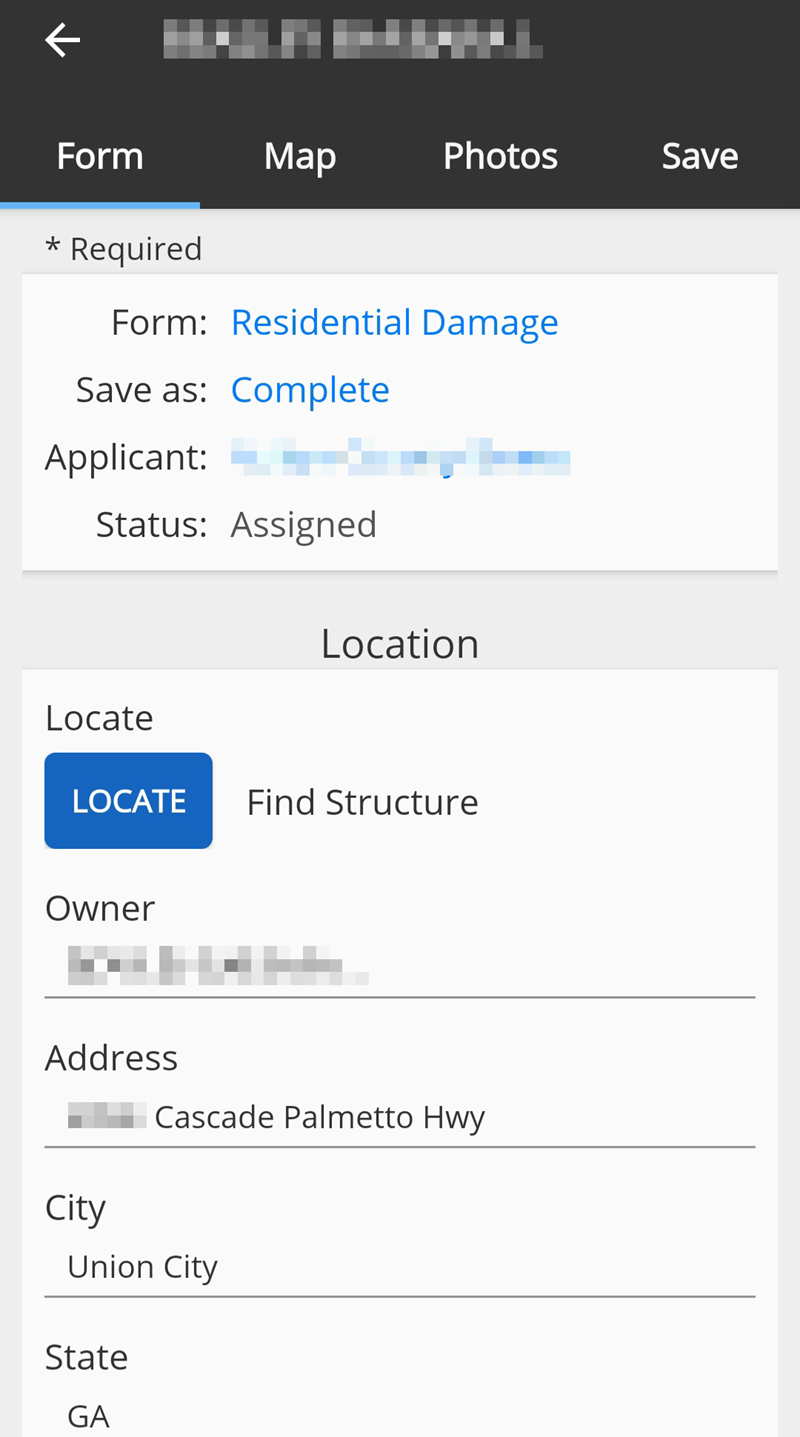
The appearance of the form depends on the type of entry you are viewing. There are several types of forms available.
For more information about each of the different entry forms, refer to the Entry Forms Reference page.
When entering details into the form, some information (such as the address) may be pre-populated by data from Crisis Track.
On the Debris, Protective Measures, and Public Damage forms, you can add site perimeters or debris areas by walking to the four corners of the area and pressing the Add Corner button at each corner.