DesignStudio 2.5 Release Notes
These notes describe enhancements and resolutions introduced in the DesignStudio 2.5 release scheduled for March 2, 2025. More information is available in this help center or by contacting the Juvare Support Center at +1 (877) 771-0911 or support@juvare.com.
New Features
Switch Easily Between Code and Design Mode in the Boards Workspace
You can now open Design mode and Code mode by clicking the icons in the Boards Workspace header Component that inserts a section header organizing and visually separating content areas..
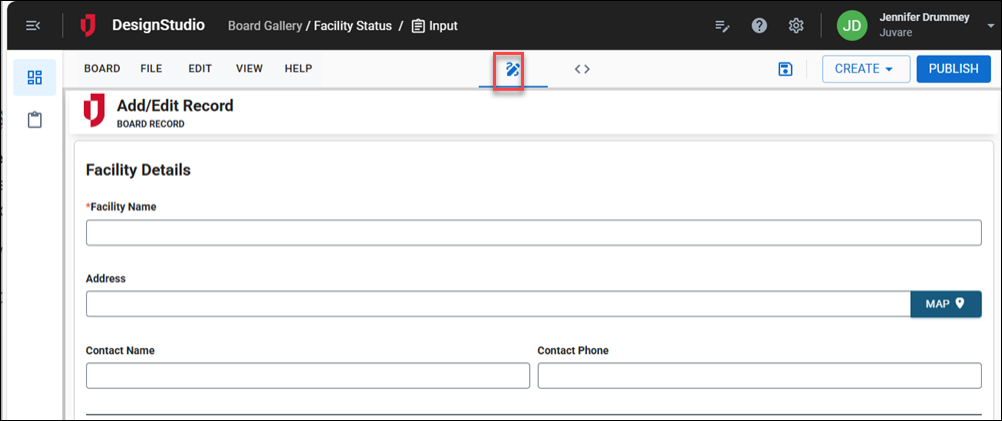
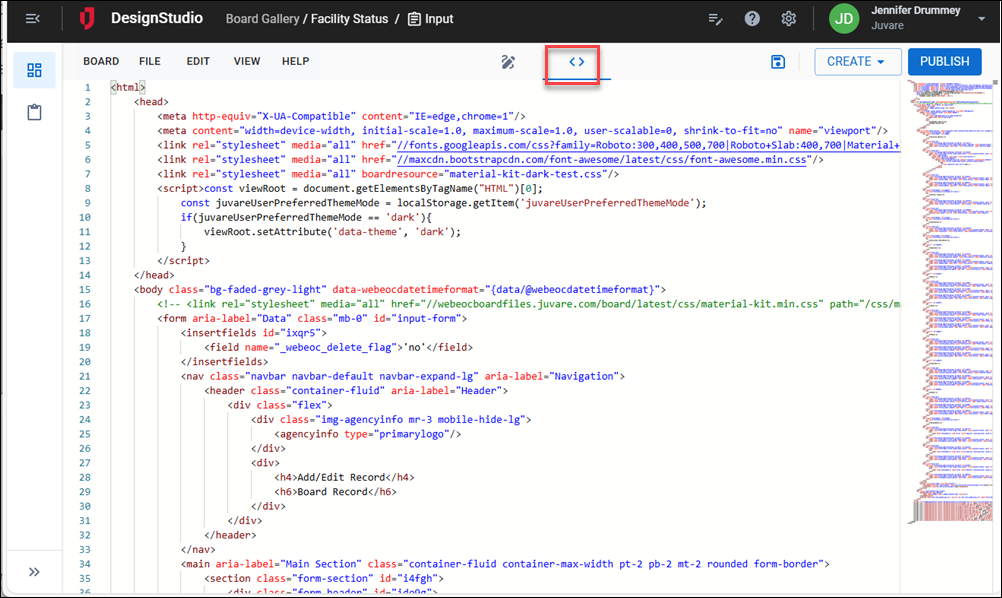
This toggle was suggested by a client through the Juvare Ideas Portal. We welcome your feedback.
Add New Resource Types to Boards
You can now add the following file types as resources to boards:
-
PDF
-
PNG
-
GIF
-
JPG
-
JPEG
-
DOCX
-
DOC
-
XLSX
-
XLS
-
CSV
-
PPT
-
PPTX
After they are added, these file types can also be downloaded and images can be added to boards using the Image component. See Add a Resource to a Board for more information.
New Image Component
If you upload an image as a resource, you can insert it into the board using the new Image component, available under the Formatting section in the Components tray on the Board Workspace.
Adding images to boards as a resource type was suggested by a client through the Juvare Ideas Portal. We welcome your feedback.
New Signature Component
You can now gather signatures from WebEOC users on your board’s Input and Details views using the new Signature component, available under Advanced in the Components tray on the Board Workspace. See Signature Component for details.
Adding signatures to boards as a resource type was suggested by a client through the Juvare Ideas Portal. We welcome your feedback.
The board signature component is not used by forms. If you create a form from a board that uses a board signature component, you must add a form signature component to capture signatures on the form.
Enhancements
-
When working in the Board Workspace, if you make changes to a view and attempt to export before saving them, a message now prompts you to either save or discard the changes before exporting.
-
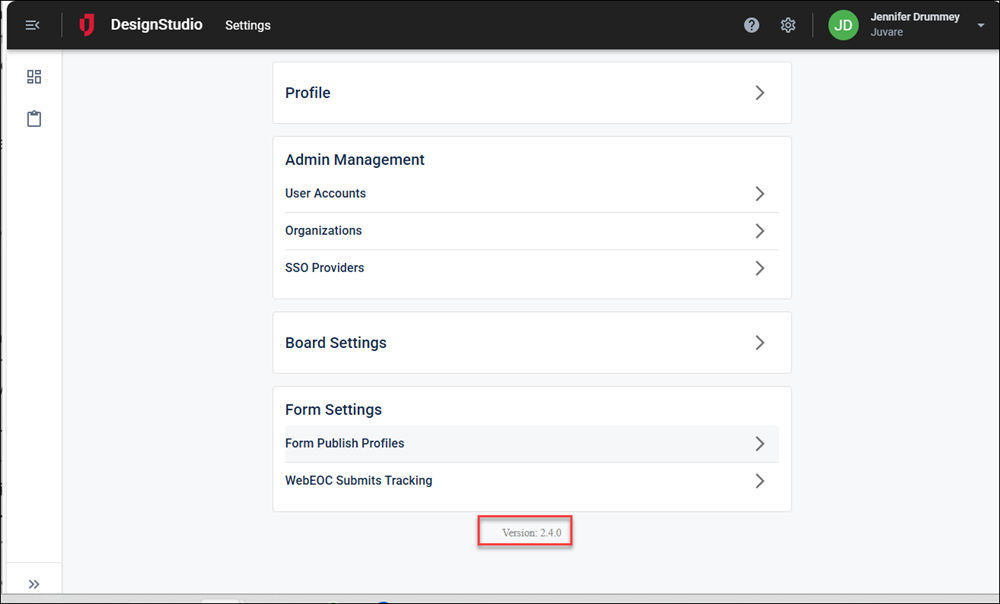
You can now view the version number of DesignStudio at the bottom of the Settings page.
Resolutions
-
Fixed an issue with adding Multiple Files or Field components to Details views. If you dropped the components onto the Details view canvas and then clicked the DB Field Name settings field, an error was displayed. With the fix, these components can be added to Details views without errors.
-
Fixed issues that prevented users from unpublishing and deleting forms.
-
Fixed issues that occurred when using the Tab Group
Component that adds navigation tabs allowing users to switch between different board views. component on dashboards where added components disappeared from the dashboard canvas when changes were not saved. With the fix, components added to dashboards remain visible on the dashboard canvas when using the Tab Group component, even if changes are not saved. -
Fixed an issue when testing form publish profiles, where tests that failed displayed positive results. With the fix, form publish profile
Configuration that deploys boards and forms to one or more WebEOC environments in a named sequence of steps. testing no longer returns false positives.
Previous Versions
Release notes for previous versions are available here.