You can still make changes to incidents that have been ended. When changes are complete and you want to close the incident, you can change the incident status to Closed. Closing an incident allows only certain users to make changes to specific elements and certain features are disabled.
To close an incident
-
On the Home page, in the list of Active Incidents, locate the incident and click View. The Incident Dashboard opens.
An incident must be ended before it can be closed.
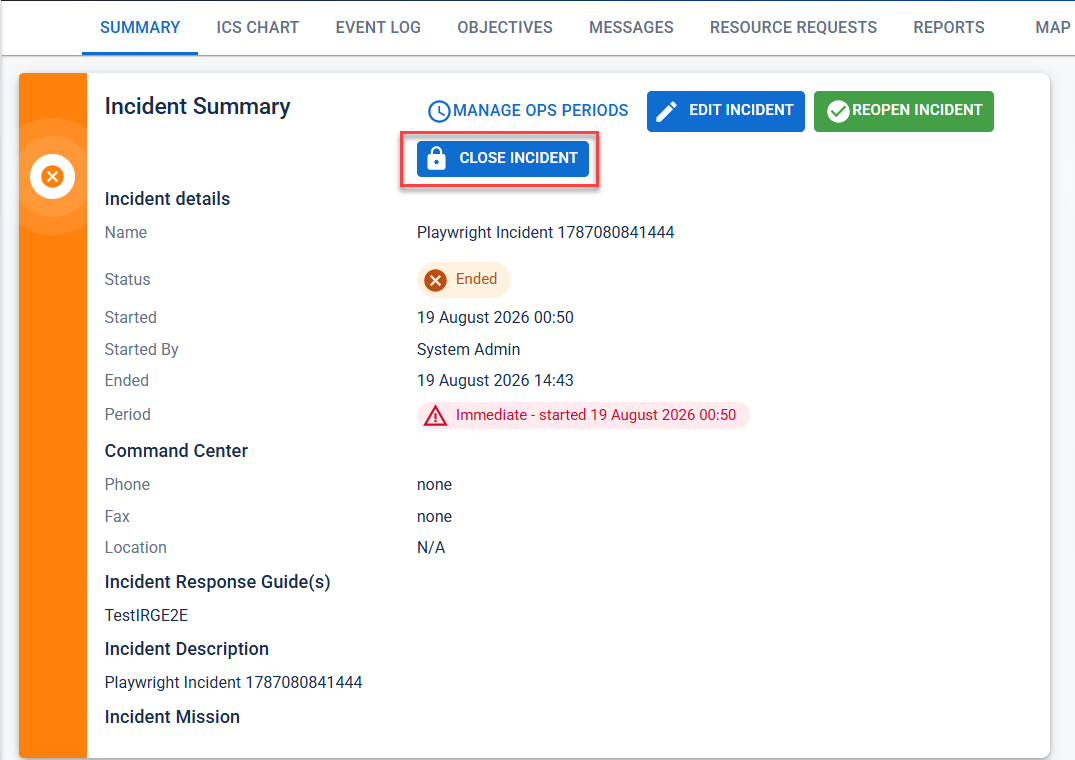
-
Click Close Incident. The Close Incident window opens.
-
Click Yes. The window closes.
Closed incidents can be found by pointing to Recovery and clicking Incident Reports.