End an Event
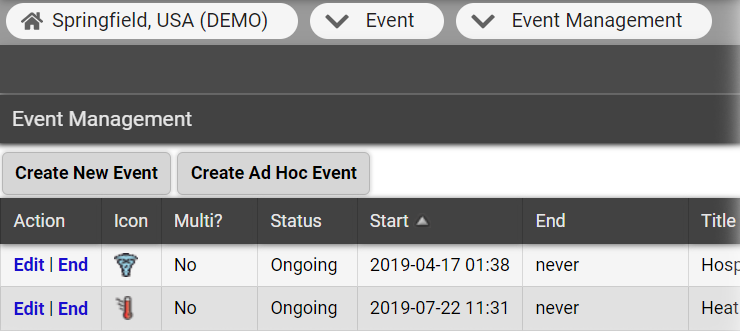
If you have the appropriate permissions, you can end events through the Event Management page. The options you see in the Action column depend on your rights in relation to this event, and the status of the event, such as ongoing or ended.
EMResource automatically sends notifications to appropriate users when events are created and, for some, when they are ended. Some events end automatically after a period. However, events can be manually ended prior to the scheduled end time. If you are authorized to work with ad hoc events, you can create, edit, and end them.
To end an event
-
In the main menu, click Event then click Event Management. The Event Management page opens.
-
Locate the event and, on that row, click End. The End Event Message page opens.
-
Do one of the following:
 End the event without sending an event notification
Select the End Quietly checkbox.
Send an event notification when the event ends
-
Clear the End Quietly checkbox.
-
Enter text in the End Message box. This text is included in the event notification.
-
-
Click End Event.
Related Concepts