Events By Template Report
The Events By Template report Provides specific information about statuses and details, notifications, forms, templates, snapshots, and roles/rights in EMResource. shows the number of times an event has run for each event template Predefine settings for specific types of events.. You must have the Event - Maintain Event Templates right to run this report. If you have this right in multiple regions, the report displays a separate tab for the event templates in each of those regions.
To generate an Events by Template report
-
In the main menu, click Report, then click Events by Template. The Events by Template page opens.
-
In Start Date and End Date, enter the date range for the report.
-
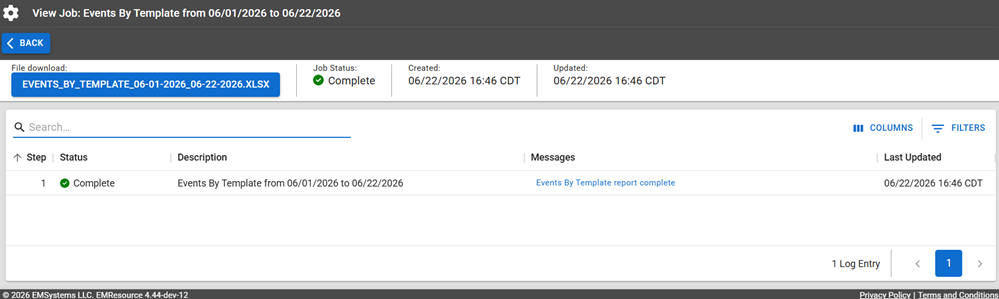
Click Run Report to create the report in XLSX format. The Jobs page opens.
The report is available for seven days on the Jobs List.
-
Click the report name in the blue box to download it.
Report Fields
The report will generate the following fields in the output file.
| Report Field | Description |
|---|---|
| Event Template | The name of the event template. |
| Count | The total number of times in the date range that the event template was used to generate events. |