EMResource 4.33 Release Notes
These notes describe updates in the EMResource 4.33 release scheduled for Wednesday, September 17, 2025. More information is available in this help center or by contacting the Juvare Support Center at +1 (877) 771-0911 or support@juvare.com.
New Features
What's New Pop-Up Window
EMResource now displays a pop-up window with information about the latest release and a link to the release notes. This window appears automatically the first time you log in after a new release.
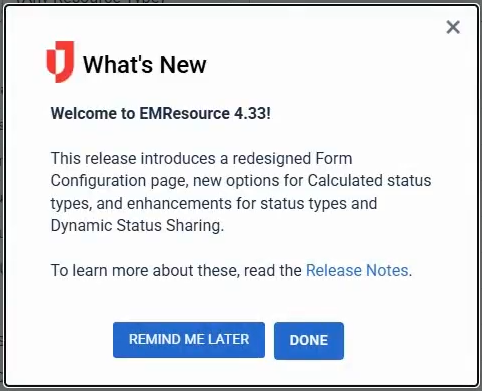
If you dismiss the window by clicking Done or the close icon  , it will stop appearing automatically until the next release. If you click Remind Me Later, the window reappears automatically the next time you log in after 24 hours. You can also manually open this window by clicking the What's New icon
  in the header.
Redesigned Form Configuration Page
The Form Configuration page has been updated with a new design.
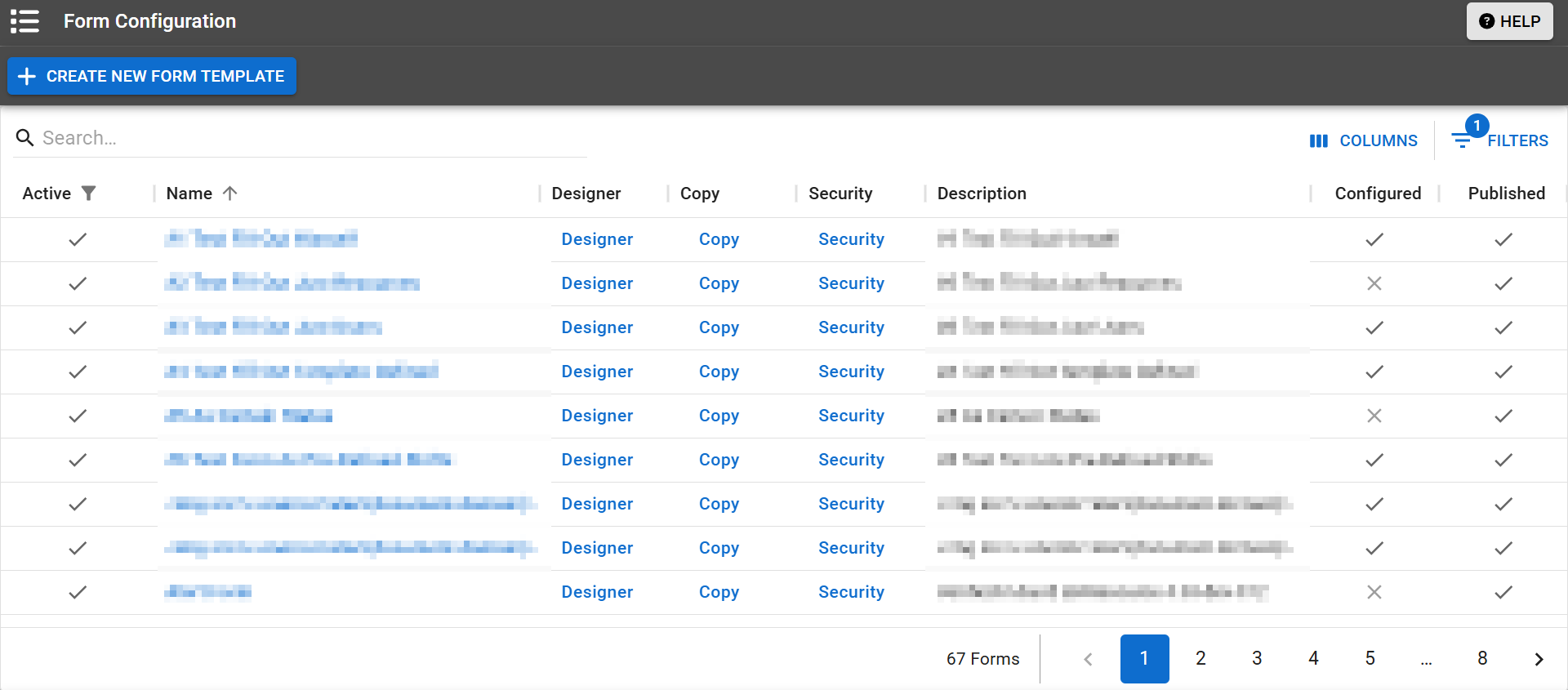
Now, you can show/hide columns and apply filters. The page filters out inactive forms by default. You can still access the same forms and features as before.
Enhancements
-
Status Types
 Custom fields that track information about resources. This is region-specific and are unique fields.: When you create, edit, or view a status type, you can now change or view the resources that are individually associated with that status type. Previously, you could only change or view the resources types Categories used to divide and distinguish resources. associated with the status type.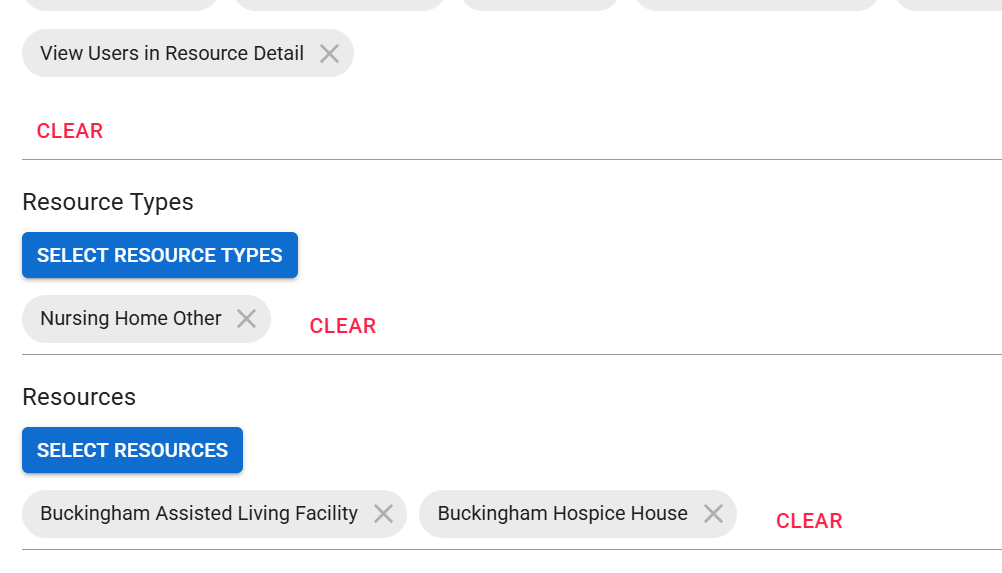
-
Calculated Status Types: When you create a formula for a Calculated status type, you can now include Multi and NEDOCS Calculation status types. You can use these status types in the formula the same way as Number status types, except that Multi status types use statuses for their values. For more information about creating Calculated status type formulas, see the Formula row in Status Type Fields Reference.
Resolutions
-
Dynamic Status Sharing: Resolved an issue where the status type totals for events could be too high if the status type was shared with other regions through Dynamic Status Sharing.
-
Landing Page: On the mobile apps, resolved an issue where an error message appeared upon login if you had set your default landing page to a custom view
A personal view that displays information about specific resources., map, or dashboard Allow people to quickly review important information about resources and status types, and may be personal, shared, or global.. -
Event Templates
Predefine settings for specific types of events.: On the mobile apps, resolved an issue where you could not select a multi-region event template when creating a single-region event.
Help Updates
-
URL Updates: Almost all the URLs for the EMResource Help Center were updated on Thursday, September 4, 2025. The only URL that did not change is the landing page. These updates made URLs easier to read, improved search indexing, and reduced dead links.
If you previously saved any bookmarks or links to EMResource help pages other than the landing page, you should update them to the new URLs. If you cannot find a page with the search function, email us at feedback-docs@juvare.com.
For a list of updated URLs for popular help pages, see URL Updates.
Previous Versions
Release notes for previous versions are available here.