Add a Patient
Patients and clients are added through the Patients tab using pre-configured forms. When you open the Patients tab, the run clock Controls Daily Tracking and indicates the duration of a patient run. appears at the top and there is a list of available forms below.
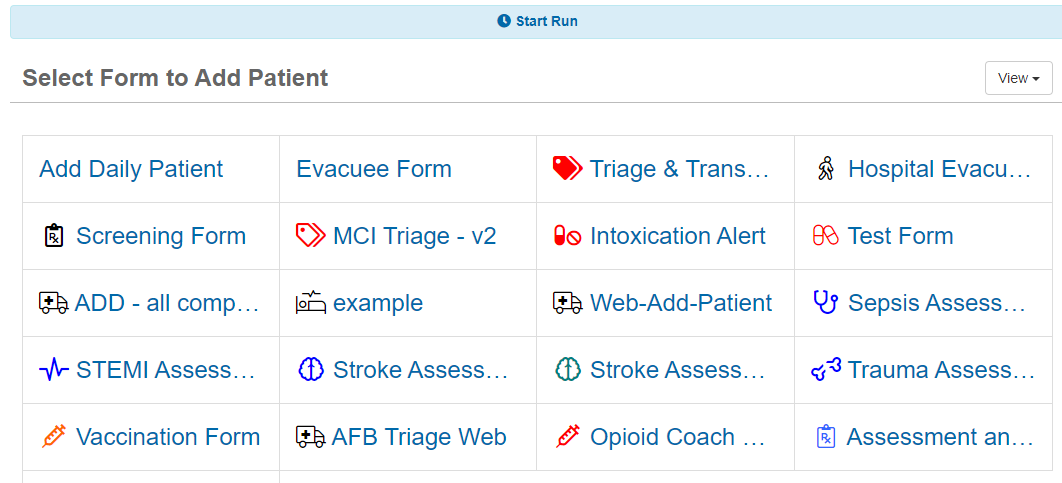
When adding a new patient or client record, choose the appropriate form based on the type of patient or client you are adding. Administrators can create and adapt various types of forms, and they control which forms are available to you through the Patient tab. However, there are a series of default forms that are provided by Juvare. Click to open the appropriate form. The list of available forms moves to the left so you can navigate between forms if necessary.
This video demonstrates the steps below.
Start the run clock
You can click Start Run to start the run clock, which counts the amount of time spent on a run or transport. When you start the run clock, the list of available forms changes to offer only those forms that support Daily Tracking. Daily Tracking forms are Web - Add forms that may or may not automatically generate tracking numbers.
Add a patient record
-
On the Patient tab, click the name of the form you want to use. The form opens.
-
Enter the requested information, making sure to complete required fields that are marked with a red asterisk. Within the form, you may need to navigate between tabs to access all fields on the form.
-
Click Save. The information you entered is saved and the form is cleared except for commonly static fields, which remain populated in preparation for the next entry.
Default forms may only contain fields that are required in order to quickly add a record to the system. Therefore, you may not see all of the data that is captured via an ID scan. After saving the patient's records, you can view and add information by editing the record.
Notes on entering patient information
On the form, you can add the patient or client's information by manually entering details or scanning their ID/Driver License if you have the proper scanning equipment. When you enter an identification number, a message indicates if the patient is new or already exists.
For new patients, you should complete the form. For existing patients, you can click Load to retrieve and update the patient's initial intake form or click Edit to open the appropriate form for adding supplemental information.
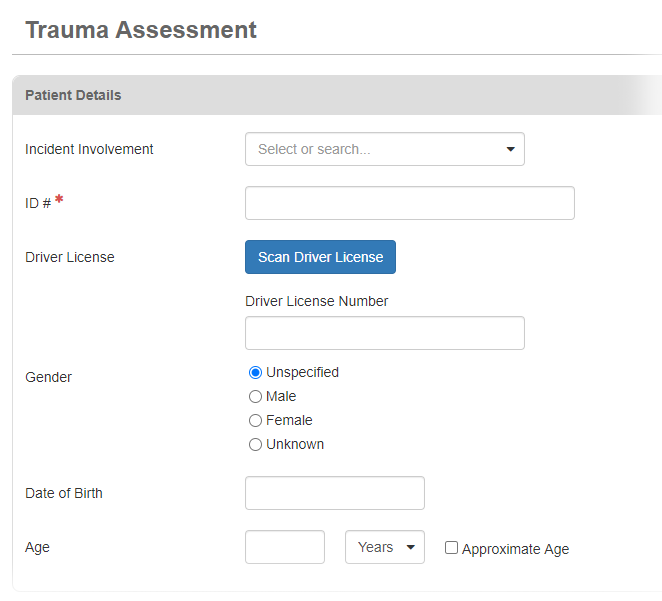
At the bottom of the page, you can reset the form to clear most fields without saving or save to create the record and clear most fields in preparation for adding the next record. Commonly static fields such as the Incident Involvement, Current Location, Destination Location, Provider, and Unit, are not cleared with Reset or Save because usually these fields are required and do not change between one entry and the next. However, these fields can be manually cleared and/or changed.
Related Concepts