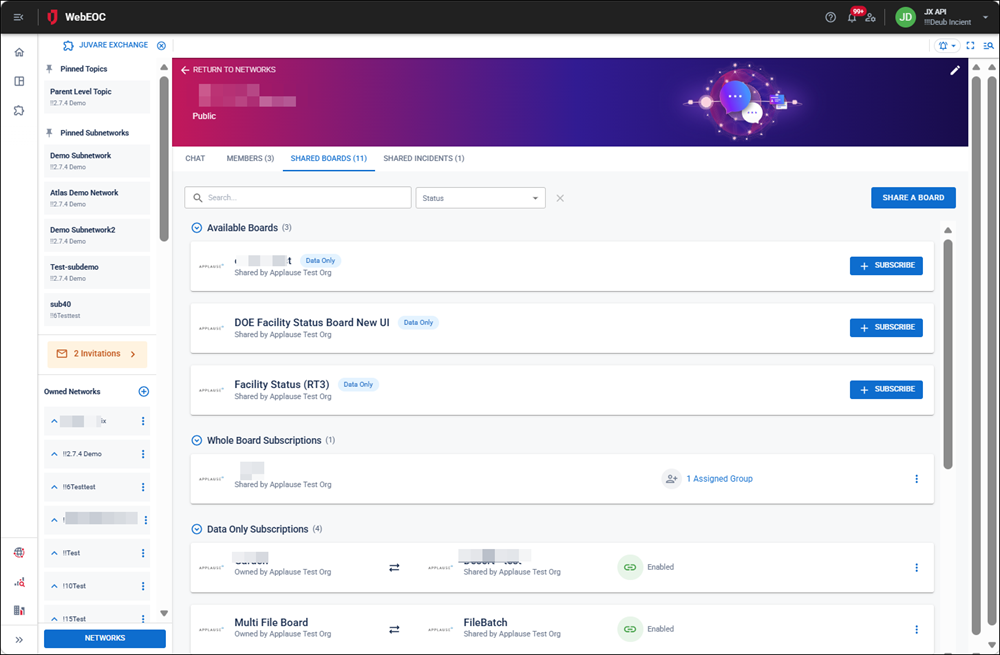
View Shared Boards and Board Subscriptions
You can view:
-
The boards your organization is sharing or is subscribed to, including whole board subscriptions and data-only subscriptions
-
All boards that are available for you to subscribe to
You can also view all of your shared boards and incidents across all networks. See View All Shared Boards and Incidents for details.
To view shared boards and subscriptions
-
In the main menu, click the JX Networks icon
 . The Networks page opens.
-
Click the row containing the network that you want to view the shared boards and board subscriptions for.
-
Click the Shared Boards tab.