Configure the Survivor Portal
When you acquire the Survivor Portal A Crisis Track add-on website that allows disaster survivors to report property damage and personal needs, such as food, medicine, or transportation. add-on, an instance of the Survivor Portal website is created for your organization Official entities, such as public health authorities, healthcare agencies, and corporations.. The website is based on a template, but you can work with your Client Success Manager (CSM) to request customization of the fields and other content.
After the Survivor Portal website is created, it is always active. However, survivors can only submit information for incidents Crisis Track allows you to track damage for several events through the Incidents feature. You can create a new incident, edit incidents, and deactivate or delete old incidents. Each incident keeps the data separate. Information such as equipment, employees, and structures are listed across all incidents. that have the Survivor Portal enabled. If you have not enabled the Survivor Portal for any incidents, then survivors cannot enter information.
We recommend only enabling the Survivor Portal for one incident at a time. Otherwise, people may select the wrong incident when submitting information. When you finish collecting data for an incident, disable the Survivor Portal for that incident.
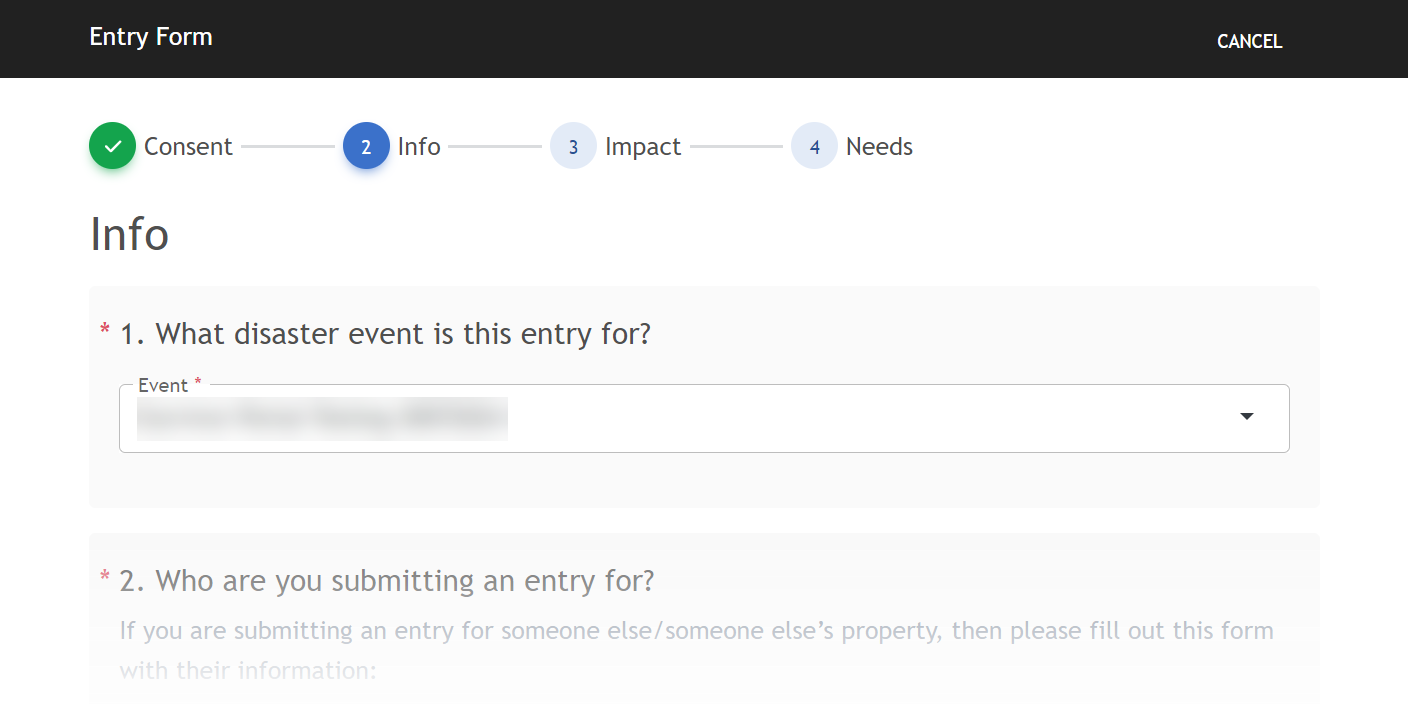
The Event menu on the Survivor Portal website lists any incidents that have the Survivor Portal enabled.
To enable or disable the Survivor Portal for an incident
Do one of the following:
Enable the Survivor Portal while creating a new incident
On the Incident Settings page, select the Enable Survivor Portal checkbox.
Enable or disable the Survivor Portal for an existing incident
-
On the Administrative Functions homepage, click Incidents. The Incidents module opens.
-
Locate an incident that you want to enable or disable the Survival Portal for. On that row, click Edit. The Edit Incident window opens.
-
Select or clear the Enable Survivor Portal checkbox.
-
Click Save.
Incidents created before the Survivor Portal add-on was set up for your account Used to track and manage users. Accounts differ from your profile, which is used to modify personal settings for using the solution. cannot receive data from the Survivor Portal.