Guest Users Module
Guest Users are individuals who need temporary access to your Crisis Track instance during an incident Crisis Track allows you to track damage for several events through the Incidents feature. You can create a new incident, edit incidents, and deactivate or delete old incidents. Each incident keeps the data separate. Information such as equipment, employees, and structures are listed across all incidents. or exercise. Examples include mutual aid, local government officials, and so on.
The Guest Users module allows Crisis Track users from different accounts Used to track and manage users. Accounts differ from your profile, which is used to modify personal settings for using the solution. to be granted access to specific incidents. For example, if both County A and County B have Crisis Track, then County A can grant access to County B users. The users from County B would then be able to log in using their existing user name and password, but use guest access to collect data for County A.
Using the Guest Users module, you can create a new guest user, delete a guest user, and disable/activate guest access. Only users with admin or commander roles have access to the Guest Users module.
To access the Guest Users module
-
Log into the Crisis Track Console.
-
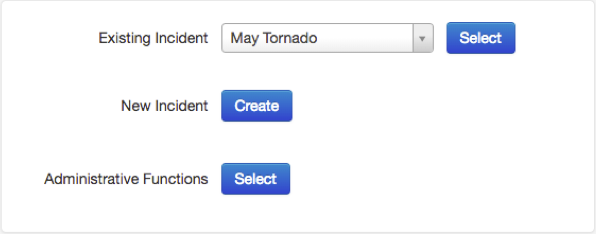
Choose an incident from the Existing Incident list and click Select.
-
Click the Guest Users icon.

From here you can see a table of the guest users that currently exist. For each guest user you can edit its properties, change its status (Active or Disabled), or delete the guest user. You can also create a new guest user. Use the Refresh button at the top right to reload this table to see any changes made since the page was opened.
