In the Boards Workspace, each time you click Publish, DesignStudio creates a new version of the board. See Publish a Board for details.
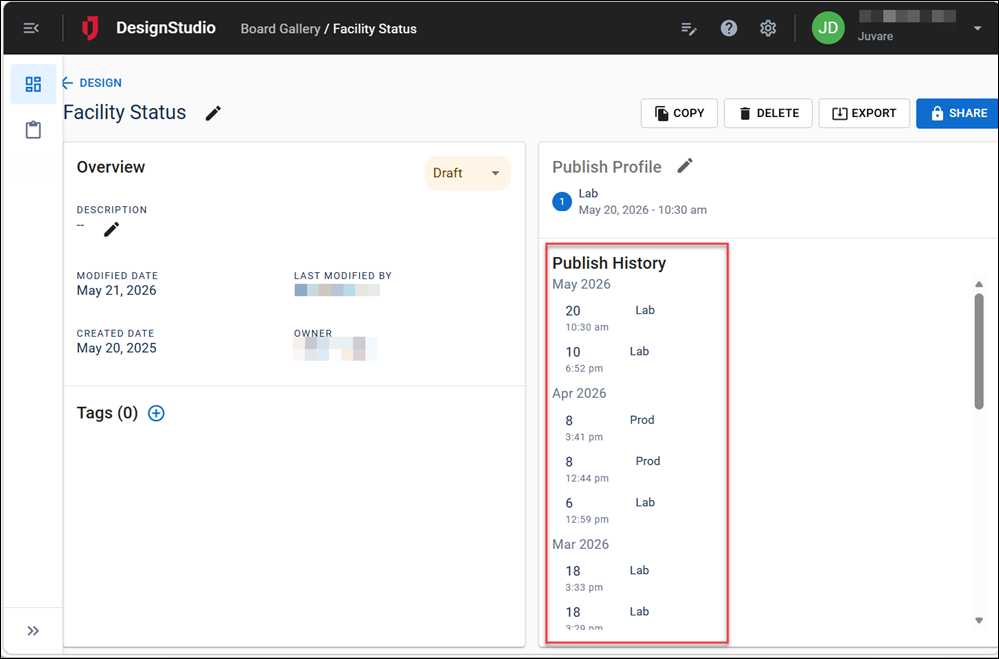
This publish history is listed on the Details page.
To view a board’s publish history
-
In the Board Gallery, locate the board with the publish history to view.
-
On the card, click the gear icon
 . The Details page opens.
You can also view the history of changes to views for the board. See View History and Restore Versions for details.