EMTrack 6.13 Release Notes
These notes describe updates in the EMTrack 6.13 release scheduled for Wednesday, March 26, 2025. More information is available through the help in your solution or by contacting the Juvare Support Center at +1 (877) 771-0911 or support@juvare.com.
New Features
New Search Terms
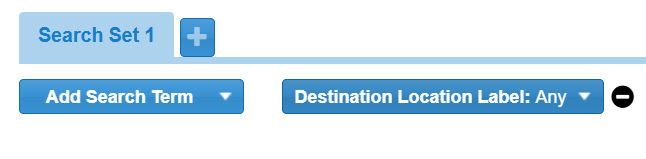
When creating a filter, you can now select from three new search terms: Current Location Generally refers to the region or to a division, such as a provider facility or mobile provider. Every user is granted access to at least one location. Label, Destination Location Label, and Mobile Provider A transporting agency, such as EMS organizations and fire departments. Label. Each of these search terms filter Search criteria that allow you to pinpoint the clients and details you need. patients based on the facility labels applied to provider facilities A standing facility, which can be a hospital, long-term care facility, or shelter. or mobile providers. Filtering patients by a facility label shows you any patients who were seen at a facility with that label.
Additionally, in the Client Summary Visual representation of clients that match the criteria in the search filter you select for the gadget. dashboard Comprised of groupings of data, called gadgets. gadget Groupings of data. There are 5 gadget types: Incidents - Region, Incidents - Division, Client List, Client Summary, Regional Client Summary., you can now group patients by Current Location Label, Destination Location Label, and Mobile Provider Label. These options are available in the Group By menu.
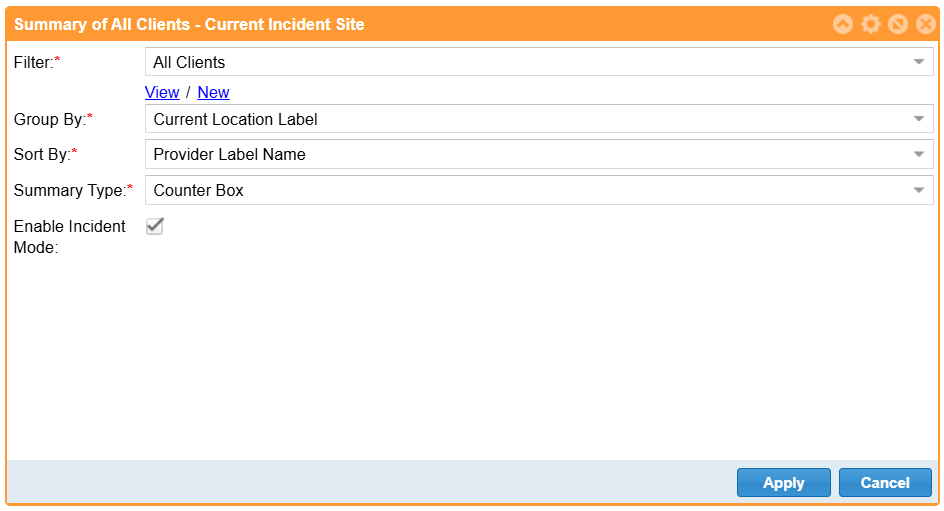
Existing patients cannot be filtered or grouped by these labels Used to classify and locate specific types of patients. unless those patients are edited and saved again.
Enhancements
The Transports tab received the following enhancements:
-
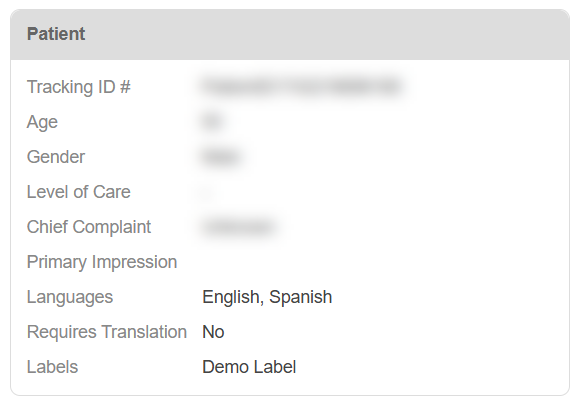
The Incoming Patient Details and Incoming Patient History pages now display information from the Languages Spoken, Translation Required, and Label fields on the Patient Detail form.
-
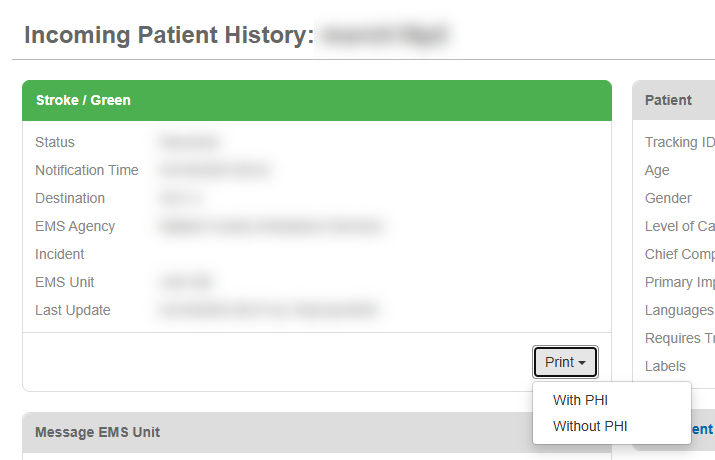
The Incoming Patient History page now has options to print the Patient History report with or without Protected Health Information (PHI).
-
The Incoming Patient Details page now has options to print the Patient Detail report with or without PHI.
-
When you print the Patient Detail report, it now defaults to landscape orientation and includes any fields that were left blank. Blank fields may be useful for taking notes on a printed report.
Previous Versions
Release notes for previous versions are available here.