Update Login Email
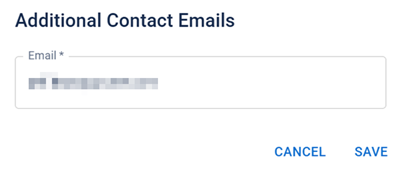
If you need to update your login email address, follow the steps below. In some cases, only administrators will be able to update your login email.
 To edit your own login email address
Administrators can edit login email addresses for their sites if the Contact Manager feature and other appropriate settings have been enabled for your solution.
To edit a user's login email address as an administrator
As an administrator, you can edit login email addresses for your sites if the Contact Manager feature has been enabled for your solution, and if the appropriate settings have been set up. If you need this feature enabled, email support@juvare.com.
Alternatively, you can create a new account for your user, if necessary.
Once these settings have been enabled, you can edit a user's login email by locating the user within the User Directory and selecting Change Login Email from within the profile menu.
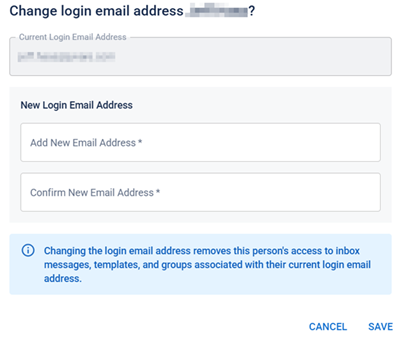
Alternatively, you can navigate to their profile and edit the contact email address within Personal Info. Enter a new email address then click Save.