Sign In/Out 
The Sign In/Out Board is a map-enabled board that allows you to track the people on shift during day-to-day operations or an incident. The board also tracks the hours worked by agency personnel.
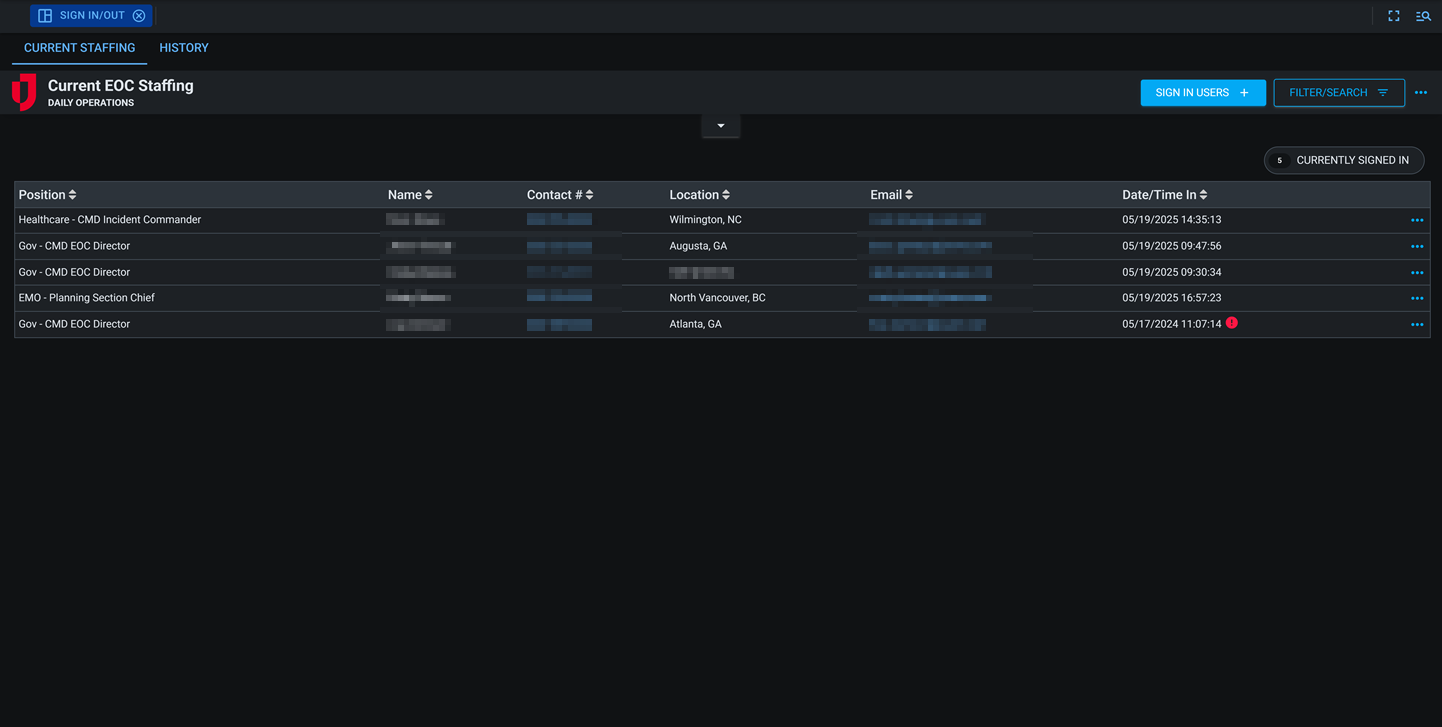
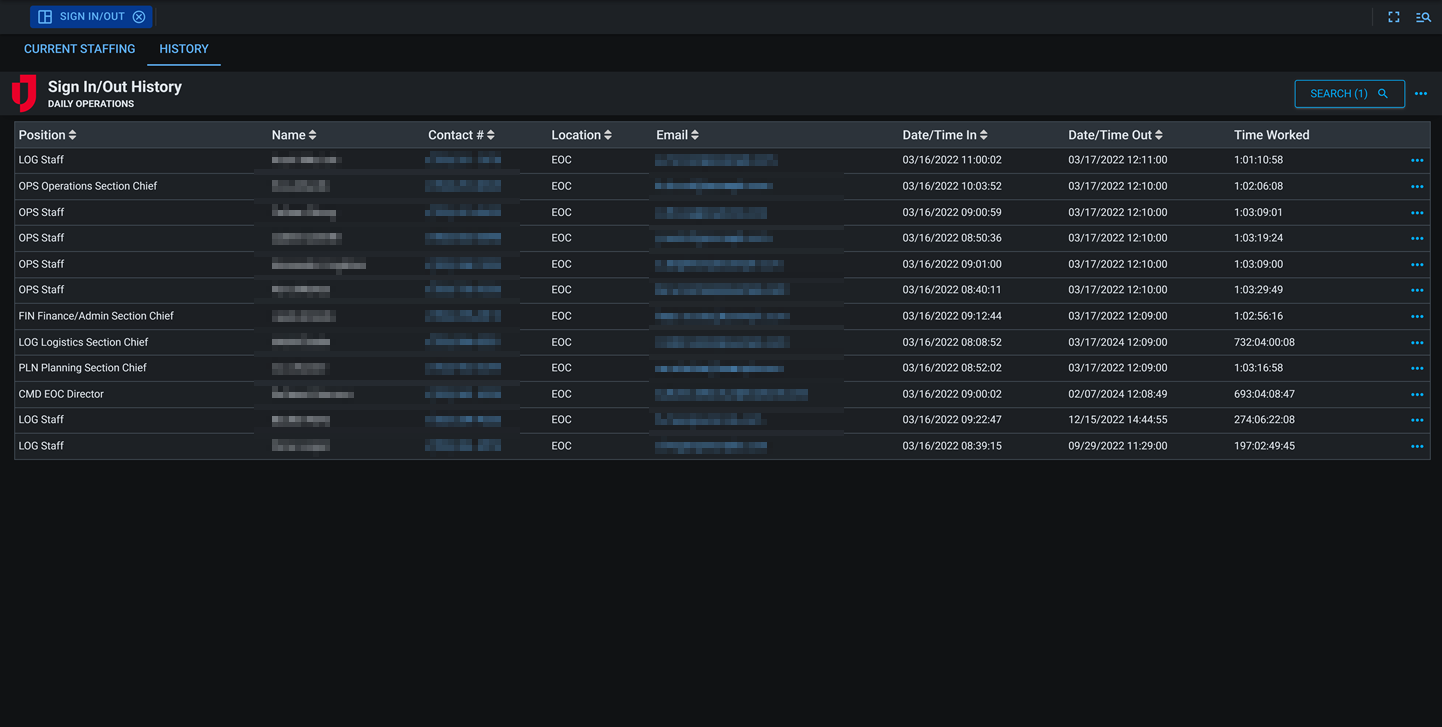
At the top of the view, you can see how many users are currently signed in, and there is a history view that allows you to view sign in/out history and calculate hours worked.
The Sign In/Out board provides real-time visibility into personnel activity and location during incidents or daily operations. It enables agencies to track who is currently on duty, where staff are located, and how long they have been signed in. This supports personnel accountability, workforce management, and accurate time reporting.
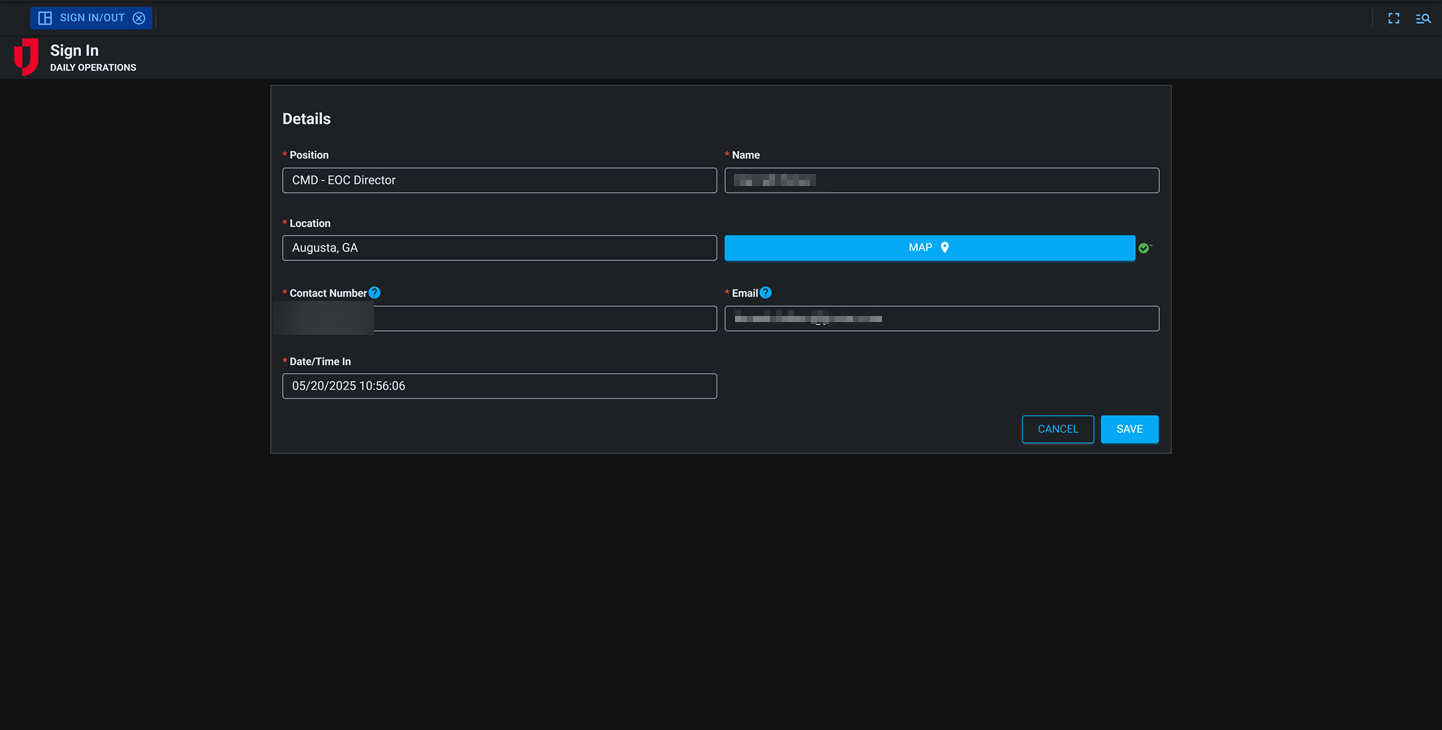
The board includes tools for supervisors and administrators to view sign-in histories, make corrections when necessary, and support field operations by signing in multiple personnel at once. The integrated map view allows teams to see where personnel are assigned, improving safety and situational awareness.
For more details about this board, watch the Sign In/Out Training Video  .
.
Your Juvare product login does not grant access to the Juvare Training Center. To view the training video, please create a separate account on the Juvare Training Center site.
The Sign In/Out DS version of this board can be customized in DesignStudio.
Key Capabilities
-
Support personnel: Review staff position assignments, contact information, locations, and time worked as they sign in and out of operations and events.
-
Monitor real-time presence: Track personnel check-ins and check-outs for accountability and safety.
-
Administrative support: Administrators can sign in multiple users to better support team members in the field.
-
Review and edit history: Audit and update past sign-in/out records to ensure data accuracy..
-
Map integration: View personnel locations on a map to support field coordination and accountability.
-
Multi-device access: Enable sign-in and sign-out from desktop, mobile, or tablet for maximum convenience.
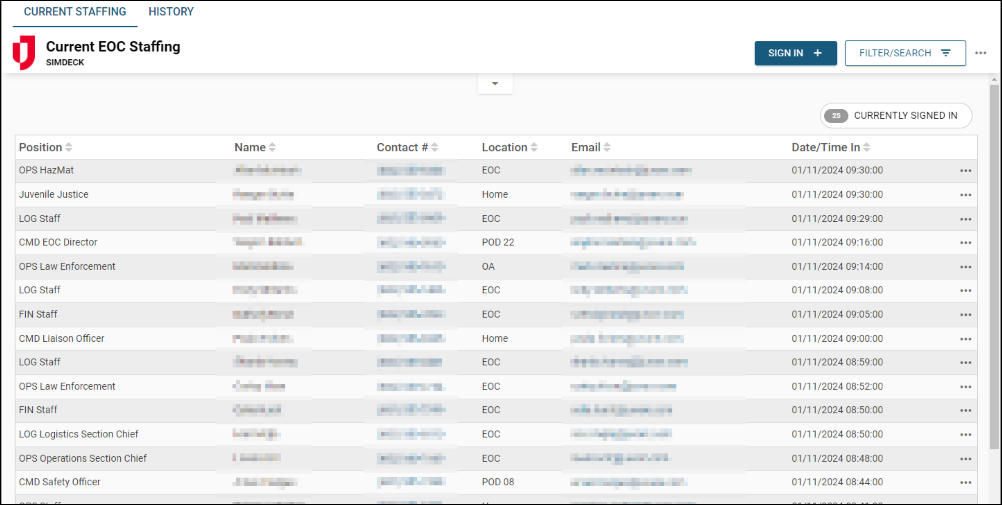
This board includes Comments and Share buttons, which can be enabled if you are using Unified Command Platform 10.18 and later and version 1.2.2 and later of this board. For these buttons to display, use the Board Permission Tags Board Comments and Board Links Sharing when assigning feature groups access to the board. See Board Comments and Share Board Links for details about these features.
This board has dark mode capability.
Dark mode must be enabled for your instance so that users can turn it on. See Enable Dark Mode for details.
Related Concepts
Related Tasks