Search
You can search the Advanced File Library A respository for the files you want to store and share. using tags and keywords.
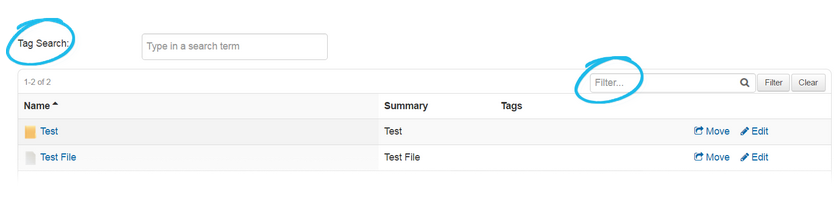
When you search by a keyword, WebEOC Nexus searches for all folders and files in the library that contain the keyword in their name or summary.
No wildcard characters are required when searching for a partial match.
When you search by tags, WebEOC Nexus searches for all folders and files with the specified tag.