Move a Folder or File
To move a folder or file
-
In the main menu, click the integrations icon
 . The Integrations page opens.
 -
Click the Advanced File Library tab.
-
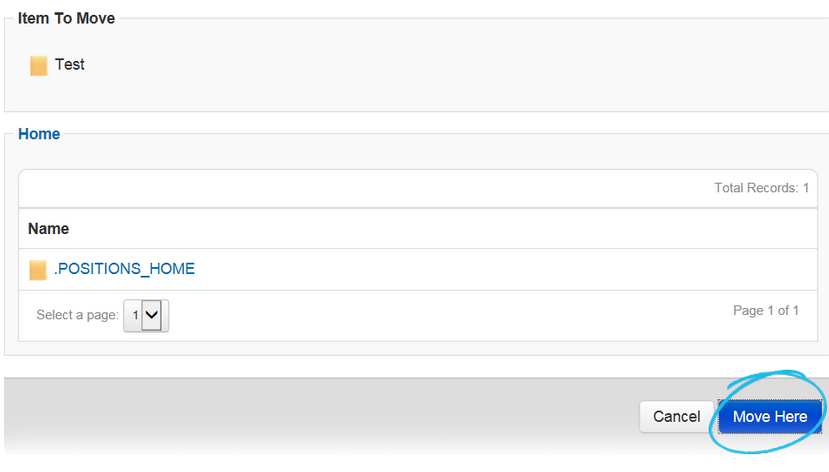
Locate the applicable folder or file and click its corresponding Move link. The Advanced File Library: Move [Folder/File Name] page opens.
-
Locate and select the folder where you want to move the folder or file.
-
At the bottom of the page, click Move Here