Charts Module
The Charts module displays charts and tables summarizing data from damage assessment entries for the selected incident Crisis Track allows you to track damage for several events through the Incidents feature. You can create a new incident, edit incidents, and deactivate or delete old incidents. Each incident keeps the data separate. Information such as equipment, employees, and structures are listed across all incidents.. If you use jurisdictions, this module also helps you quickly compare damage across jurisdictions.
To access the Charts module
-
Log into the Crisis Track Console.
-
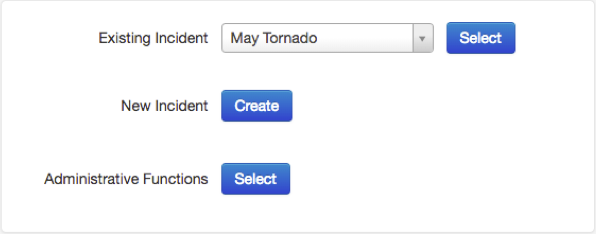
In the Existing Incident list, select an incident and click Select.
-
Click the Charts icon. The Charts module opens.
Related Concepts
Related Tasks