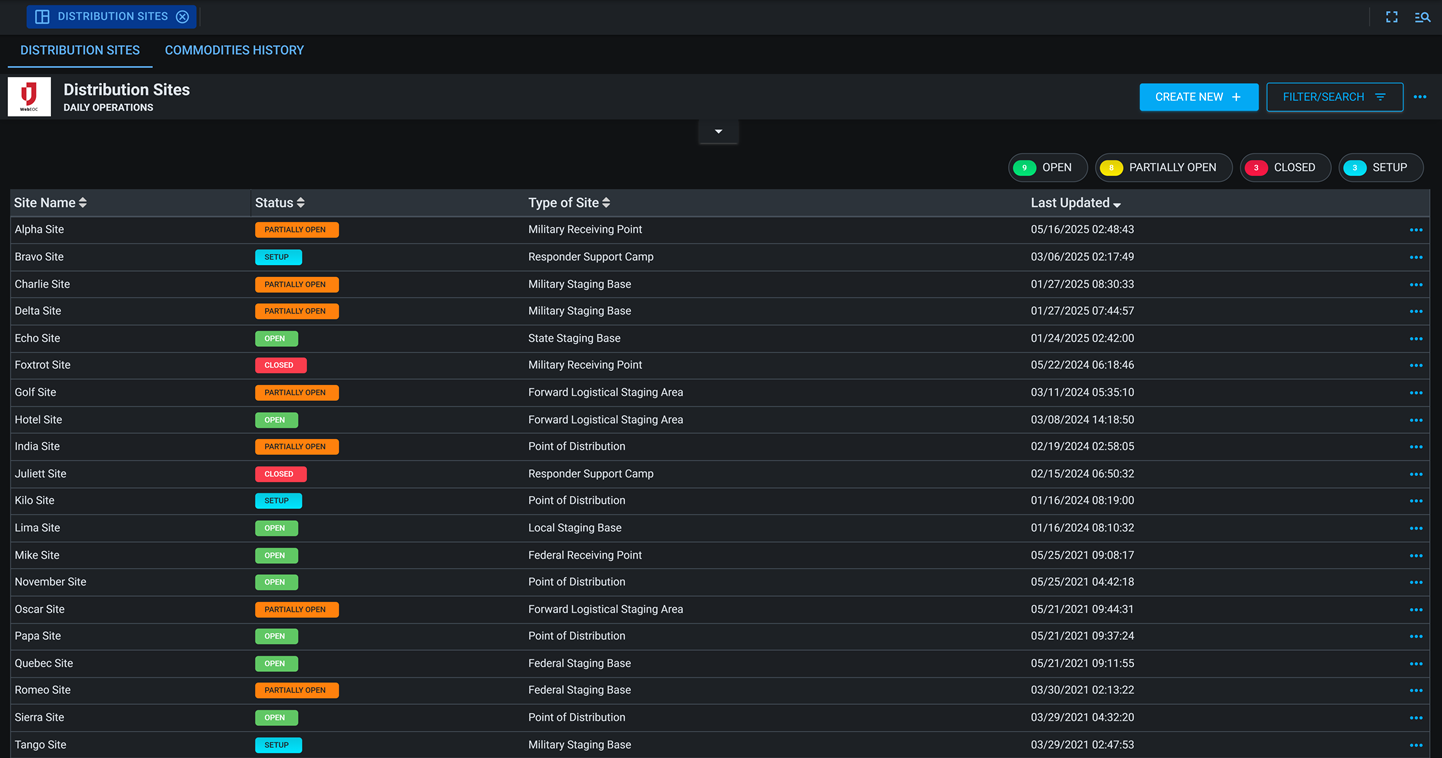
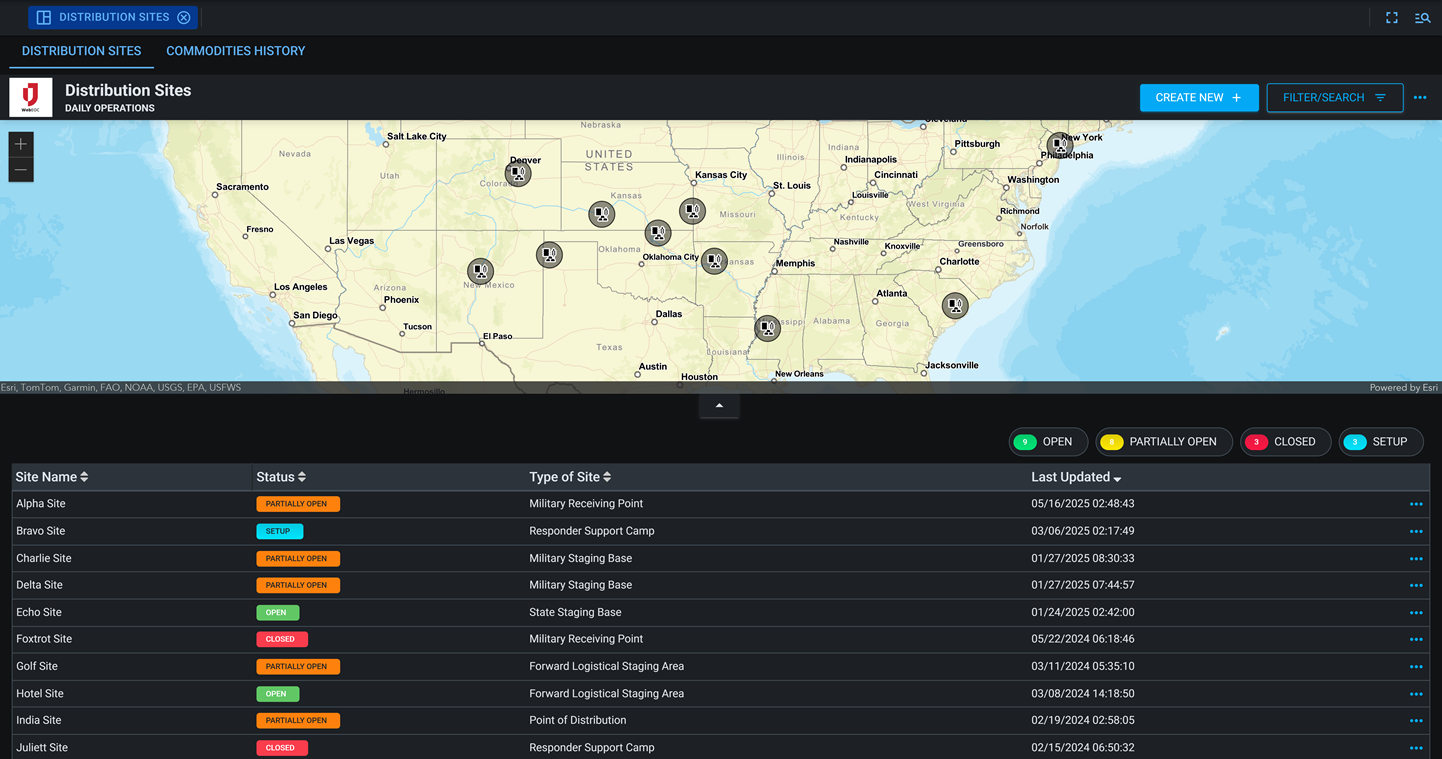
Distribution Sites 
The Distribution Sites board helps emergency managers track and manage the operation of Points of Distribution (PODs), Logistics Staging Areas, and other supply locations. It provides a centralized platform to monitor the flow of commodities, ensuring resources reach affected populations efficiently and equitably.
Users can view all distribution sites on a map, update site details such as status and available commodities, and record quantities received or distributed. This information supports logistics coordination, reporting, and accountability during response operations.
For more details about this board, watch the Distribution Sites Training Video  .
.
Your Juvare product login does not grant access to the Juvare Training Center. To view the training video, please create a separate account on the Juvare Training Center site.
The Distribution Sites DS version of this board can be customized in DesignStudio.
Key Capabilities
- Manage distribution locations: Create, update, and track multiple Points of Distribution or staging sites.
-
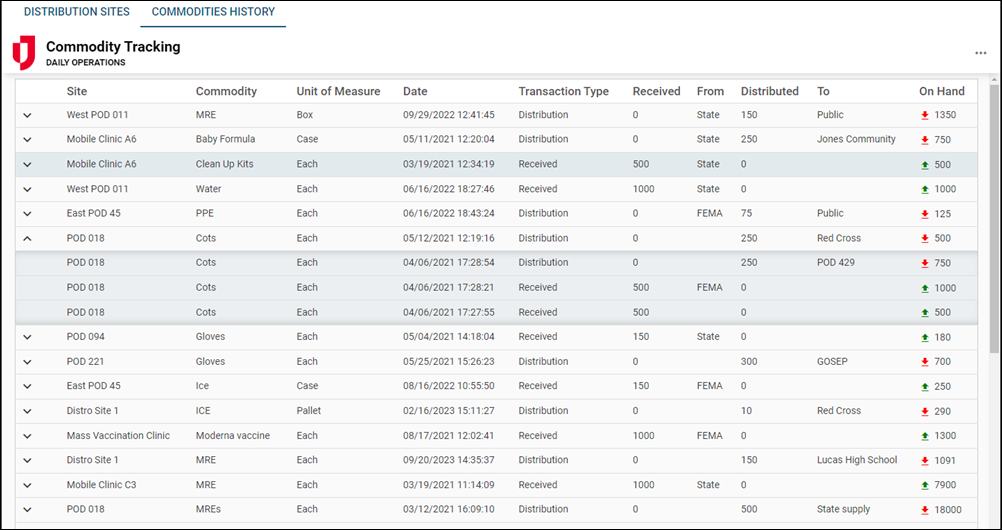
Track commodities: Record available resources, incoming shipments, and quantities distributed at each site.
-
Monitor activity on a map: Visualize site operations and inventory data through an interactive, map-enabled interface.
-
Generate reports: Produce summaries of distribution activity to support logistics planning and documentation.
-
Ensure accountability: Maintain a record of resource movement and usage across all distribution points.
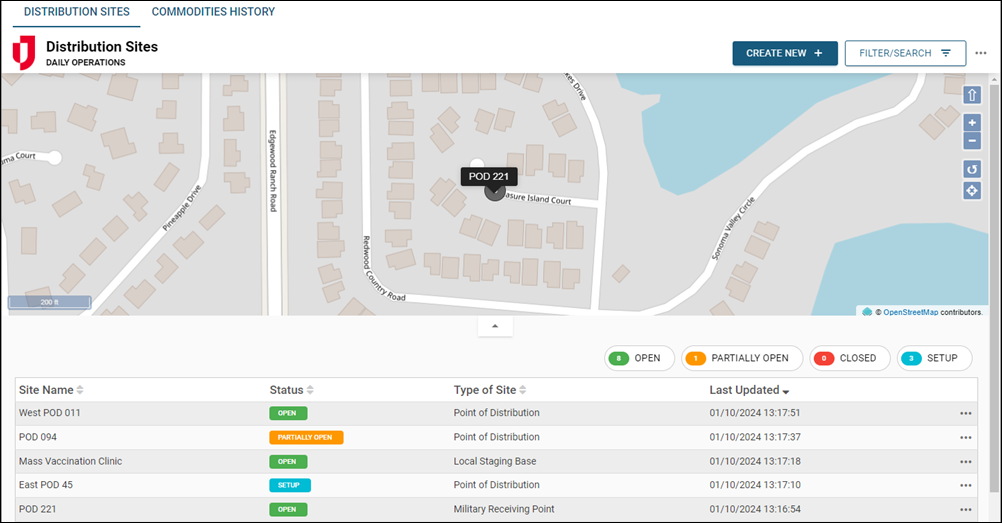
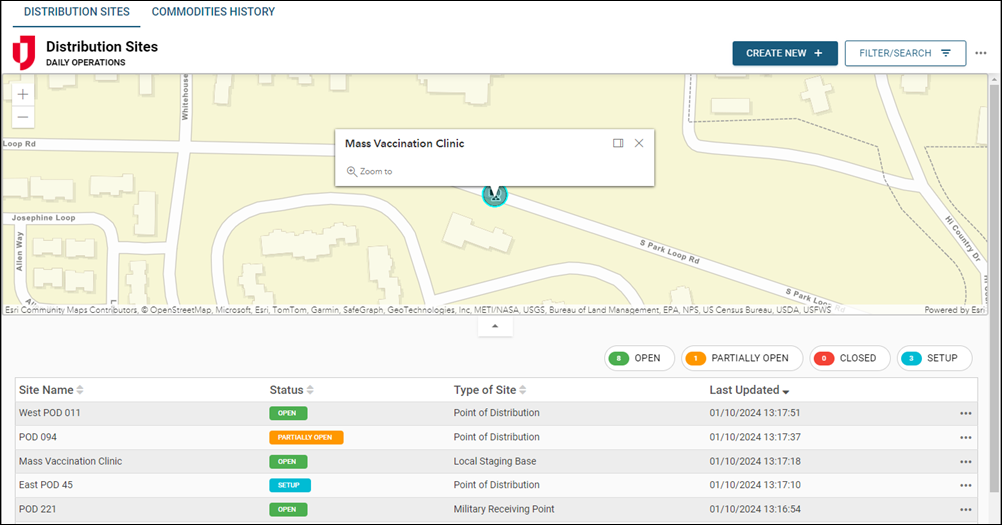
This board includes Comments and Share buttons, which can be enabled if you are using WebEOC Nexus 10.18 and later and version 1.2.1 and later of this board. For these buttons to display, use the Board Permission Tags Board Comments and Board Links Sharing when assigning feature groups access to the board. See Board Comments and Share Board Links for details about these features.
This board has dark mode capability.
Dark mode must be enabled for your instance so that users can turn it on. See Enable Dark Mode for details.