Set a System-Wide Message
The system-wide message Configurable message displayed below every homepage banner containing text and links, with expandable Show More/Less controls. adds text and links that appear below the banner on a user's homepage The page displayed at login containing company messages, Quick Actions, and essential boards.. See Navigate the WebEOC Nexus User View for details.
The message uses 200 pixels (height) on the homepage. When the contents of a message exceed this space, users see a Show More... link that they can click to expand the message. After reading the message, users can click the Show Less... to contract the message. Users cannot delete or modify the message.
If no message is configured, users do not see this section on their homepage.
To set a system-wide message
-
In the main menu, click the homepage builder icon
 . The Homepage Builder page opens.
 -
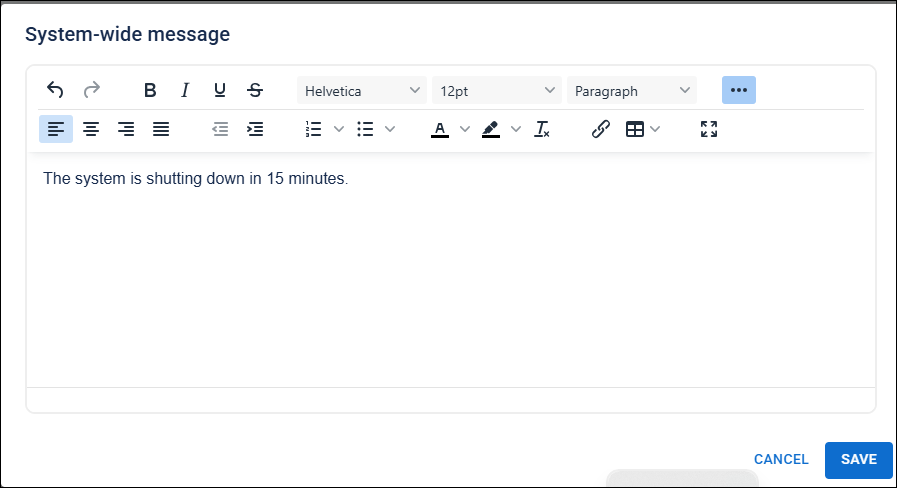
Click the System-Wide Message button in the top right. The System-wide message dialog opens.
-
Enter the message and click Save.