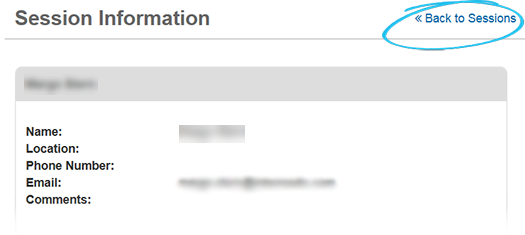
View Session Information
A session Active login period for a user in WebEOC Nexus, visible to administrators who can view and terminate sessions through Sessions Manager. is the period of time in which a user is logged in to WebEOC Nexus. Users authorized to access the Sessions Manager can see which users are currently logged in to WebEOC Nexus, view detailed session information, and terminate the session of an individual user or all users.
To view session information
-
In the main menu, click the accounts icon
 . The Accounts page opens.
 -
Click the Sessions tab. The Sessions page opens.
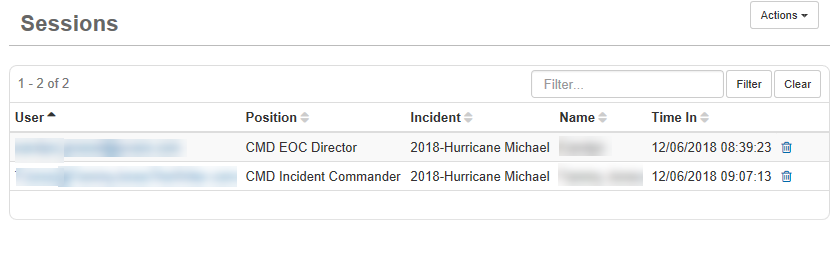
-
Click the user record you want to view.
-
To return to the Sessions page, click Back to Sessions.