Portal Settings
Portal Settings are application settings that the administrator must define at the organizational level. Settings include creating categories, setting restrictions, creating event flows, and updating the appearance of the tool.
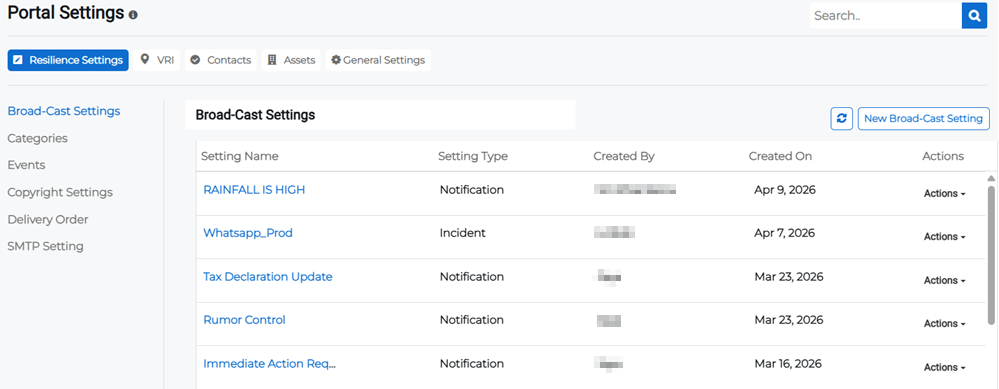
There are five tabs in the Portal Settings page, and each tab has groups of settings arranged in the left side bar. The five tabs are:
-
Resilience Settings: Settings related to the Business Resilience pages, including messages, notifications, and incident management.
-
VRI: Settings related to the VRI page, including map settings, layer colors, and risk categories.
-
Contacts: Settings related to the Contacts page, including record types and legends.
-
Assets: Settings related to the Assets page, including asset categories, icons, and custom fields.
-
General Settings: Settings related to the login and authentication methods, and file download settings.