Access
The Access section of the main menu is comprised of two pages: Roles and Users.
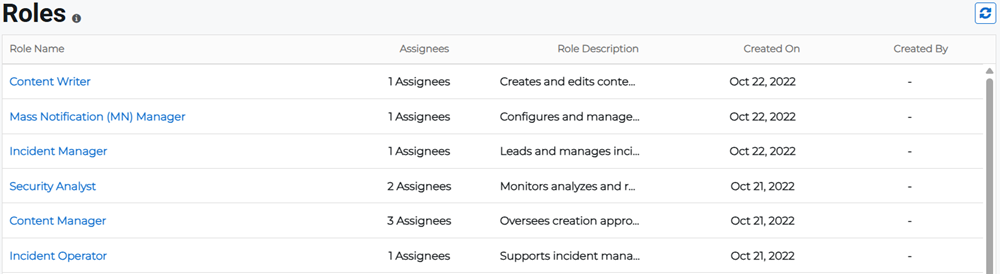
The Roles page lists the available roles, and allows administrators to authorize role asignees. The pages that are visible and the functionality that you can perform in Juvare ARC is dependent on the role you have been assigned. You can view the existing roles along with the number of assigned users for every role, role description, role creation date, and creator name.
The Users page is where you can perform user management, including adding or deleting users, and managing access to Juvare ARC. Through user management, a User Manager or Organization Admin assigns users with credentials for specific access according to their roles.
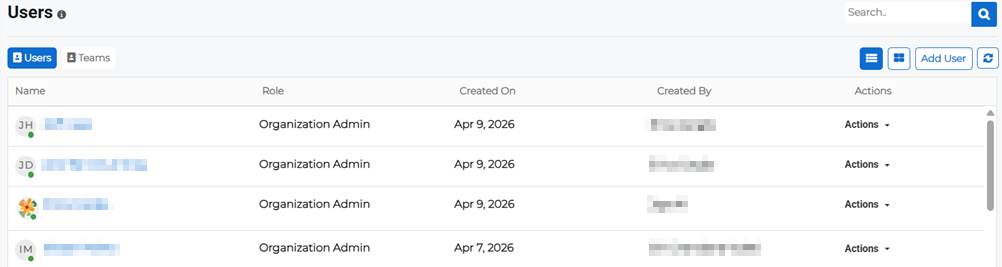
You can search for users by manually scrolling through the list or using the search bar at the top of the page.
Related Concepts
Related Tasks