Review Dashboards
The dashboard is the landing page for users and is a graphical user interface that provides key performance indicator views, metrics, and data points relevant to contacts, assets, the IT Configuration Management Database (IT CMDB), notifications, incidents, and IT incidents.
The Dashboard page provides information about the amount and availability of data, and links to specific fields and their pages.
Users in all roles have access to the dashboard widgets relevant to their role. For example, the administrator can access all boards, but the Incident Manager can only access the Incident Management-associated boards.
The dashboard is useful in monitoring, measuring, and analyzing the current state of a business, department, team, or specific process. The dashboard helps to track periodic progress, spot signs for early warning, identify areas of improvement, and make timely decisions.
To view dashboard details
-
On the main menu, select
 Dashboard. The Dashboard page opens, showing the respective dashboards for Contacts, Assets, IT CMDB, Notifications, Incidents, and IT Incidents, depending on your access.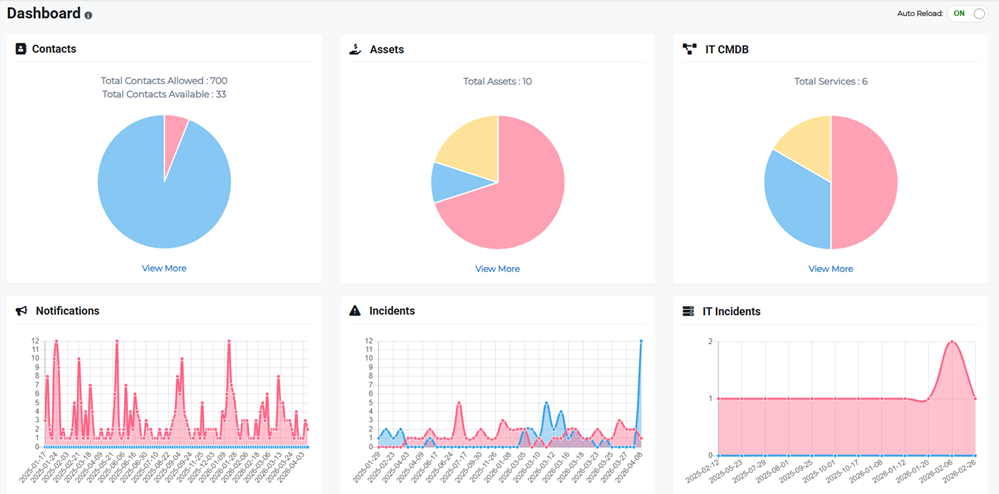
-
Click the View More link in the dashboard widget to access the specific widget details.
-
Refer to the dropdown headings below for more information on each dashboard.
 Contacts
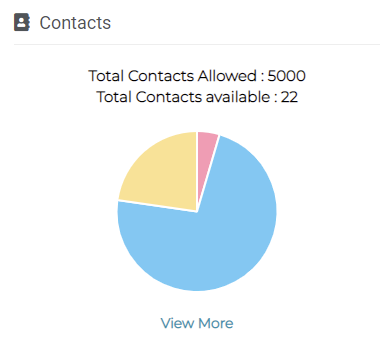
Total Contacts Allowed are the total number of contacts that the organization can add, for example in the image below, up to 5,000 contacts can be added.
Total Contacts available are the contacts that you have at present. Each color in the chart indicates a specific Contact Type, such as employee, manager, customer, supplier, and so on. Clicking the View More link redirects you to the detailed view of contacts.
Refer to Create a Contact for more information.
Assets
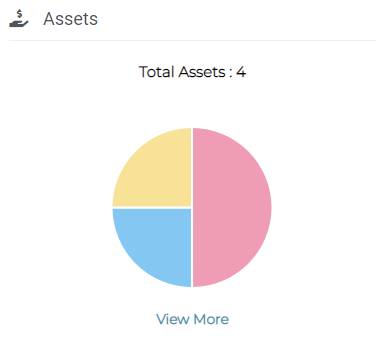
Total Assets are the assets that the organization has added and that are available at present. Each color in the chart indicates a specific Asset Category, such as Facility, Equipment, and Supply Chain. Clicking the View More link redirects you to the detailed view of assets.
Refer to Filter Maps for more information.
IT CMDB
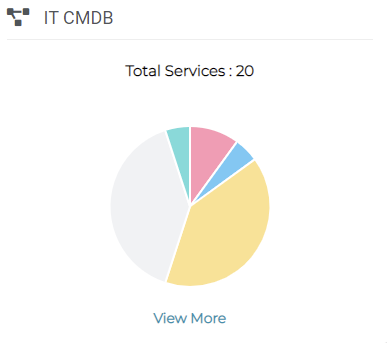
Total Services are the services that the organization has added and that are available at present. Each color in the chart indicates a specific Service. Clicking the View More link redirects you to the detailed view of services.
Refer to IT CMDB (Services) for more information.
Notifications
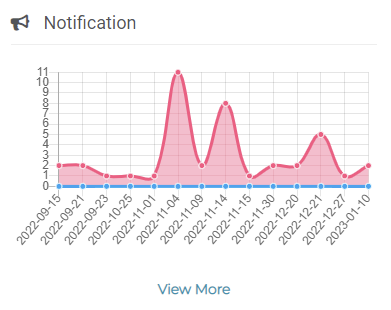
The Notifications graph shows the number of notifications triggered, arranged by date. Clicking the View More link redirects you to the detailed view of notifications.
Refer to Notifications and Message Templates for more information.
Incidents
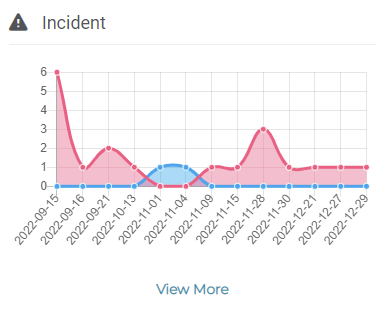
The Incident graph shows the number of incidents triggered, arranged by date. Clicking the View More link redirects you to the detailed view of incidents.
Refer to Incident Management for more information.
IT Incidents
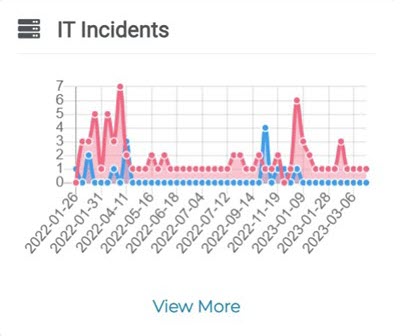
The IT Incidents graph shows the number of incidents triggered, arranged by date. Clicking the View More link redirects you to the detailed view of IT incidents.
Refer to IT Event Management for more information.