Teams Module
Teams are used for personnel resource management and can be updated as needed. Teams may align with groups Comprised of accounts with certain shared characteristics, such as role or location, but not necesarily employer. of people in your organization Official entities, such as public health authorities, healthcare agencies, and corporations. that are doing specific jobs, such as by department or focus (for example, Public Works, Building Inspectors, Fire Marshals, or Community Development).
Teams can also be the type of resources, equipment, and functional roles where the specific individuals are not assigned until an event occurs. You can organize damage assessments by assigning teams to tasks.
To access the Teams module
-
Log in to the Crisis Track Console.
-
Choose an incident
Crisis Track allows you to track damage for several events through the Incidents feature. You can create a new incident, edit incidents, and deactivate or delete old incidents. Each incident keeps the data separate. Information such as equipment, employees, and structures are listed across all incidents. from the Existing Incident list and click Select.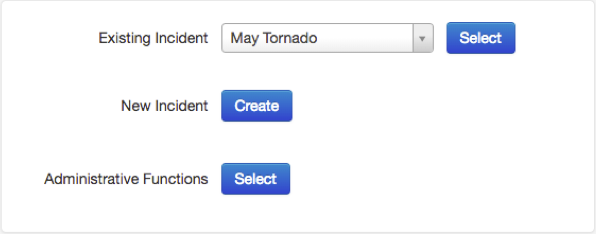
-
Click the Teams icon.
The Incident Teams page opens, showing the team list.

Related Concepts
Related Tasks
Assign a Preconfigured Team to an Incident