Workspaces
After you locate your board or form in the Gallery, click Design on the card to open the workspace where you can create the board or form. The associated workspace opens. The following example displays a Board Workspace.
Forms are available in DesignStudio Pro. Contact your Client Success Manager (CSM) for additional information.
Here is an example of the Board workspace when you use Classic Styling.
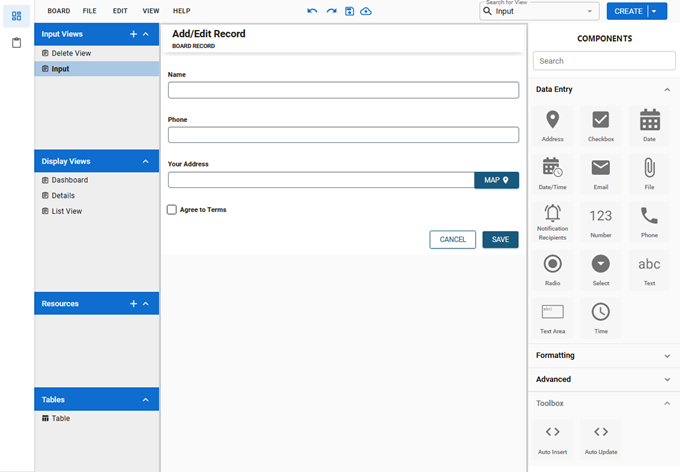
Here is an example of the Board workspace if you use Nexus Component Styling.
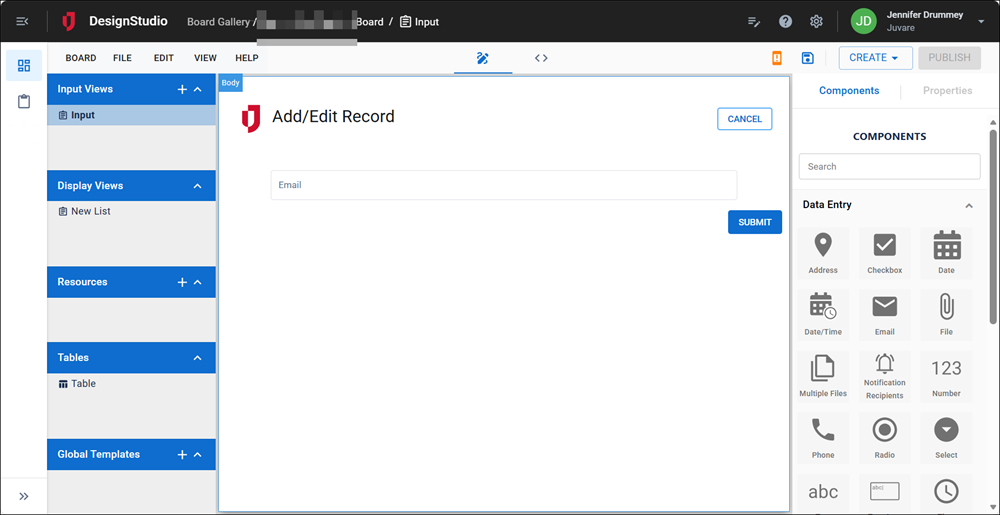
Board and Form Workspaces share a lot of similarities; however, their components and menu options differ slightly.
For more information about workspaces, see:
Related Concepts
Reference Materials