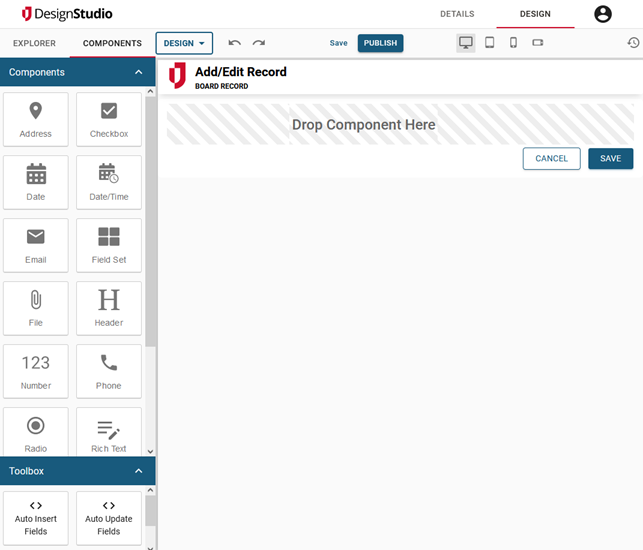
Components Tray
The Components tray is available in the Boards Workspace and the Forms Workspace. This tray contains the elements that comprise your board or form. When you drop a component on the canvas, its corresponding settings window appears in which you enter identifying details about the component (for example, its label). The components that are available depend on whether you selected a board or a form. See Add Board Components and Add Form Components for more information.
The Toolbox area in the Forms workspace contains advanced fields that can also be added to your board design. See Auto Insert Fields and Auto Update Fields.