Assign Network Roles
Networks support two organization roles Permissions that define your access to organization information, including members, groups, and files, and how you interact with that information., Admin and Member, as assigned by the network owner.
Organizations with the Admin role for a network can:
-
Create and delete topics
-
Add or remove member organizations from the network
-
Manage subnetworks
Organizations with the Admin role cannot:
-
Rename or delete the network
-
Change its public and private status
-
Assign the Admin role to other organizations in the network
If you create a network, you are the network owner. As the owner, you can:
-
Add or remove member organizations from the network
-
Manage subnetworks
-
Rename or delete the network
-
Change the network’s public and private status
-
Assign the Admin role to Member organizations in the network.
You can assign the Admin role to organizations who are members of the network when you are creating the network, or on the Members tab after you have added the members to the network.
-
Assign the Member role to Admin organizations in the network.
-
Create and delete chat topics
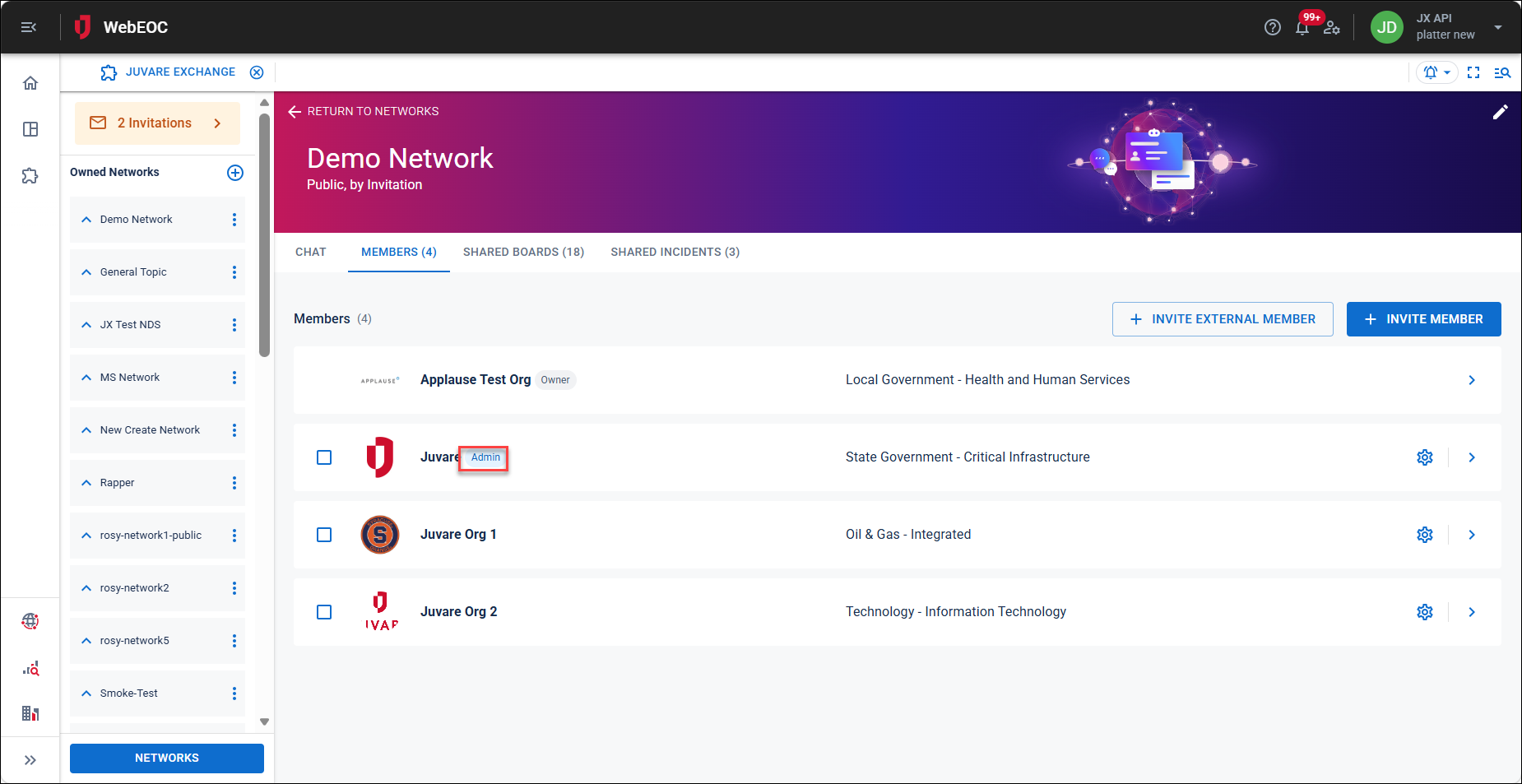
Organizations display an Admin chip to indicate their role.
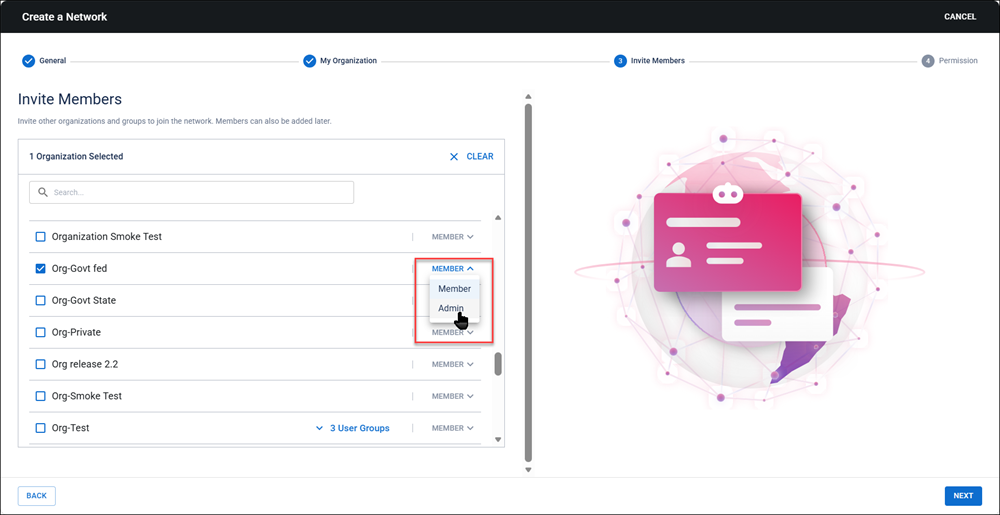
To assign the Admin role to an organization when creating a network, set the network to Admin on the Invite Members page. See create a network for details.
To assign the admin role to an organization after the network has been created
-
In the main menu, click the JX Networks icon
 . The Networks page opens.
 -
Locate the network you want to update and click the Members column in the row. The network’s details page opens, with the Members tab open.
-
Click the settings icon on the Members tab.
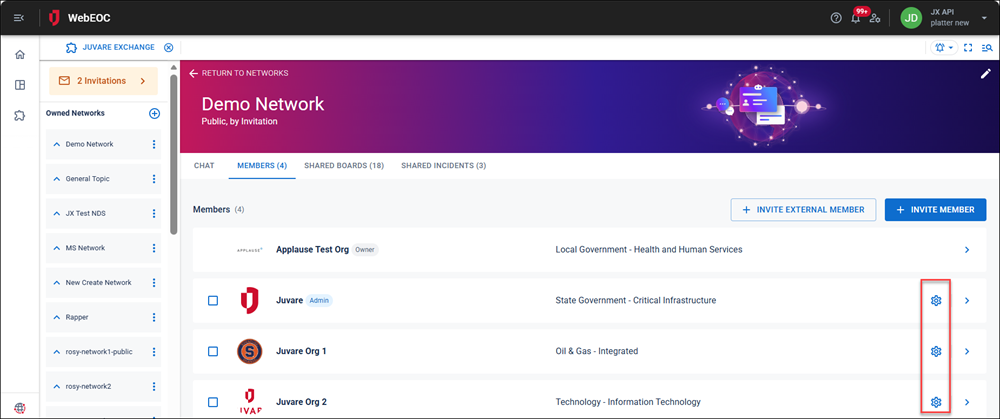
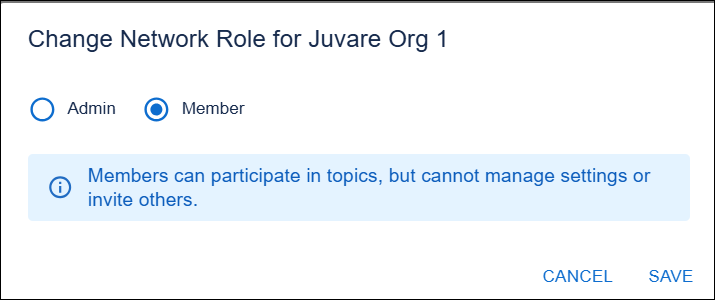
The Change Network Role for Organization dialog opens.
-
Select the option then click Save.