Logging into the System
-
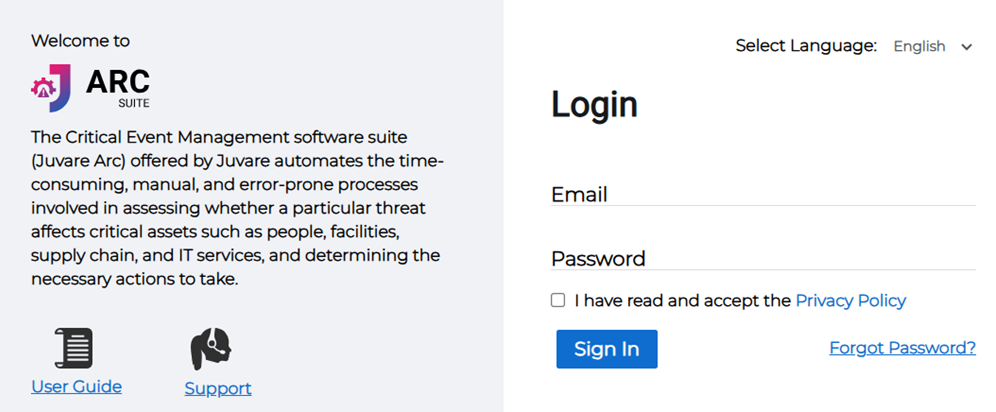
Once you enter the domain name, enter the username and password in the Login fields.
-
By clicking on the “Click here to get Login page” button, the user will be redirected to the Juvare ARC “Login” Page.
-
The user has to change the Password in this Reset Password page then Submit the details by clicking on the “Submit” button.
-
Select the security questions to set up the Security in case the Password is forgotten.
-
After submitting the security questions, users will be redirected to the Juvare ARC homepage.
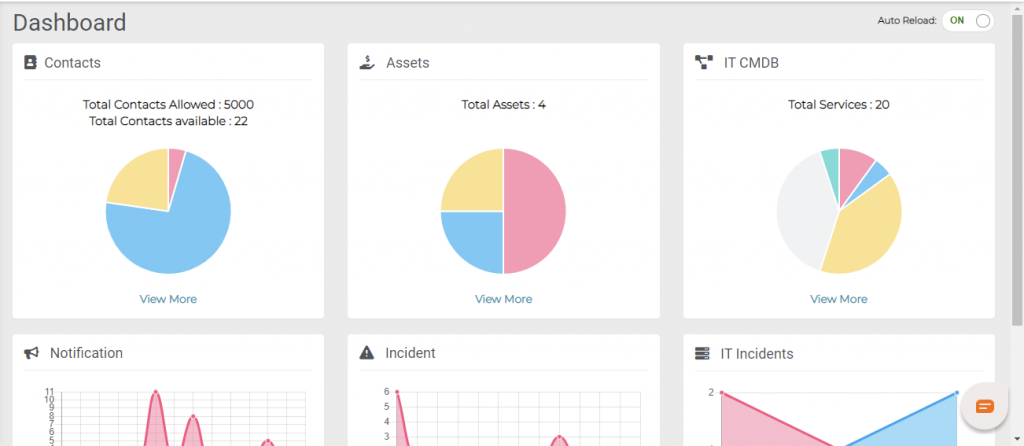
When the Administrator of the tool logs in for the first time there will be no contacts or members or any settings set in place. Administrator should create all the settings required for the company from scratch.