Resource Types
Resource Types Categories used to divide and distinguish resources. are categories used to divide and distinguish resources. Resources that share common characteristics and report Provides specific information about statuses and details, notifications, forms, templates, snapshots, and roles/rights in EMResource. the same statuses can be grouped into resource types.
Sub-resources Secondary resources that are considered attributes of resources. These are often objects, services, or functions that belong to resources. are secondary resources that may or may not be essential, but in general, are considered attributes of resources. Basically, sub-resources are objects, services, or functions that “belong” to resources. Similarly, Sub-Resource Types belong to resource types.
For example, resources are often grouped in resource types by facility type (hospitals), level (trauma 1), and/or geographic location (county). The resource types appear as section headers on a View, such as the Region Default, in an effort to organize and present information about resources. In the image below, the resource types are Hospitals and EMS Providers.
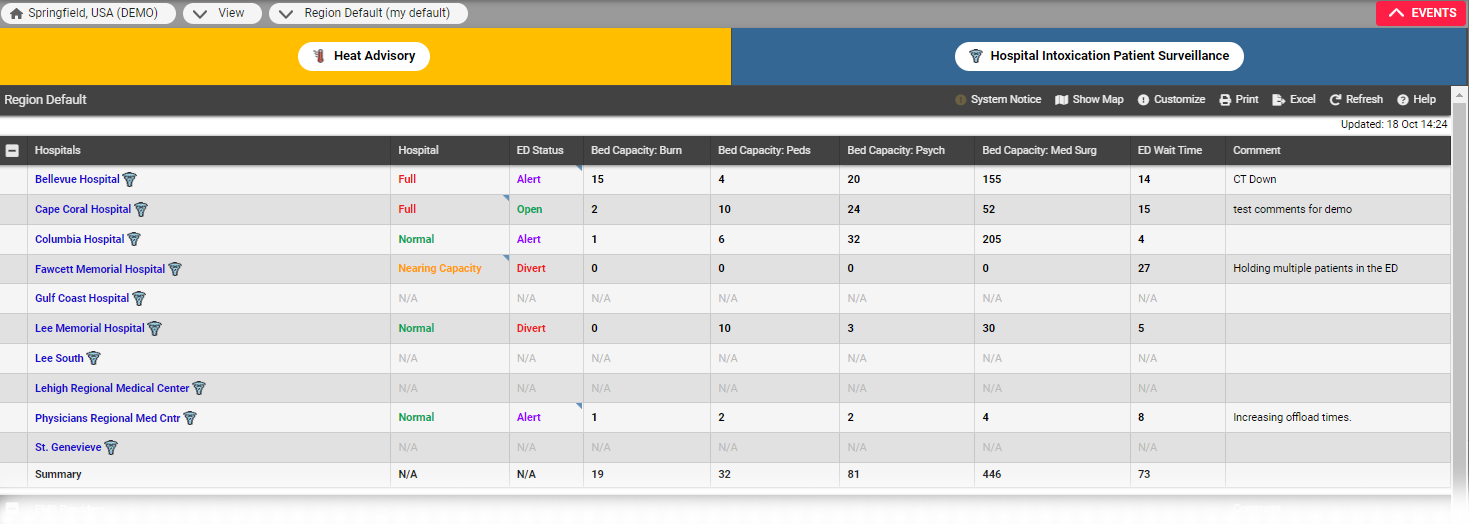
Resource and Sub-Resource Types View
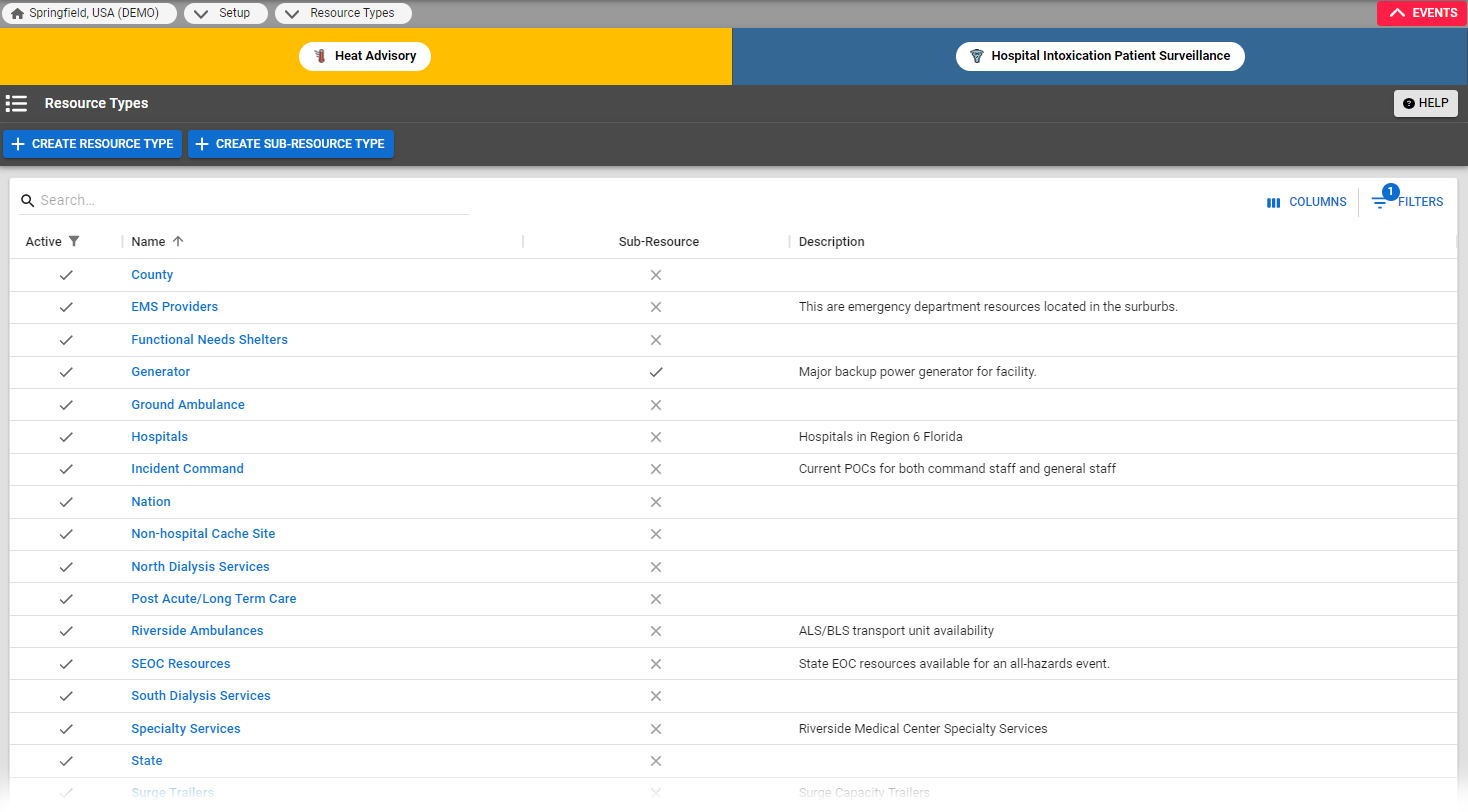
The Resource Types page displays resource and sub-resource types Categories used to divide and distinguish sub-resources. Sub-resource types belong to resource types., with summary information including the name, whether or not it is a sub-resource type, and a description.
A sub-resource is "owned" by a resource. In this way, both a facility and a resource that it owns or a service it provides can report statuses appropriate to its level. For example, ABC Hospital is a resource, and it owns several generators. Administrators at this facility make each generator a sub-resource and designate each as reporting its current operational status and fuel capacity.
Sub-resources have their own sub-resource types. Resources and sub-resources can share status types Custom fields that track information about resources. This is region-specific and are unique fields., though you may choose to set up status types that are specific to your sub-resources.
It is at the sub-resource type level that you assign the Standard Resource Type, and designate whether address and contact information are required, optional, or not allowed. It is also at this level that you associate a sub-resource type with the appropriate resource types and specify the status types for sub-resources of this type. For more information on sub-resources, refer to Resources.