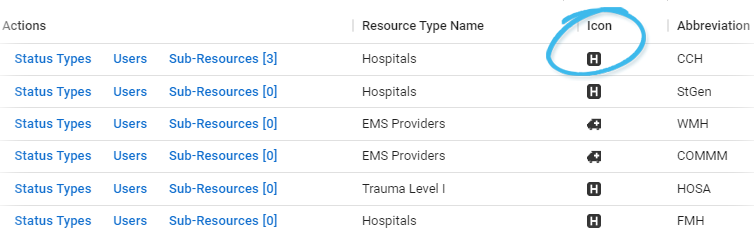
Resources
A resource is an entity that reports Provides specific information about statuses and details, notifications, forms, templates, snapshots, and roles/rights in EMResource. a status. Your resources are facilities, organizations, and agencies that report information on medical capabilities, services, and/or supplies, such as ICU, ED, evacuation, dialysis, bed availability, hazardous materials, and pharmaceuticals. In addition, you can implement a hierarchy consisting of two levels: resources and sub-resources Secondary resources that are considered attributes of resources. These are often objects, services, or functions that belong to resources.. Sub-resources are generally items or services owned by or associated with a resource, such as a generator or contact.
Depending on your role Assigned to determine which features and functions are available to users. and rights, you may be able to edit a resource, create a new one, manage a resource status A resource's current operation level or limitations. Sometimes also referred to as a facility status.us types and users, and work with sub-resources.
Resource List
The Resource List shows the resources to which you have editing rights. Open the Setup menu in the main navigation bar and select Resources. The Resource List opens.
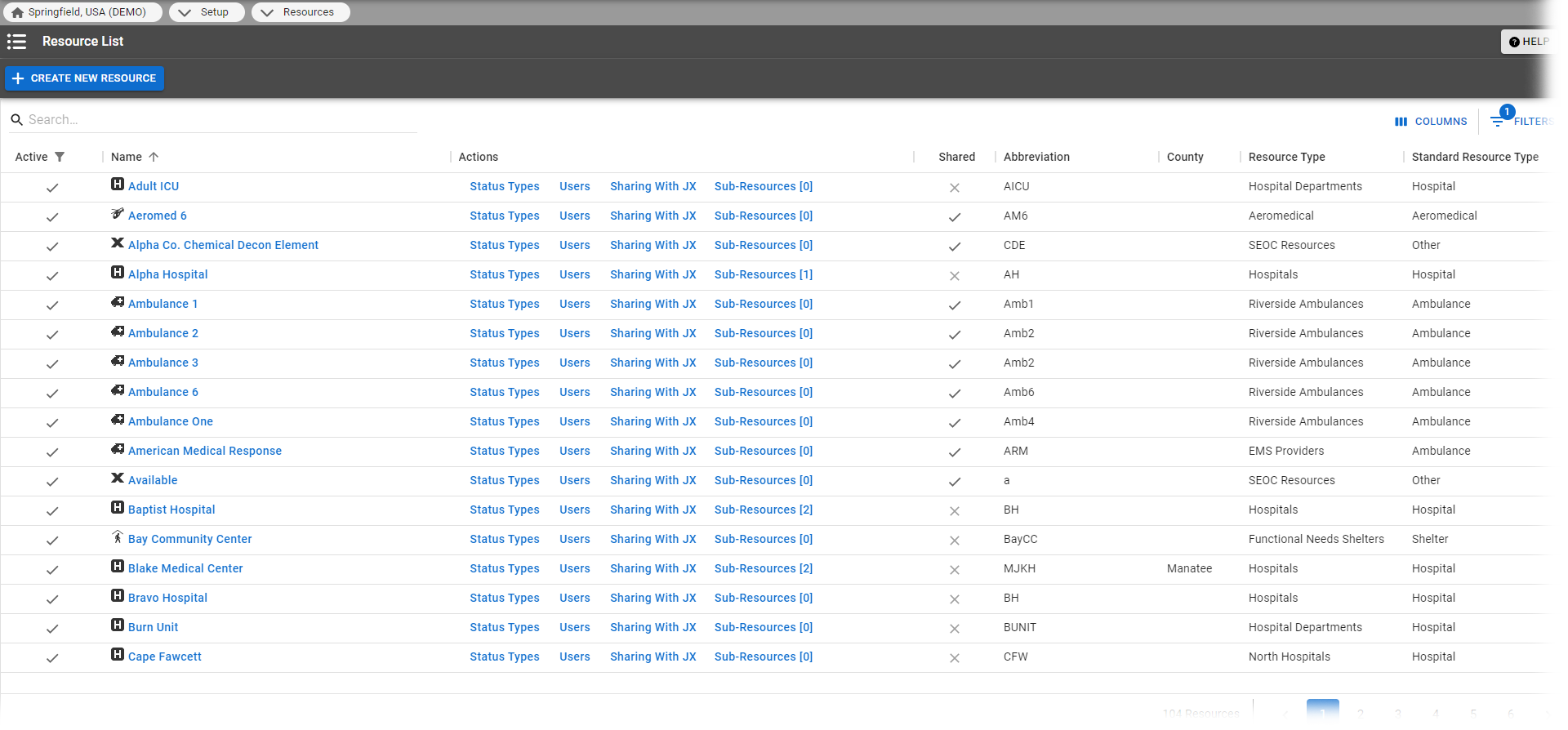
The table provides a number of details about resources to which you have rights, including the resource type and icon (see Resource Types), the resource's name and abbreviation, shared resource type, and so on. The Active column also appears in the table, indicating whether each resources is active or inactive (disabled).
Abbreviations may be used in text notifications and reports.
The Actions column shows the actions you can take with each resource. In the example above, the user has the right to edit the resource's details and Status Types, designate the Users who have access to the resource, and work with its Sub-Resources. If the resource has sub-resources, the number appears in parentheses behind the link.
Sub-Resources
A reporting entity can be a resource, such as a hospital or agency, or a sub-resource that is owned by a resource. Sub-resources are also designed to report statuses. This two-level hierarchy allows both the facility and an item it owns (or service it provides) to report statuses appropriate to its level. Within this structure, a resource can have multiple sub-resources; a specific sub-resource can belong to only one "parent" resource.
Example ABC Hospital is a resource and it owns several generators. The facility administrator adds each generator as a sub-resource and designates each as reporting its current operational status, fuel type, and fuel capacity.
A sub-resource is available to most users in the following areas of EMResource:
-
A view, when it is configured to show sub-resources; the view shows only the primary sub-resource of any given sub-resource type.
-
Its parent resource's Detail View.
-
Search features (Find Resources).
-
User's status change notification preferences.
-
Resource detail report.
Administrators can work with sub-resources and sub-resource types within Setup. Resources and sub-resources do not share resource types. To add a sub-resource, you must have defined at least one sub-resource type. While status types can be applied to both, your organization may choose to create unique status types for its sub-resources to clearly distinguish them from those applied at the resource level.
A sub-resource cannot be included in an event (or event template) and does not appear in a user's profile. A user's rights for a sub-resource are inherited from the parent resource.
Standard Resource Type
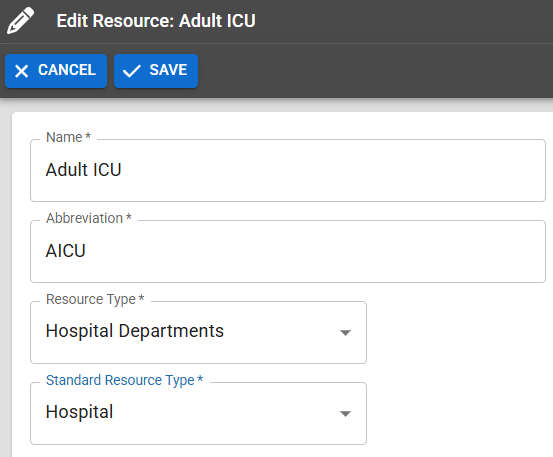
When editing or adding a resource, an authorized user selects a Standard Resource Type from a predefined list. This type specifies the icon to display for this resource type in the map view. It also serves as a category by which you can search for the resource.
The following example shows several resource icons, including hospital and ambulance.