Select Recipient COGs
In the Admin View, the Assigned COGs section of the IPAWS Messaging landing page contains a list of COGs capable of receiving messages through IPAWS Integrated Public Alert and Warning System. A simple, flexible tool that can be used by the alerting authorities to send emergency messages to the general public. As an administrator, you can select the COGs to which your agency sends messages most often. When the users compose a message, they only see the COGs you selected as available choices in the Address To field.
To select recipient COGs
-
In the main menu, click the integrations icon
 . The Integrations page opens.
 -
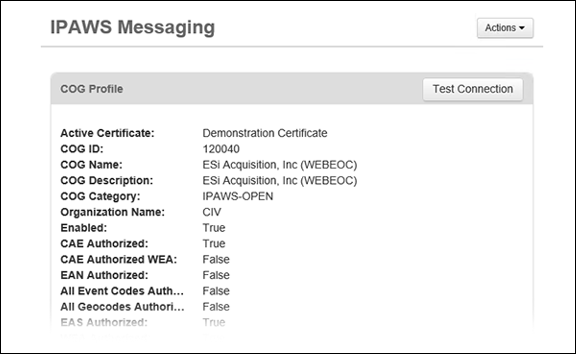
Click the IPAWS Messaging tab. The IPAWS Messaging landing page opens.
-
Scroll down to the Assigned COGs section and click Add COGs.
-
In the window that opens, select all COGs you want users to be able to send messages to.
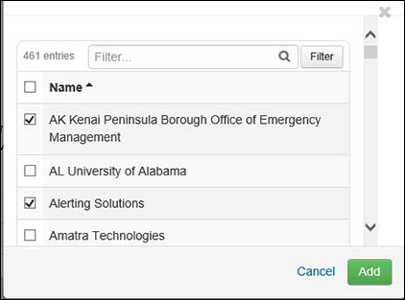
Selecting the checkbox to the left of the Name heading selects all checkboxes in the list, allowing users to select all COGs simultaneously.
If desired, use the Filter field to quickly find the appropriate COGs.
-
Click Add.
-
Click Save.
If a COG was added by mistake, you can select the checkbox next to the appropriate COG name in the Assigned COGs list and click Remove.